Best Sales Commission Software in 2026: 9 Tools Compared
TL;DR
Sales commission software calculates, tracks and explains commissions from your CRM data, so nobody rebuilds a spreadsheet every month. The 9 best tools in 2026:
- Driven: best AI commission agent for HubSpot and Salesforce teams that want to go live in days
- QuotaPath: best for growing teams that want published pricing and broad CRM coverage
- CaptivateIQ: best for mid-market teams with complex, frequently changing plans
- Salesforce Spiff: best for companies that run on Salesforce
- Qobra: best for European RevOps teams that want no-code plans and AI agents
- Xactly Incent: best for large enterprises that also need planning and forecasting
- Performio: best for complex crediting across many data sources and regions
- Sales Cookie: best for small businesses that want month-to-month contracts
- QCommission: best for finance-led teams on QuickBooks or needing on-premise deployment
Choose based on three things: your CRM, how many reps you pay, and how complex your plan is.
What Is Sales Commission Software?
Sales commission software is a tool that automatically calculates, tracks and pays out sales commissions based on deal data from your CRM. It replaces commission spreadsheets with a single source of truth that reps, managers and finance can all check.
Most platforms work the same way:
- Connect your data. The tool syncs closed deals, invoices and quotas from your CRM, billing or ERP system for smooth data flow.
- Define the plan. You set up rules like rates, tiers, accelerators, splits, SPIFFs and clawbacks.
- Calculate continuously. The tool automates commission calculations as deals move, not once a month.
- Show reps their earnings. Each rep sees what they've earned, why, and what's left to close, so they can track commissions without waiting for month-end.
- Approve and pay. Managers approve payouts, and finance sends them to payroll.
You'll also see the category called a commission management system, incentive compensation management (ICM) software, or part of sales performance management (SPM). ICM focuses on calculating and paying incentives. SPM is broader and also covers quotas, territories and forecasting.
Spreadsheets vs. Sales Commission Software: When to Switch
Spreadsheets are fine when you have a few reps, a flat commission rate and one person who owns the file. Excel and Google Sheets are flexible and free, and plenty of teams run commissions in them for years.
The problems start when the plan or the team grows. These are the signs you've outgrown spreadsheets:
- Reps keep their own shadow spreadsheets to check your math.
- Commission disputes come up every month.
- Closing commissions takes days, not hours.
- Plans change every quarter, and every change means rebuilding formulas.
- You pay reps across several regions, currencies or roles.
If you're not there yet, start with our free commission sheet template, which includes 8 common plan structures in one Excel file.
How We Chose the Tools on This List
We evaluated each tool on eight criteria:
- CRM depth: native integration with HubSpot and Salesforce, and how often data syncs
- Plan flexibility: tiers, accelerators, splits, clawbacks, SPIFFs, draws and multi-currency
- Rep transparency: whether reps can see and understand their own earnings
- Approvals and audit: approval flows, locked statements, audit trails and readiness, ASC-606 support
- Implementation time: how long it takes to go live
- Pricing transparency: whether prices are public, and what's charged on top
- AI capabilities: what's generally available today, not what's announced
- Security: certifications and access controls for protecting sensitive data and meeting enterprise data security requirements
We used vendor pricing pages and product documentation, public review data, third-party pricing benchmarks, and what we hear from buyers who have switched between these tools. As a team that has reviewed commission setups at companies with 3 to 700 incentivized employees, we focused on what breaks in real implementations.
The 9 Best Sales Commission Tools at a Glance
Prices and ratings verified October 2026. “Estimated” means the figure comes from third-party benchmarks, not the vendor.
The 9 Best Sales Commission Software Tools
1. Driven
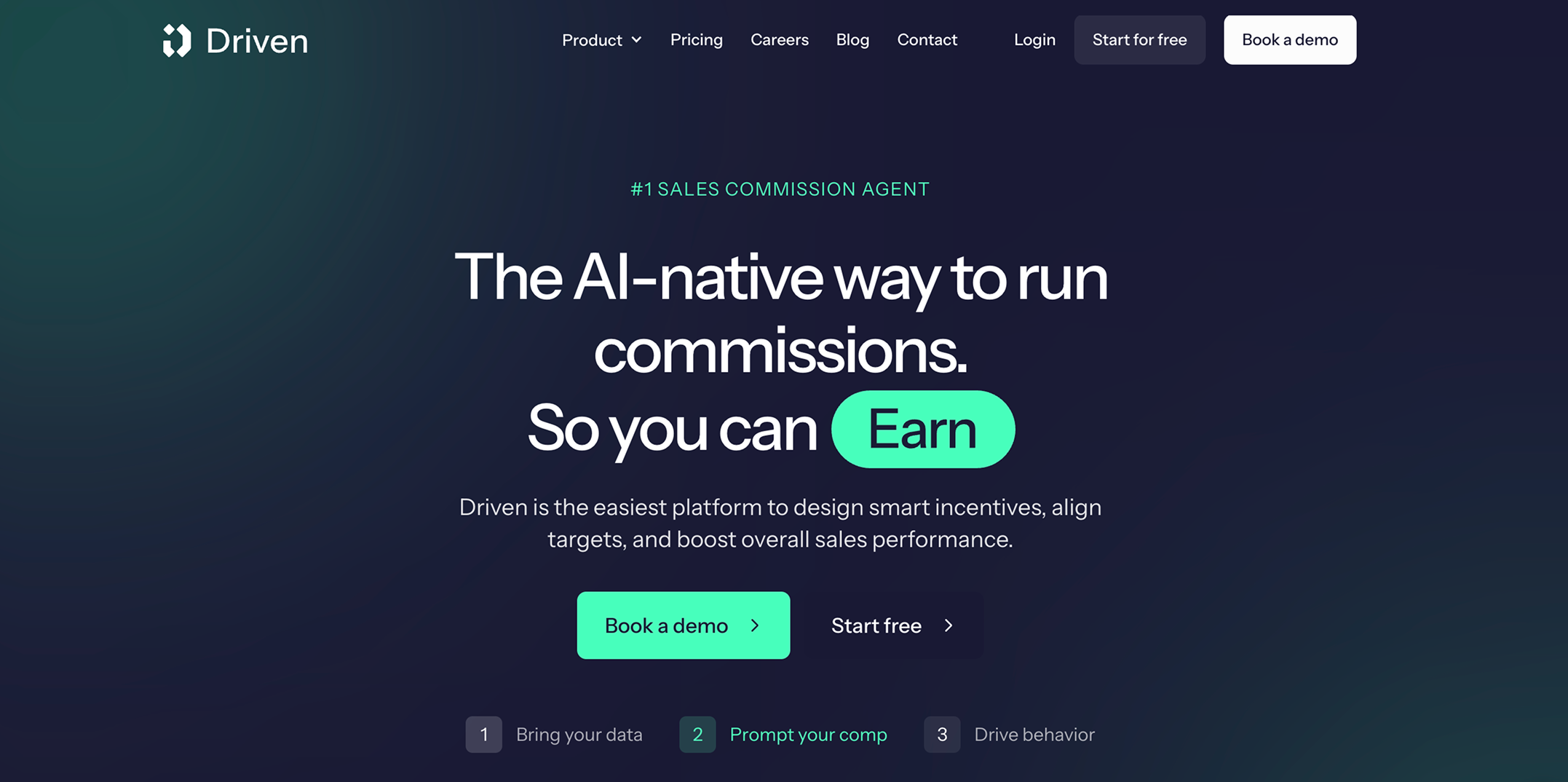
Driven is an AI sales commission agent that designs, runs and explains your comp plan, connected to HubSpot or Salesforce. Instead of configuring rules in an admin panel, you describe the plan in plain language or upload the plan document. The agent turns it into quotas, filters and formulas you can check and edit. Once you publish, it calculates payouts from live CRM data, answers sales reps' questions about their pay, and shows which behaviors your plan is actually rewarding.
Best for: AI-first B2B SaaS teams that want commissions live in days, and reps who stop asking how their payout was calculated.
Ideal company size: Startups to mid-market, from 5 to 150+ reps.
Key features:
- Chat-based plan builder: describe the plan or upload a PDF or rep contract. Formulas use Excel-like syntax, so you can review and edit every rule by hand.
- AI Wiki: reps ask questions like “What do I need to close to earn $8,000 this quarter?” and get answers based on their own plan and pipeline. A flowchart of the plan updates automatically when the plan changes.
- Payout workflow: statements move from draft to approved to paid. Approving a payout locks it, so later CRM edits don't change it. Admins can comment on, exclude or claw back individual deals.
- Nudges: reps get personalized messages in Slack, Microsoft Teams or email when they're close to a threshold.
- Insights: commission cost vs. revenue per rep, plus signals like deals being pushed to the next quarter and actionable insights on plan performance that improve visibility and motivation for sales teams.
AI capabilities: the plan builder, AI Wiki, per-deal payout explanations, nudges, insights, and an MCP connector that lets you query your comp data and build custom reports in Claude or ChatGPT. The agent proposes changes; a person approves them before anything reaches a rep or a payout.
Integrations: Native HubSpot, Salesforce and Slack integrations. Finance system connections and CSV import for other data.
Pricing: Custom pricing. See available plans.
Setup time: Under an hour for a single plan. Aikido Security went live with 120+ reps across six regions within one week of connecting HubSpot.
Pros:
- The fastest path to live on this list, with setup done for you
- Lower published per-seat price than QuotaPath, Spiff or Sales Cookie, with no platform fee
- Reps answer their own pay questions, which cuts disputes
Cons:
- A younger product (founded 2025). Reviewers mention some edge cases still need manual handling.
- In-app custom reporting is still maturing. The MCP connector covers ad-hoc analysis in the meantime.
- Built for HubSpot and Salesforce. Other CRMs need CSV import.
Security: ISO 27001 and SOC 2 Type II, with role-based access so reps only see their own data.
2. QuotaPath
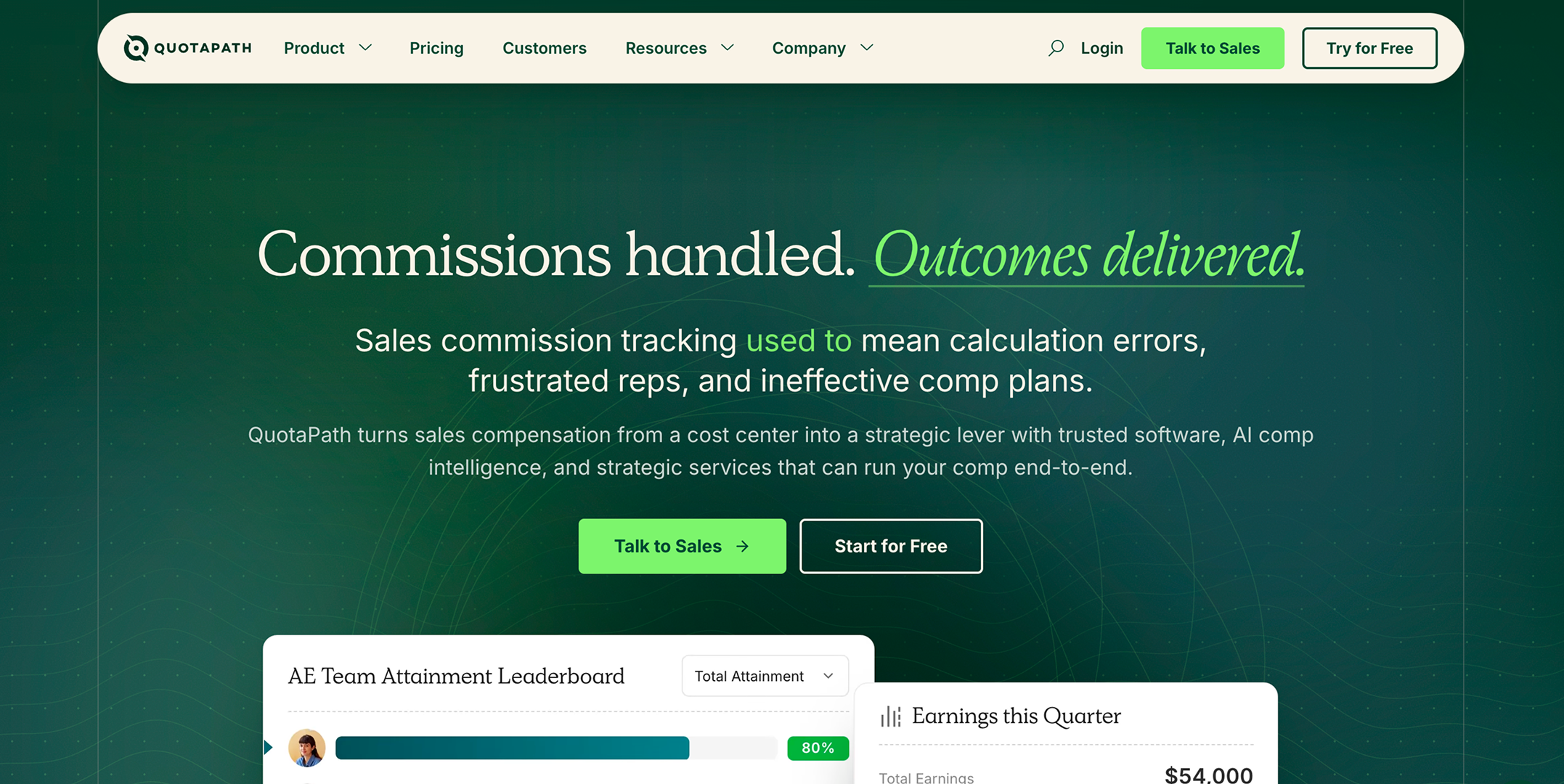
QuotaPath is a commission tracking software option popular with HubSpot and Salesforce teams, and one of the few vendors that publishes its prices. The Growth plan includes an AI-powered plan builder, and Atlas, an AI comp strategist trained on more than 10 years of compensation data, is available as an add-on.
Best for: Growing teams that want published pricing and the broadest CRM coverage on this list.
Ideal company size: Small to mid-market.
Key features:
- AI-powered plan builder and unlimited custom commission plans
- Commission forecasting for reps with payout forecasts
- Deal flagging, overrides and discrepancy resolution
- Multi-currency support with ASC-606 compliance features that ensure accurate commission tracking
- Teams, leaderboards and contests
- Plan modeling, multi-level approvals, API access and payroll sync on Premium
AI capabilities: AI plan builder (live on Growth). Atlas AI comp strategist (add-on, included in the managed Strategic package).
Integrations: Growth connects to HubSpot, Salesforce, Zoho, Pipedrive, Copper, Close and spreadsheets. Premium adds accounting (QuickBooks, NetSuite, Xero, Sage Intacct, Stripe, Chargebee), BI tools (Snowflake, BigQuery, Looker, Tableau) and Rippling payroll.
Pricing: Growth costs $35 per user per month plus a $525 monthly platform fee that covers the first five users. Premium costs $50 per user plus $800 per month. Both are billed annually. A user includes anyone on the platform, including admins who approve payouts. There's a 14-day free trial. See QuotaPath pricing.
Setup time: 45 to 60 days on average for Growth and 60 to 90 days for Premium, according to QuotaPath.
Pros:
- Transparent, published pricing
- The widest native CRM list here
- Implementation, account team and support are included in the platform fee
Cons:
- The platform fee makes small teams expensive: even five users cost $6,300 a year
- Accounting, BI and payroll integrations are only on Premium
- Implementation takes weeks, not days. One Capterra reviewer found the total price higher than the per-user figure suggests.
3. CaptivateIQ
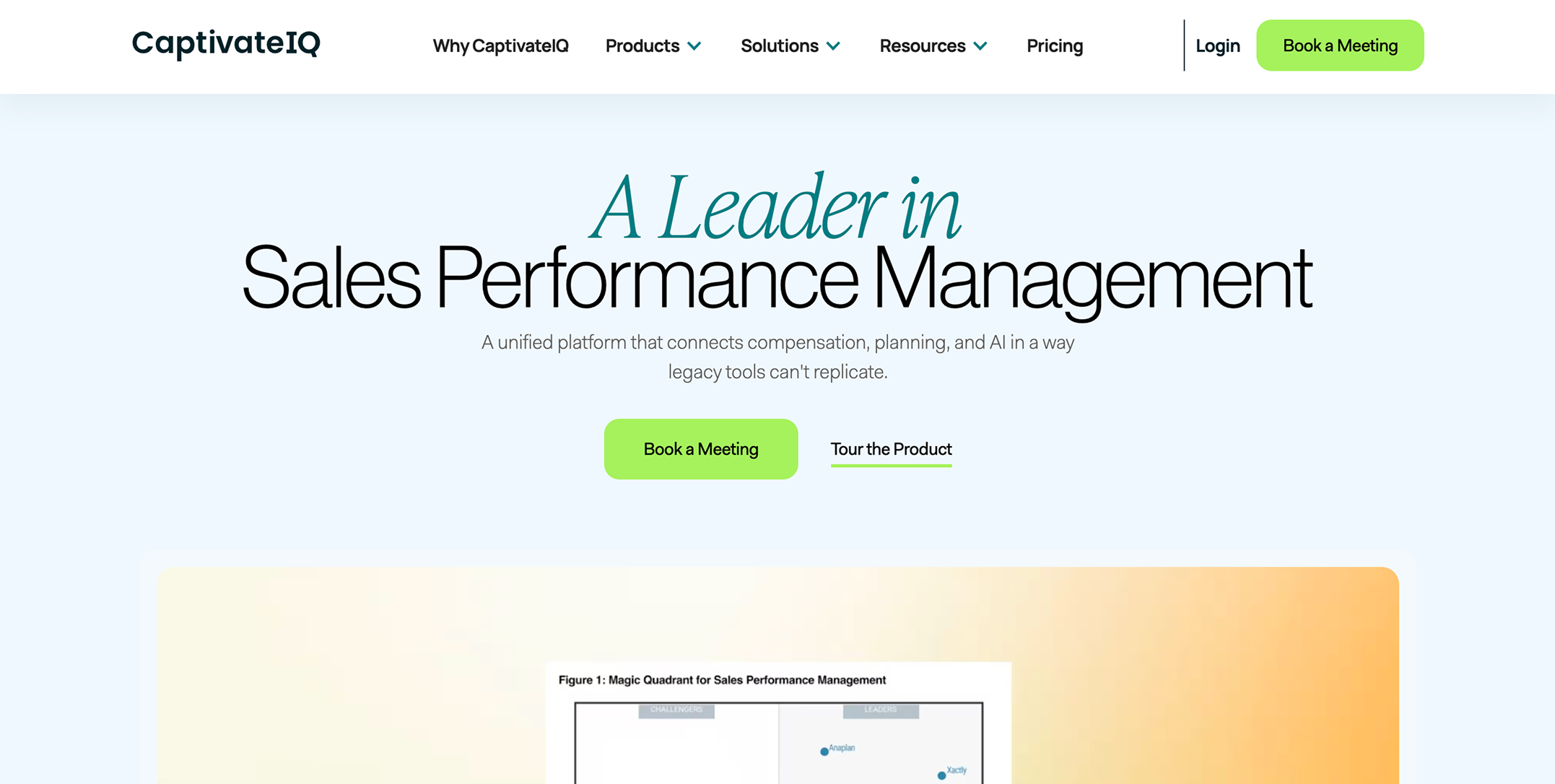
CaptivateIQ is built on SmartGrid, a spreadsheet-style, no-code engine that handles very complex plan logic. In September 2024 it added sales planning (territories and quotas), and in 2025 it expanded planning to capacity planning and quota setting, on the same foundation. In May 2026, it announced CaptivateIQ Agents and an MCP Server, with the agents in limited beta and general availability planned for later in 2026.
Best for: Mid-market teams with complex compensation plans, changing requirements, and a dedicated comp admin.
Ideal company size: Roughly 30+ reps through lower enterprise. Per-payee pricing and minimums make it harder to justify for smaller teams.
Key features:
- SmartGrid modeling with familiar spreadsheet-style logic
- Scenario modeling against historical data before launch
- Real-time payee dashboards and statements
- Territory, quota and capacity planning
- Approval workflows
AI capabilities: CaptivateIQ Agents (limited beta since May 2026) and an MCP Server (general availability planned for later in 2026). Ask in the demo which agents are live for your contract.
Integrations: Salesforce, HubSpot and common ERP, HRIS and payroll systems, with support for existing systems across the broader revenue stack.
Pricing: Quote-based, per seat, plus a one-time setup fee. Third-party benchmarks put it around $660 per seat per year before discounts. See CaptivateIQ pricing.
Setup time: About three months on average to go live, based on G2 implementation data. CaptivateIQ itself quotes two weeks to three months, depending on plan complexity.
Pros:
- Very flexible for complex logic that other tools can't model
- Strong review scores (4.8/5 on Capterra across 873 reviews)
- Commissions and sales planning in one tool
Cons:
- No public pricing, and the setup fee is billed separately
- Implementation takes months and advanced configuration may require more technical expertise than lighter tools
- AI agents were not generally available at announcement
4. Salesforce Spiff
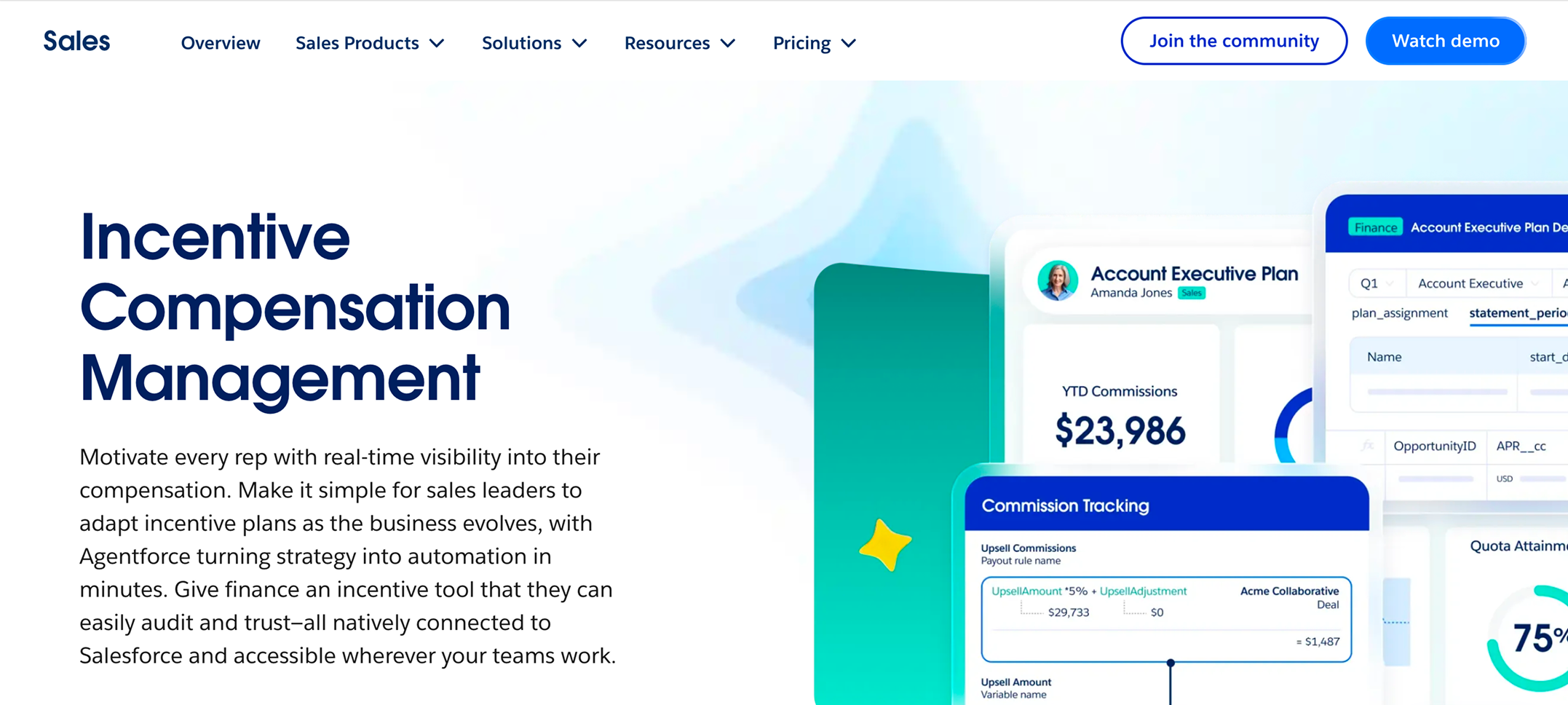
Spiff is now Salesforce Spiff. Salesforce completed its acquisition in February 2024, and more than 70% of Spiff's customers already used Sales Cloud before the deal. It's sold as a standalone product, and also as part of Salesforce's SPM bundle and Agentforce 1 Sales Edition.
Best for: Organizations that run their sales process on Salesforce.
Ideal company size: Mid-market to enterprise Salesforce orgs.
Key features:
- Commission Estimator so reps can model deals before they close
- Spiff Designer for building plans
- Tracing and audit trails for every calculation
- Real-time rep statements and a mobile app
- Automated approvals, dispute resolution and in-app comments
- Foreign currency conversion and commission expensing
AI capabilities: AI features depend on your wider Salesforce licensing, especially if you buy Spiff through Agentforce 1 Sales Edition. Ask which features apply to commissions specifically.
Integrations: Native Salesforce. Other systems connect through 50+ connectors at $250 per month each.
Pricing: $75 per user per month, billed annually. Each additional connector costs $250 per month, and premium support is extra.
Setup time: Not published. Salesforce Professional Services and partners handle implementations.
Pros:
- The deepest Salesforce integration on this list
- Strong rep-facing estimator and mobile app
- Backed by Salesforce's roadmap and support
Cons:
- The highest published per-user price here
- Each non-Salesforce data source adds $3,000 a year
- A less natural fit for teams on HubSpot
5. Qobra

Qobra was founded in Paris in 2020 and reports 350+ customers and 30,000+ users. In 2026, it launched three AI agents: the Architect, which builds and tests plans from any document to help teams launch new plans faster; the Analyst, which reconciles commission data across plans and sends alerts; and the Sales Coach, which answers rep questions. It also offers an MCP connection.
Best for: European RevOps and finance teams that want no-code plans and structured approval workflows.
Ideal company size: Mid-market, roughly 15+ sellers.
Key features:
- No-code plan builder for managing incentive programs
- Approval workflows across RevOps, finance and sales
- Multi-currency support
- Real-time rep dashboards for immediate visibility
- Data reconciliation across plans
AI capabilities: The Architect, Analyst and Sales Coach agents (launched 2026), plus Qobra MCP.
Integrations: Salesforce, HubSpot, Pipedrive, Zoho CRM and Odoo, plus data warehouses (Snowflake, BigQuery, PostgreSQL), finance and HR data sources, and a public API.
Pricing: Quote-based. Software marketplaces list it from about $39 per user per month.
Setup time: Qobra says the Architect brings plan building under 48 hours. Full go-live time isn't published.
Pros:
- The highest Capterra rating on this list (4.9/5 across 437 reviews)
- A full set of agents comparable to Driven's
- Strong European presence, with offices in France and the UK
Cons:
- No public pricing
- The agents are new, launched in mid-2026
- A higher listed per-seat price than Driven
6. Xactly Incent
Xactly, founded in 2005, is one of the original incentive compensation vendors. Incent is its core commission module, and it pairs with Xactly's territory planning and forecasting products to help manage comp plans at enterprise scale. In December 2025, Xactly announced Incent AI Agents, including natural-language plan design, as an early access preview.
Best for: Large enterprises with complex org structures that want commissions, planning and forecasting from one vendor, plus support for broader compensation strategy decisions.
Ideal company size: Enterprise, typically hundreds of payees or more.
Key features:
- Advanced incentive modeling for complex compensation and large organizational structures
- Compliance and audit capabilities
- Benchmark data built up over two decades
- Territory and quota planning with support for sales targets
- Sales forecasting
AI capabilities: Incent AI Agents for plan design and analysis (announced as early access in December 2025).
Integrations: Salesforce, plus major ERP and HRIS systems.
Pricing: Custom. Third-party estimates start around $60 per user per month, with implementation often costing $30,000 to $100,000 or more.
Setup time: Three to six months for mid-market teams, according to third-party estimates.
Pros:
- Depth for very complex enterprise compensation
- Commissions, planning and forecasting from one vendor
- A long track record with large organizations
Cons:
- The lowest Capterra rating on this list (4.2/5 across 252 reviews)
- Long implementations
- Reviewers report that plan changes often require paid professional services
7. Performio
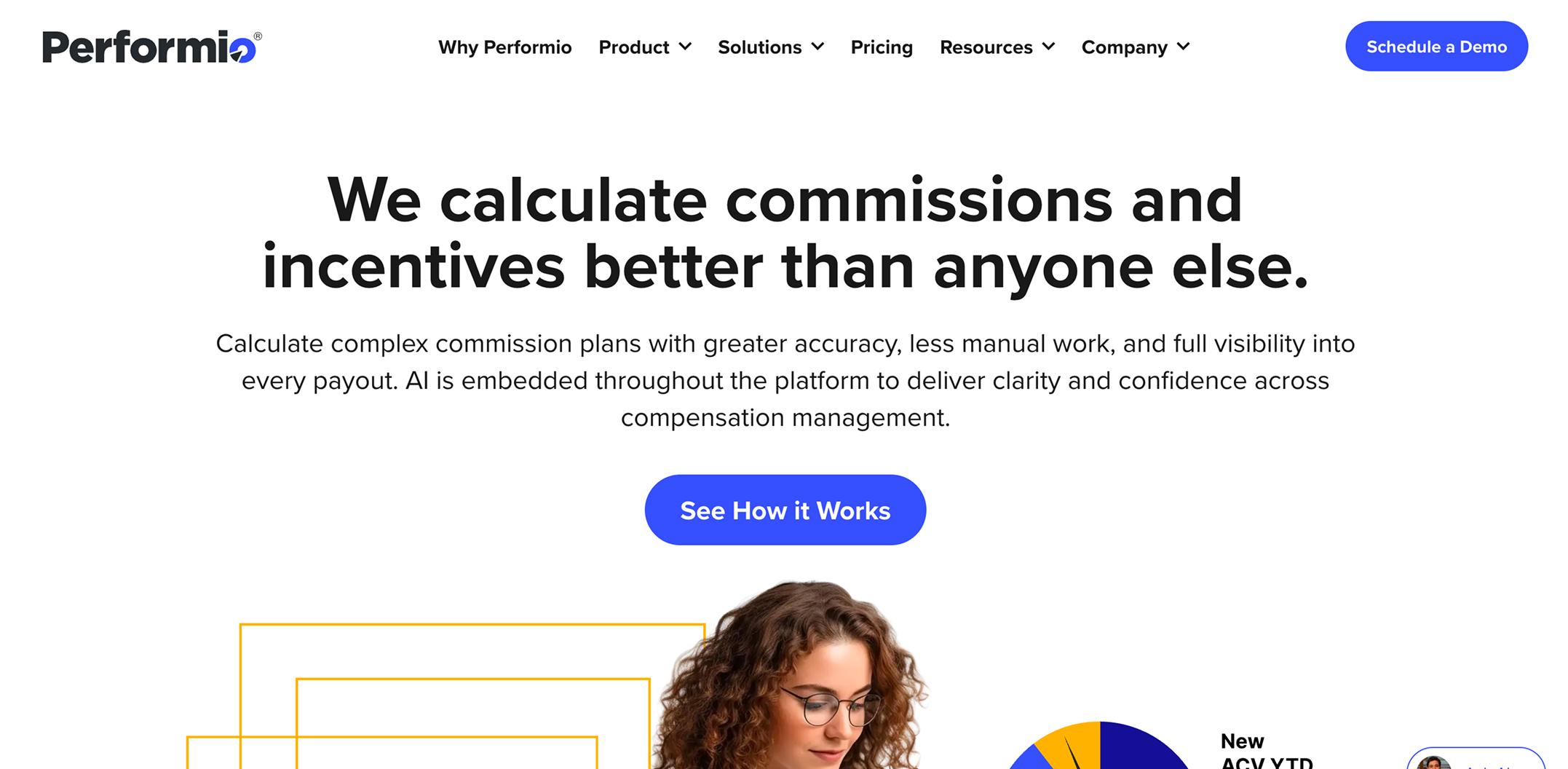
Performio is built for complex crediting, where commissions depend on data from CRM, ERP and HR systems at once. Its AI layer includes an Admin Assistant that troubleshoots calculations, investigates payout anomalies, resolves disputes and evaluates plan changes, plus an Implementation Agent, a Sales Coaching Agent and an MCP server. Performio is headquartered in the US (Irvine, California), with a London office and a data center in Frankfurt, Germany.
Best for: Complex plans that pull data from many systems across regions.
Ideal company size: Mid-market to enterprise.
Key features:
- Complex crediting rules, splits and overrides
- Analytics Studio for reporting
- Plan Builder
- 24/7 global support included in every subscription
AI capabilities: Admin Assistant, Implementation Agent, Sales Coaching Agent and MCP server.
Integrations: CRM, ERP and HRIS systems. Pricing isn't tied to data volume or API usage.
Pricing: Quote-based, with two parts: a subscription based on participants and admin seats, and a one-time implementation fee. Third-party estimates put implementation at $15,000 to $75,000. See Performio pricing.
Setup time: Project-based and not published. Performio says its Implementation Agent cuts implementation from months to weeks.
Pros:
- Handles messy, multi-source data well
- Predictable pricing as your data grows
- An EU data center for European buyers
Cons:
- No public pricing
- A separate implementation fee
- A lower Capterra rating (4.3/5 across 330 reviews), with some reviewers critical of the implementation experience
8. Sales Cookie
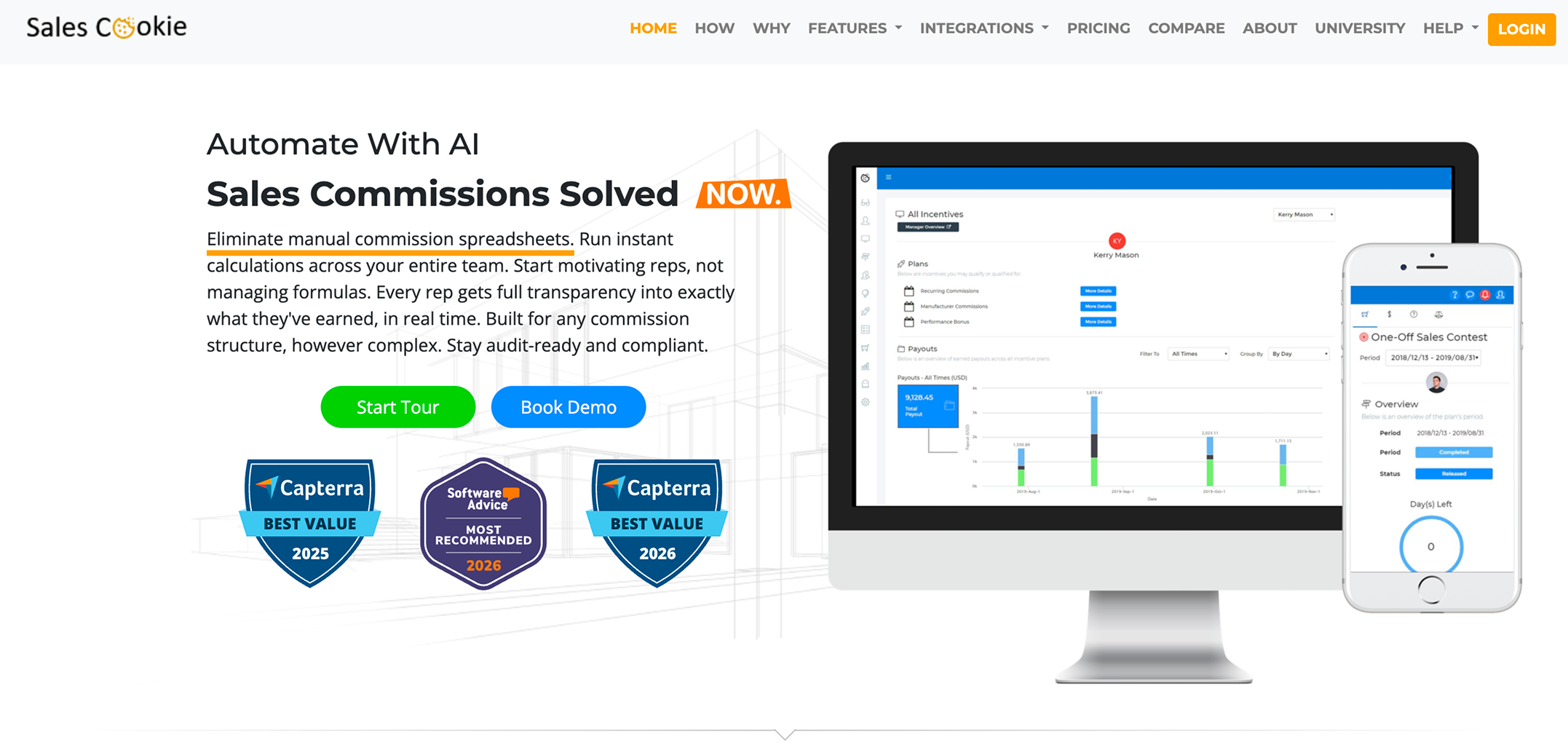
Sales Cookie is commission automation software from Ninth Floor Technologies, based in Bellevue, Washington. It's one of the few tools here with published pricing and no long-term contract.
Best for: Small businesses that want low commitment and transparent pricing.
Ideal company size: Small business to lower mid-market.
Key features:
- Automated calculations, clawbacks and overrides
- Multi-currency support
- Rep dashboards with goals, attainment, performance tracking and payouts
- Payee self-service for plan enrollment and questions, with an intuitive interface that appeals to small teams
- Business+ adds 25+ plans, more than 100,000 transactions, custom integrations, white-labeling and API access
- Can help calculate commissions for smaller teams without long commitments
AI capabilities: Sales Cookie markets itself as AI commission software, but documents fewer AI specifics than the other tools on this list. Ask for a demo of what's AI-driven.
Integrations: Reviewers mention around 21 integrations, including Salesforce, HubSpot and QuickBooks.
Pricing: Business costs $40 per user per month, and Business+ costs $60, both with no long-term contract. Plan setup and support are free for teams with 10+ users. A free trial is available.
Setup time: Not published.
Pros:
- Month-to-month contracts
- Transparent pricing with free setup for 10+ users
- Strong reviews (4.7/5 on Capterra across 193 reviews)
Cons:
- Per-user cost adds up for teams with many payees
- Less AI depth than newer platforms
9. QCommission

QCommission, from CellarStone, is one of the longest-running commission tools. It's the only one on this list you can run in the cloud, on a Windows desktop, or fully on-premise (on-premise requires the Premier edition or higher).
Best for: Finance-led teams on QuickBooks, companies that need on-premise deployment, or businesses with existing compensation plans they do not want to rebuild from scratch.
Ideal company size: Small to mid-sized businesses.
Key features:
- Rules engine for complex commission plans across several lines of business
- Reports in XLS, HTML and PDF
- Multiple admin access
- Cloud, desktop or on-premise deployment (on-premise from Premier upward)
AI capabilities: None prominently marketed.
Integrations: QuickBooks, Sage, Salesforce, SugarCRM, Oracle Cloud Financials and more, making it easier to fit into existing systems.
Pricing: Three editions, Pro, Premier and Enterprise, with monthly minimums of $200, $400 and $600, plus a per-payee fee that rises with the edition. Payee minimums apply.
Setup time: Not published.
Pros:
- A low entry cost for small teams, from a $200 monthly minimum on Pro
- Deployment flexibility, including on-premise on Premier and above, makes it a practical fit for specific business needs such as QuickBooks-based workflows
- G2 reviewers highlight responsive support
Cons:
- Fewer modern rep-facing and AI features than newer platforms
- Monthly minimums of $200 to $600 depending on edition, plus payee minimums
- Less suited to rep self-service
How to Choose the Right Sales Commission Software
Start with the same three questions the AI search tools ask: which CRM you use, how many reps you pay, and how complex your plan is. Then add budget and how quickly you need to go live.
Whichever tools make your shortlist, ask each vendor these questions in the demo:
- Can you build one of our real plans live, right now?
- What does a rep see when they ask why a deal paid what it did?
- What happens to an approved payout if someone edits the deal in the CRM?
- Who counts as a paid user: reps only, or also admins, managers and finance?
- Which AI features are generally available today, and which are in beta?
- What does implementation cost, and who does the work?
- How do you handle clawbacks, splits and mid-period plan changes?
Implementation: What to Expect
Implementation time ranges from days to six months, depending on the tool and your plan. Newer tools that build plans from a document go live fastest. Enterprise platforms that need professional services take longest.
Whatever you choose, these steps prevent most problems:
- Clean your CRM data first. Commissions are only as accurate as the deal amount, close date and owner fields they're based on. Agree on which field is the source of truth for each.
- Start with your current plan. Migrate the plan you have before redesigning it, so you can compare results.
- Run one cycle in parallel. Calculate one month or quarter in both the spreadsheet and the new tool, and resolve every difference before going live.
- Walk reps through it. Show them where to see their earnings and how to flag a problem. Transparency only builds trust if reps actually use it.
- Lock in an approval flow. Decide who approves payouts and when statements lock, so payroll always gets final numbers.
For reference, Aikido Security connected HubSpot and went live with 120+ reps across six regions in one week, with all plans validated against historical payouts before launch.
Conclusion
The right sales commission software depends on your CRM, team size and plan complexity. Salesforce-first enterprises will get the most from Spiff, Xactly or CaptivateIQ. Small teams that want low commitment should look at Sales Cookie or QCommission. If you run HubSpot or Salesforce and want commissions live in days, with an agent that explains every payout to your reps, try Driven on your own plan.
See your comp plan, fully built in minutes. Book a demo or try Driven for free.



See your comp plan, fully built in minutes

Frequently Asked Questions
About the author





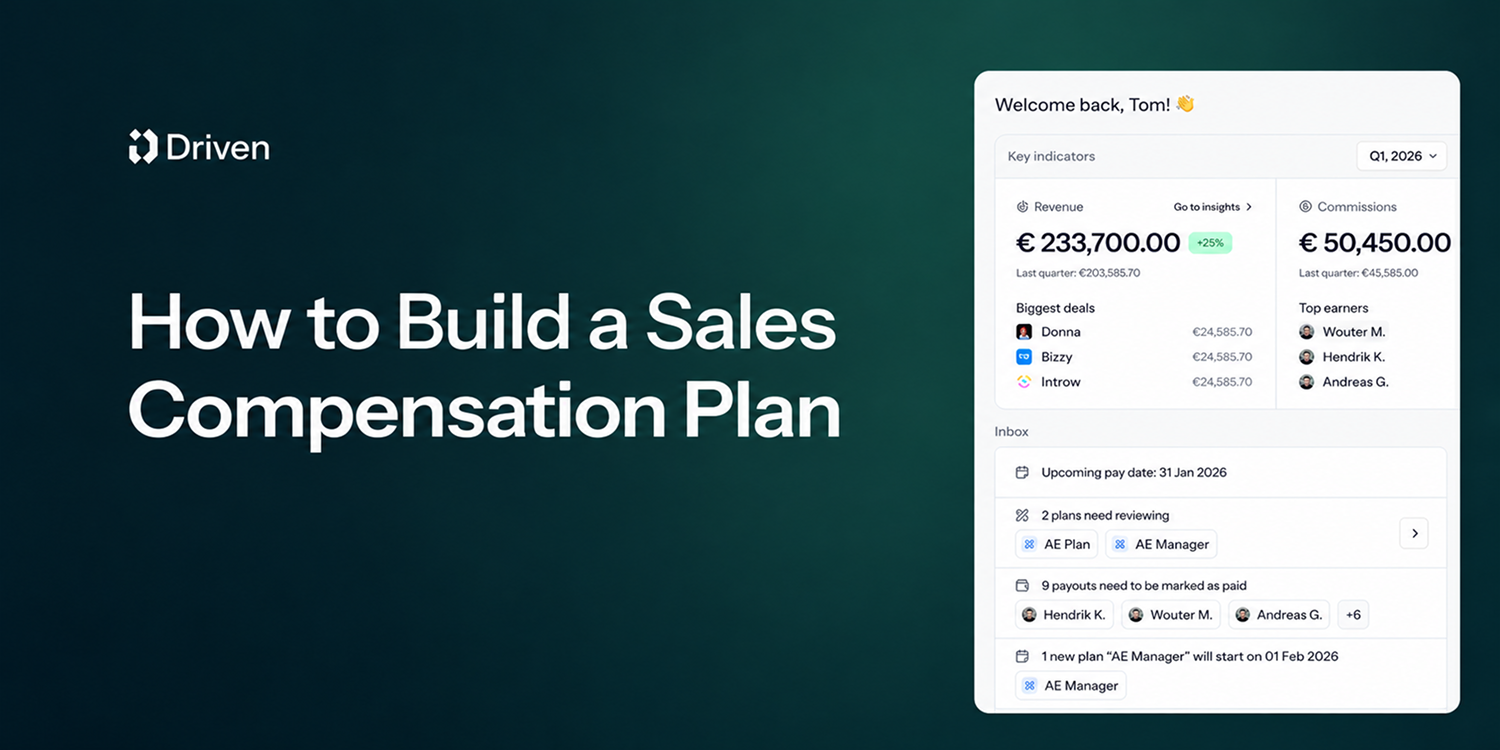
A sales compensation plan defines how your sales team gets paid: a fixed base salary, variable pay like commissions and bonuses, and a quota that decides how much of that variable pay a rep actually earns. Base salary plus target variable pay makes up a rep's on-target earnings (OTE).
Sales compensation plans do more than pay people; they shape behavior, drive revenue, and define culture. Get the plan right, and your team is aligned, motivated, and chasing the numbers that actually matter. Get it wrong, and you'll spend every month-end on disputes, recalculations, and reps who no longer trust their payslip.
This guide covers the core components, the main plan types, and a 10-step process to build your own, followed by three sales compensation plan examples. Jump to the examples. Everything here draws on Driven's work with finance, RevOps, and sales compensation leaders who run these plans every single month.

Sales commission software calculates, tracks and explains commissions from your CRM data, so nobody rebuilds a spreadsheet every month. The 9 best tools in 2026:
- Driven: best AI commission agent for HubSpot and Salesforce teams that want to go live in days
- QuotaPath: best for growing teams that want published pricing and broad CRM coverage
- CaptivateIQ: best for mid-market teams with complex, frequently changing plans
- Salesforce Spiff: best for companies that run on Salesforce
- Qobra: best for European RevOps teams that want no-code plans and AI agents
- Xactly Incent: best for large enterprises that also need planning and forecasting
- Performio: best for complex crediting across many data sources and regions
- Sales Cookie: best for small businesses that want month-to-month contracts
- QCommission: best for finance-led teams on QuickBooks or needing on-premise deployment
Choose based on three things: your CRM, how many reps you pay, and how complex your plan is.

TL;DR: Salesforce stores every field commissions depend on, but core Sales Cloud doesn't calculate, explain or protect payouts. Teams close that gap in one of five ways: native formula fields, a custom build, Salesforce's native ICM (Spiff), a vibe-coded tool, or a third-party commission tool. A flat rate and a few reps can stay native. Tiers, accelerators, splits and frequent plan changes point to a dedicated tool, and to an agentic platform like Driven if you want the plan designed, explained and maintained for you.
It's not uncommon for teams in 2026 to still run sales commissions on spreadsheets. The deal data lives in Salesforce, the rates live in a Google Sheet someone built three finance leads ago, and the payouts get reconciled by hand at the end of every quarter. When a rep asks why their number looks different, no one can fully explain it. When finance needs an accrual, someone exports a report and rebuilds it in Excel. The process is time-consuming, error-prone, and actively eroding rep trust. It's hard to keep a sales team motivated when reps can't trust their own paycheck.
Teams that outgrow the spreadsheet usually reach for formula fields, a custom build, or a paid add-on. But tools for managing sales incentives are now moving from rules engines you configure to agents that work alongside you. Gartner predicts that 40% of enterprise applications will feature task-specific AI agents by the end of 2026, up from less than 5% in 2025. They also say that 60% of B2B seller work will be executed through conversational interfaces by 2028.
This guide breaks down five ways to track Salesforce commissions, including what each approach does well, where it breaks, and how to choose.