Driven vs Salesforce Spiff
Both tools automate commissions and give reps a clear view of what they earn. The difference is who carries the workload and where the tool lives: Spiff is a Salesforce-native tool that is typically configured by your admins, while Driven runs sales comp for you. This page compares Driven with Salesforce Spiff and helps you choose.

TL;DR for Busy Teams

Driven
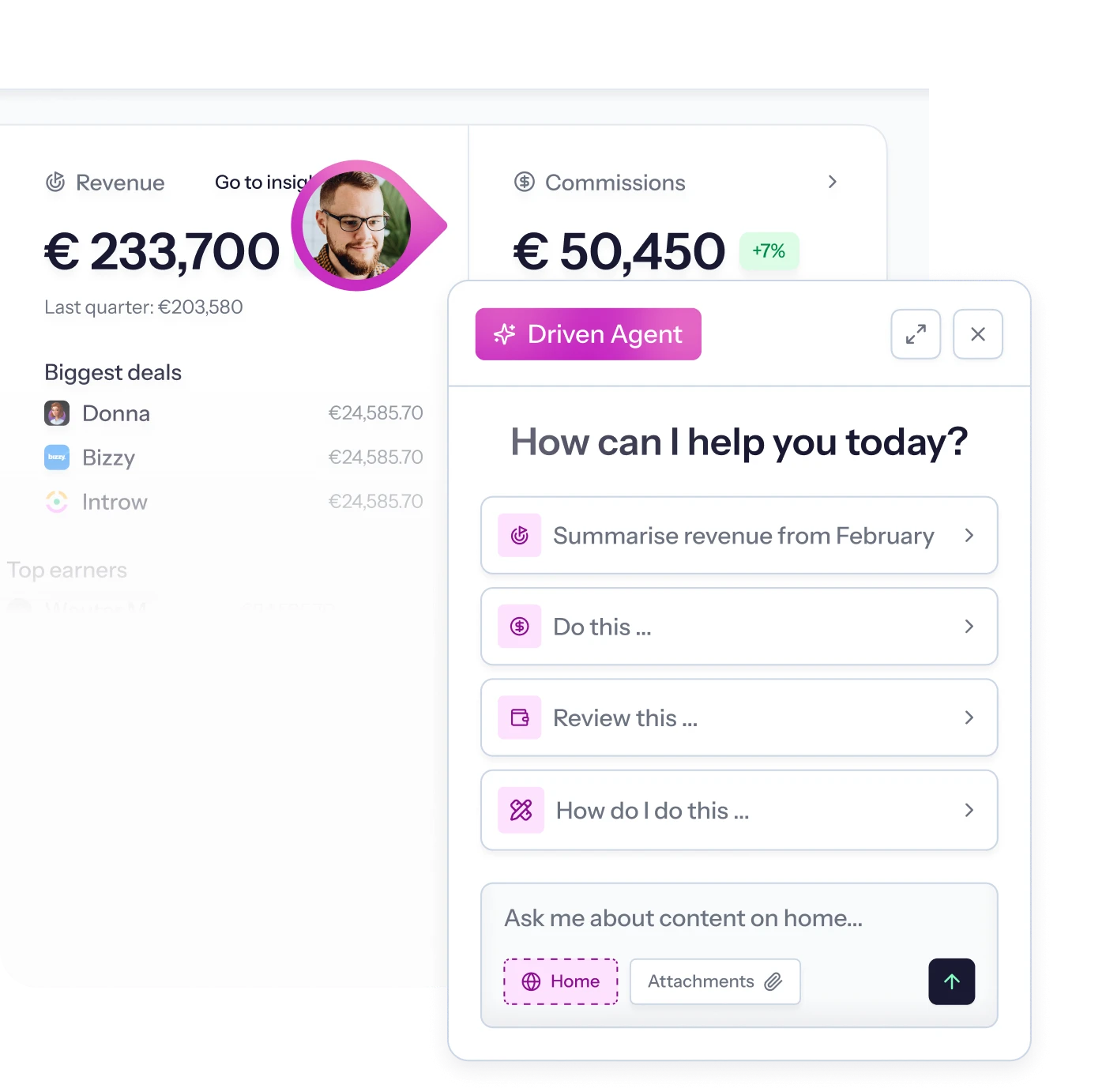
Driven is your end-to-end partner for sales comp, with the software included. We build your comp agent with you, clean your data, run every calculation and keep improving the plan. You check and approve. It explains every payout to your reps, and a deterministic engine does the math. We connect to your data wherever it lives: natively to HubSpot and Salesforce, and to any other system through API and MCP. You can start free and go live in days.
Who should choose Driven:
Teams that don't want sales comp to be anyone's side job. Your data can sit in HubSpot, Salesforce, a billing tool, an ERP or a Google Sheet, and we build the connection for you. If you also want to change plans by telling us what to change, Driven is built for you. You review and approve, we do the rest.

Salesforce Spiff
Spiff is a commission tool, and acquired by Salesforce. It offers rep statements, a Commission Estimator and built-in ASC 606 expense reporting. Its AI assistant explains plans and calculations.
Who should choose Salesforce Spiff:
Teams standardized on Salesforce Sales Cloud. If you want commissions inside the Salesforce ecosystem, built-in accounting reports and a native mobile app, Spiff fits. It suits teams with a Salesforce admin team or partner to configure and maintain it.
Compare Features
How Driven compares to Salesforce Spiff
Both platforms automate commission calculations, give reps a view of their earnings and use AI to help build and explain plans. Here’s how they differ.
Criteria
Driven
Salesforce Spiff
Approach
Core approach
End-to-end partner
We build your comp agent with you, connect your data, run the process every month and keep improving it. The software is how we deliver.
Salesforce-native
A commission tool inside the Salesforce ecosystem, with an AI assistant.
AI and trust
Role of the AI
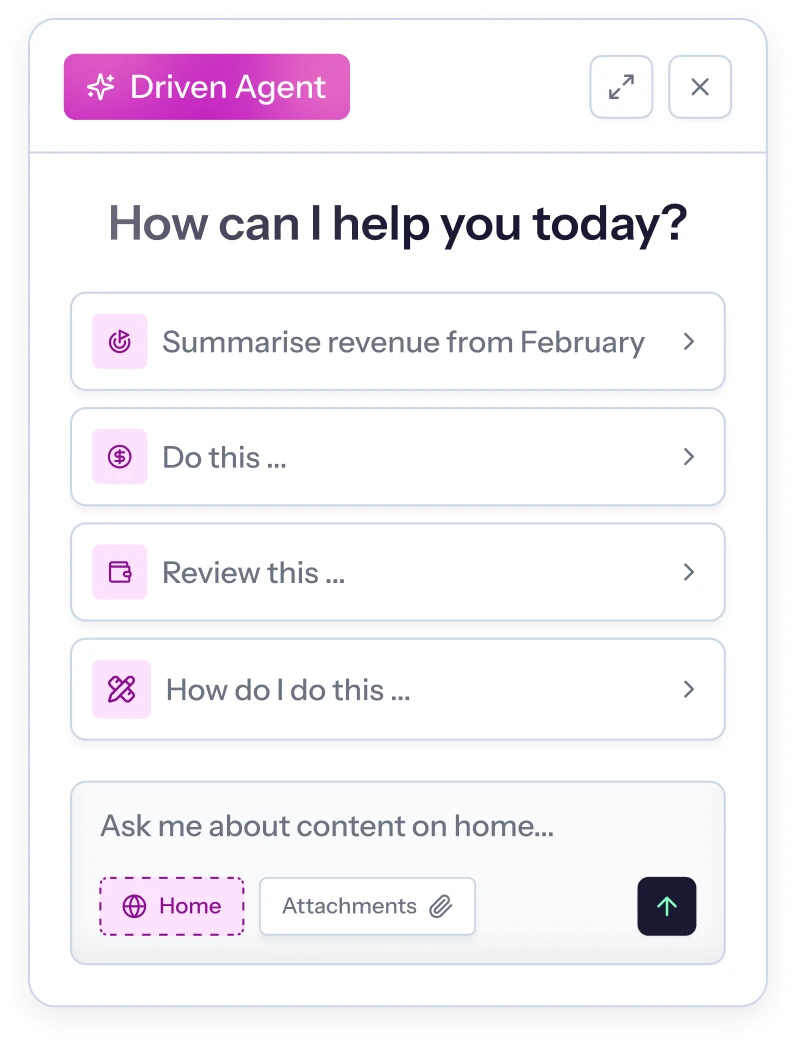
The AI agent is how our team delivers. It designs and updates plans, explains every payout, resolves disputes by tracing them to the deal, nudges reps and answers questions about your data.
An AI assistant answers questions about plans and calculations.
Payout calculation and transparency
Deterministic engine. The AI agent builds the plan and never calculates the payout. Logic sits in Excel-style formulas you can read and edit. We run the calculations every month. You check and approve.
Commission tracing on rep statements. Historical statements are locked.
Getting started
Time to go live
Days
We connect your systems, clean your data and set up your plans. The agent structures your plan and checks it against historical payouts.
Salesforce says plans can be set up in days. Implementation is available through Salesforce Professional Services. Timelines depend on complexity and data sources.
Who builds and changes plans
We build it with you. You decide, we implement. Describe the plan, or share a PDF, spreadsheet or contract, and we build it. When the plan changes, you tell us and we make every change for you.
A low-code builder, Spiff Designer, typically configured by admins. Partners and Salesforce services are available.
Pricing and trial
Free Starter plan for up to 3 seats and 1 comp plan. Pro and Enterprise on request.
Priced per user on an annual contract. Connectors and Premium Support are priced separately. No trial license.
Support
A dedicated Slack channel on Pro and Enterprise.
Premium Support is available as a paid add-on.
Plans and payouts
Building a plan
Excel-style formula layer you can read and edit by hand. When the plan changes mid-year, you tell us and we update and republish it.
A spreadsheet-like designer for admins.
Approvals and audit
Rep, manager and finance approval, including in Slack. Approved payouts lock, and corrections arrive as clawbacks or true-ups. Full audit trail.
Automated and mobile approvals, customizable approval routes, automated payouts and locked historical statements.
Finance and accounting
CSV and PDF exports for payroll and accruals. Multi-currency and custom fiscal years on Enterprise.
Built-in ASC 606 and IFRS 15 commission expense reporting.
Rep experience
Explaining payouts and disputes
A per-deal "why did I earn this?" breakdown. The agent traces any payout to the deal and rule. Reps can also comment on draft payouts.
Rep statements with commission tracing. In-app comments and dispute resolution.
Where reps see their pay
Web app, Slack, and inside HubSpot and Salesforce through a free Chrome extension.
Web app and a native mobile app.
Forecasting and motivation
Live pipeline forecast. A wiki and flowchart update on every plan change. Slack nudges and weekly recaps.
A Commission Estimator for reps.
Integrations & Reporting
CRM and workflow
Native HubSpot and Salesforce, where a changed deal updates payouts instantly. Metrics outside the CRM come in through connections we build with you, via API or MCP, so nobody maintains them by hand.
Native Salesforce. Other systems connect through paid connectors.
Reporting and Claude/ChatGPT access
Management reports and audit trails. Custom reports for leadership, built by us. Connected to Claude and ChatGPT over MCP for custom reports.
Pre-built dashboards, customized reports and a leader dashboard inside Salesforce. A Spiff MCP for is announced for H2 2026.
Comparison based on publicly available information as of October 2026. Spotted something out of date? Tell us and we'll fix it.



Key differences
Why choose Driven as a Salesforce Spiff alternative
Traditional platforms calculate commissions and call it a day. Driven is an AI-native co-worker that builds, monitors, and optimizes your entire compensation strategy.
Trusted by leaders at:



Which one is right for you?
Choose Driven if…
- You don't want comp to be anyone's side job. You review and approve, we do the rest.
- You want to be live in days. We connect your systems, clean your data and set up your plan.
- Your data lives in more than one place. HubSpot and Salesforce are native, and we build the connection to anything else: billing, ERP, HRIS, spreadsheets.
- You want an agent that handles rep questions. It explains payouts, resolves disputes and nudges reps.
- You want to ask your data anything. Claude and ChatGPT connect over MCP for custom reports.
- You want to start free. Test your own plan before talking to sales.
Choose Salesforce Spiff if…
- Salesforce Sales Cloud is your system of record. You want commissions to live inside it.
- You want a native mobile app. Reps and approvers can use it.
- You are consolidating vendors. Commissions can sit alongside your existing Salesforce contract.
- You have a Salesforce admin team or partner. They can configure and maintain a low-code build.
- You are comfortable buying through a sales process. An annual per-user contract suits you.
Trusted by teams who run revenue



FAQ
Frequently Asked Questions
How does Driven's pricing compare with Salesforce Spiff's?
Driven has a free Starter plan for up to 3 seats and 1 comp plan. Pro and Enterprise add guided or dedicated setup, with pricing on request. Spiff is priced per user on an annual contract, with connectors and Premium Support priced separately. There is no trial license.
How is Driven's AI agent different from Spiff's AI assistant?
Driven's AI agent is part of how our team delivers. It builds plans from plain language, explains payouts, traces numbers to the deal and nudges reps. A deterministic engine calculates every payout. Our sales comp experts run it for you, so you review the results instead of operating a tool. Spiff's AI assistant answers questions about plans and calculations. The best test is to give each vendor the same plan and compare the result.
How long does it take to go live with each?
Driven goes live in days. Salesforce offers a Jumpstart package for Spiff aimed at 4–6 weeks. Timelines for both depend on plan complexity and data sources. Clean data and documented plans speed up either.
Can Driven handle complex plans?
Driven handles tiers and accelerators, quota and OTE logic, SPIFs, split commissions and per-role plans. It also supports clawbacks and true-ups. For unusual edge cases, our team builds them with you. Bring your hardest plan to the demo.
We use Salesforce. Is Driven still a fit?
Yes. Driven works natively with Salesforce and syncs deals in real time. Teams choose it when they want a comp partner to build and change plans for them, or when they run HubSpot alongside Salesforce. Data from other systems, such as billing, an ERP or a spreadsheet, comes in through connections we build with you.
How does Driven integrate with other systems?
Driven works differently. Instead of a fixed list, we build the connection with you, so the data your plan needs is in place whatever system it sits in. That means native HubSpot and Salesforce, and anything else through API, MCP or our agent. Bring your system list to the demo and we’ll show you how we’d connect it.
Can I use Claude or ChatGPT with Driven?
Yes. Driven connects to Claude and ChatGPT over MCP. Ask for a payout breakdown, a plan change or a custom report in plain language, without opening Driven. This works alongside Driven's standard management reports.


Ready to see it on your own plan?
Share your plan. We'll show you how we'd run it.