



Calculate commissions right, the first time
For most teams the calculation still happens in a fragile spreadsheet, weeks or months after the deal closes. Driven connects to your CRM and calculates every rep's commission automatically, so the payout is ready when the period closes instead of a weekend of manual work.
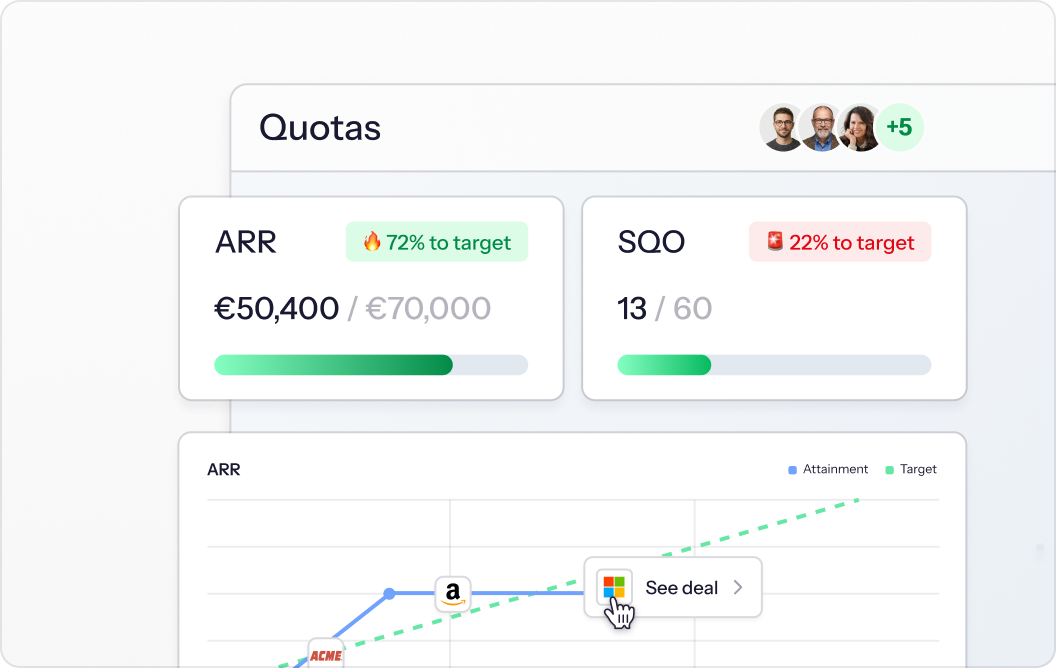
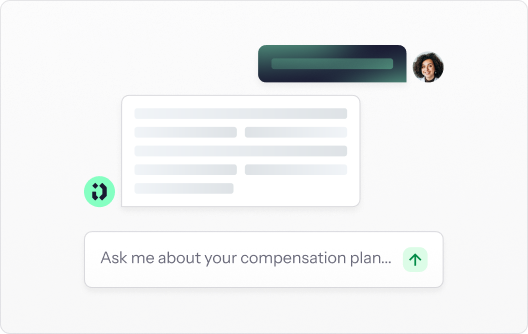
An AI that quietly computes pay is a dispute waiting to happen. Driven keeps the calculation deterministic: the agent builds the plan, it never calculates on its own. The logic sits in a formula layer written in Excel syntax you can read, check and overwrite.
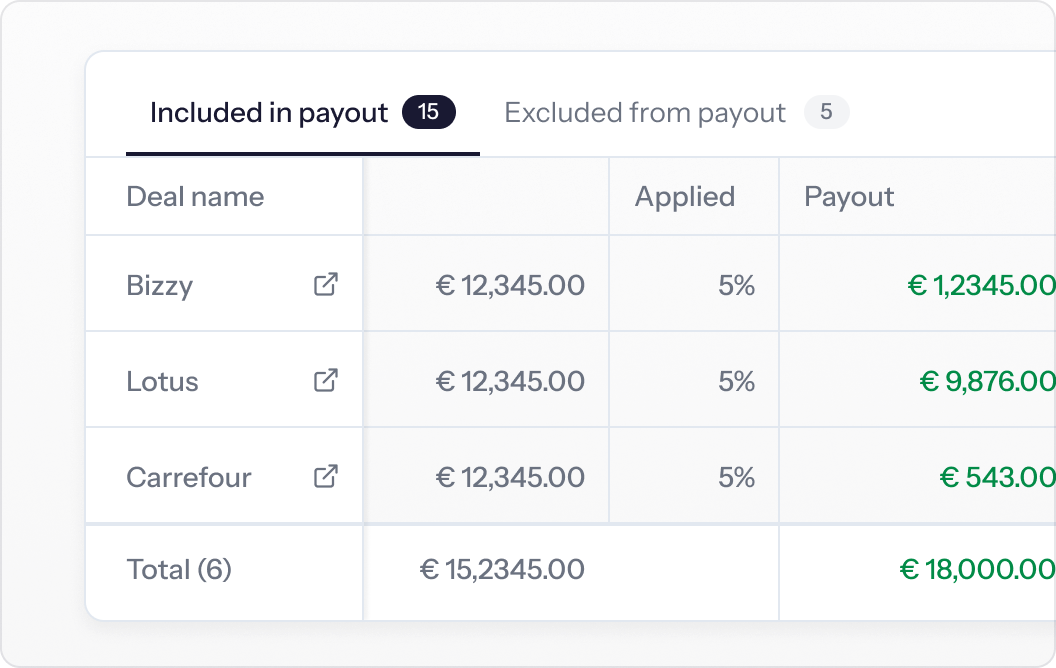
Reps chase down calculations they can't see, and "why did I earn this?" lands on your desk. Every rep gets a per-deal breakdown of their commission: the deals in the period, the rate applied, and what each one paid, so the calculation explains itself.

Commissions calculated off stale exports drift out of sync the moment a deal changes. Driven reads deal data, owners, pipelines, stages and custom properties from HubSpot or Salesforce in real time. Reps can refresh from the CRM if something hasn't come through yet, so the calculation always reflects what's actually in the pipeline.
How AI-native commission
calculation software works
Connect HubSpot or Salesforce
Driven is a native connection, not a nightly export. Deal data, owners, pipelines, stages and every custom property become available to the calculation straight away. Slack connects natively too, so payouts, questions and approvals reach reps where they already work.
Tell the agent what to calculate
Name the KPI you want to pay on, then describe the rule in a sentence. The agent writes the logic and finds the CRM properties it needs to calculate against, so you are not mapping fields by hand.
If the rule already exists as a signed contract, paste the whole document instead and let the agent read it. And if a metric doesn't live in your CRM, you can feed it in as a manual KPI and it flows into the calculation the same way.
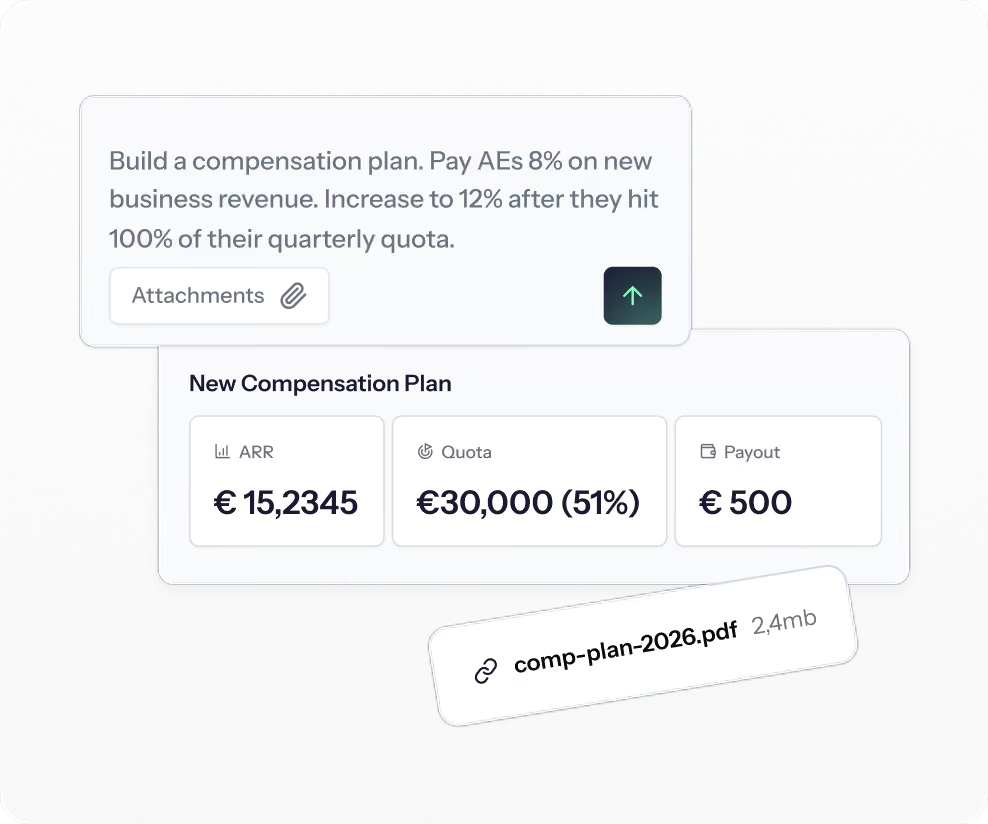
Read the logic before it calculates a cent
The agent writes into a formula layer in Excel syntax and flags anything that looks wrong. Correct a cell by hand, or hand it back to the agent, whichever is faster. The maths underneath is deterministic: the agent builds the plan, it never calculates the payout. You can always trace why a rep earned a given amount on a given deal.
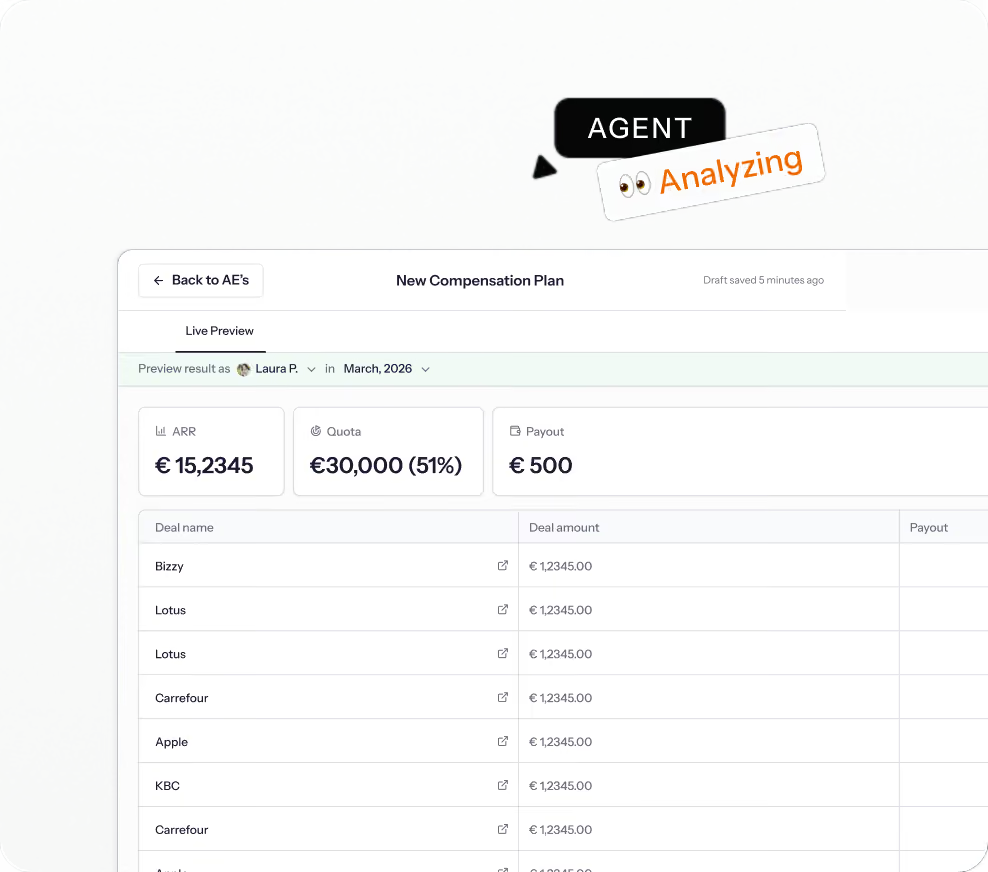
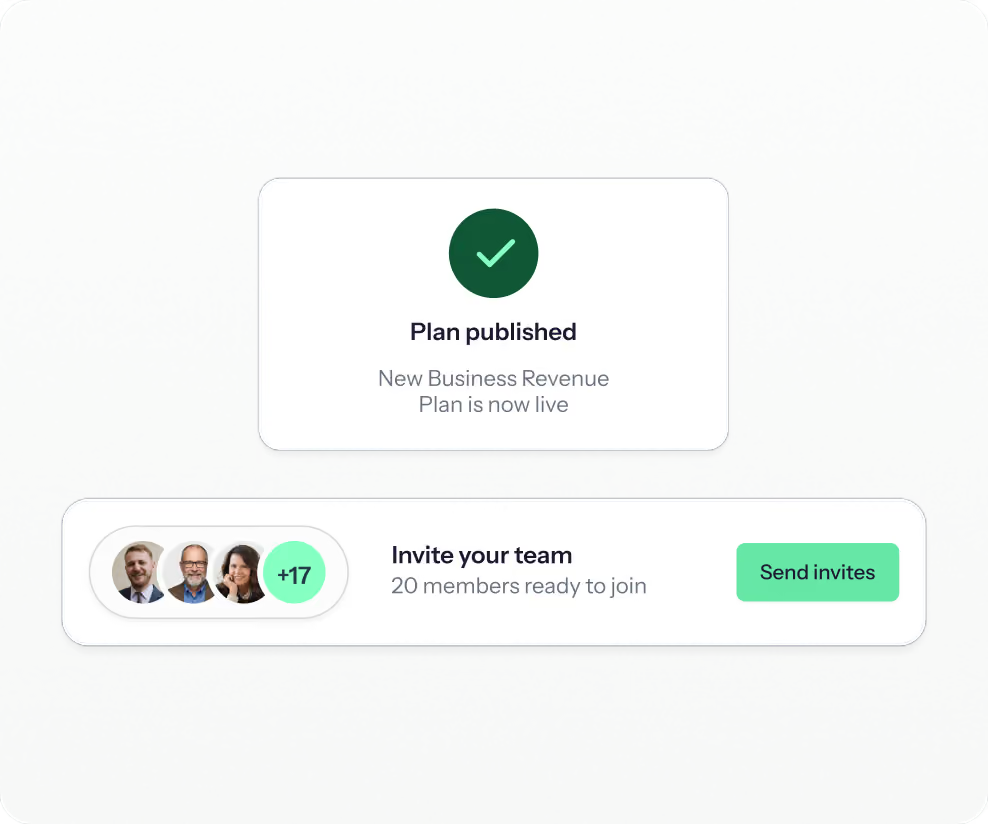
Publish, and every payout calculates itself
One action calculates every rep's commission across current and past periods at once. The same publish also populates the statements, dashboards, a wiki that answers questions about the calculation, and a flowchart of the logic.
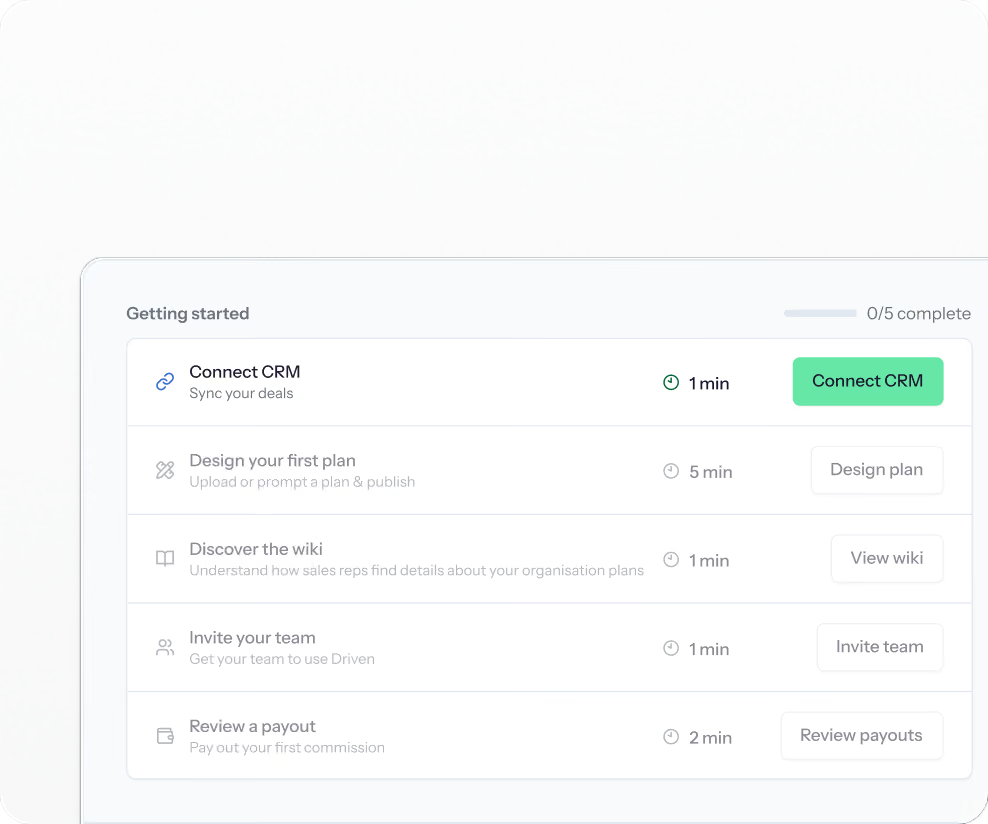
Then you invite the team, and they are live.
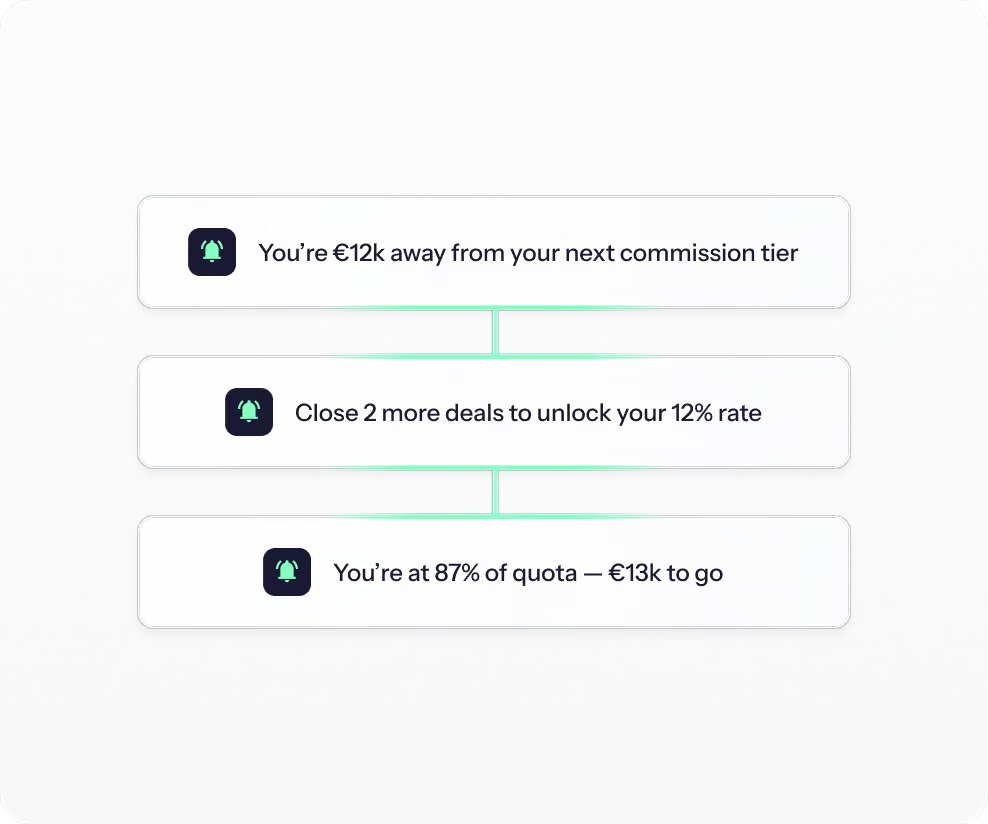
The calculation runs without you
From here your reps see their commission calculated in real time. They ask what to close next and get the maths shown back to them, get Slack nudges as a threshold comes into reach, weekly recaps of what they earned, and a forecast calculated from their live pipeline.
Change the rule and every payout recalculates
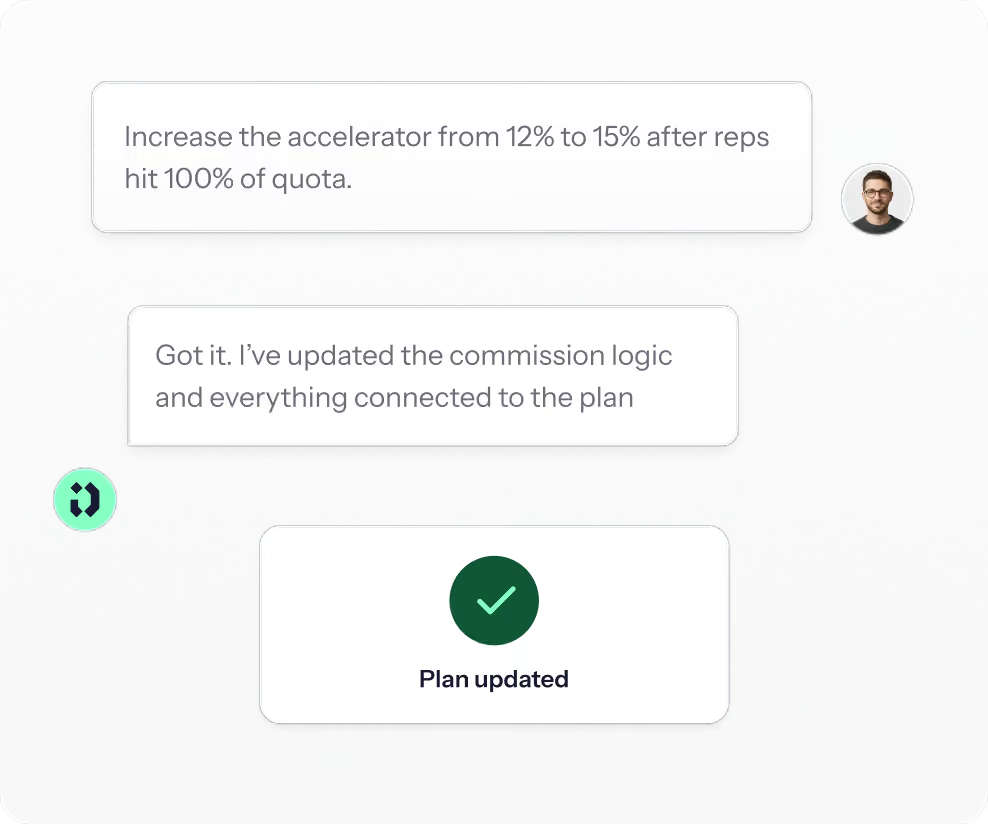
Prompt the change and republish, and every affected payout recalculates at once – the wiki and flowchart update alongside, so reps see the new numbers the same day. Payouts you have already approved stay locked, so nothing already paid can move.

Whatever the commission rule, Driven calculates it

The applied rate changes the moment a rep crosses a threshold, such as 5% on every deal once a 100K quota is hit.
Calculate against a fixed quota, or derive the percentage from each rep's variable salary and target.
One deal calculated separately for a BDR, an AE and a CS, each with their own share.
A metric that doesn't live in your CRM fed in directly and calculated the same way.
Deals and reps across currencies converted to the payout currency, with the rate configurable per period.
Services, one-time purchases or events computed as their own line, at their own rate.
The same rule computed correctly whether you pay monthly, quarterly or annually, on your own fiscal calendar.
Built for the people who own the comp plan

Calculate every commission automatically on live CRM data, keep that data clean because the payout depends on it, and let the agent field rep questions so you don't have to.


Clawbacks, currency, and the deal that changed after payday

You can add clawback logic and the recalculation appears on the next statement, itemised, with the deal and the reasoning visible to the rep.

Exclude a deal, add or remove a line item, or edit an amount directly – as an admin, with the change tracked.

Once a payout is approved and marked paid, it's locked against further CRM changes – corrections happen as a clawback or true-up on the next cycle, never as a silent edit to history.


Trusted by teams who run revenue






See your comp plan — fully built in minutes
Upload your plan and watch it turn into a live, validated structure