
Read our latest blogs, customer stories, and news on sales compensation.

Understanding SPIFFs, Bonuses, and Commissions
Ask a sales rep what's driving their next paycheck, and you'll often hear all three words used interchangeably: SPIFF, bonus, and commission. They get lumped together as "extra money for selling," but they're not the same thing, and treating them like they are leads to confused reps, inconsistent payouts, and comp plans nobody can actually explain.
A SPIFF is a short-term, targeted incentive. A bonus is a lump-sum reward tied to hitting a broader goal. A commission is the ongoing, formula-based pay tied directly to sales, the core of most sales comp plans, not an add-on to it.
This guide breaks down what each one actually means, when companies use them, how they're calculated, and how they stack together so you can build a comp plan where every payout has a clear reason behind it.


Non-Recoverable Draw vs. Recoverable Draw: What's the Difference?
New sales hires often get offered a "draw" against commission, and most sign the offer letter without knowing there are two very different types. That gap in understanding can mean thousands of dollars either staying in a rep's pocket or getting clawed back months later.
A draw is essentially an advance on future commission, designed to give reps steady income while they ramp up pipeline and close their first deals. But whether that advance is recoverable or non-recoverable determines something much bigger: whether it ever has to be paid back.
This guide breaks down what each draw type means, how they're calculated, when companies typically use each one, and the mistakes that turn a helpful ramp tool into a trust problem between reps and the company that hired them.

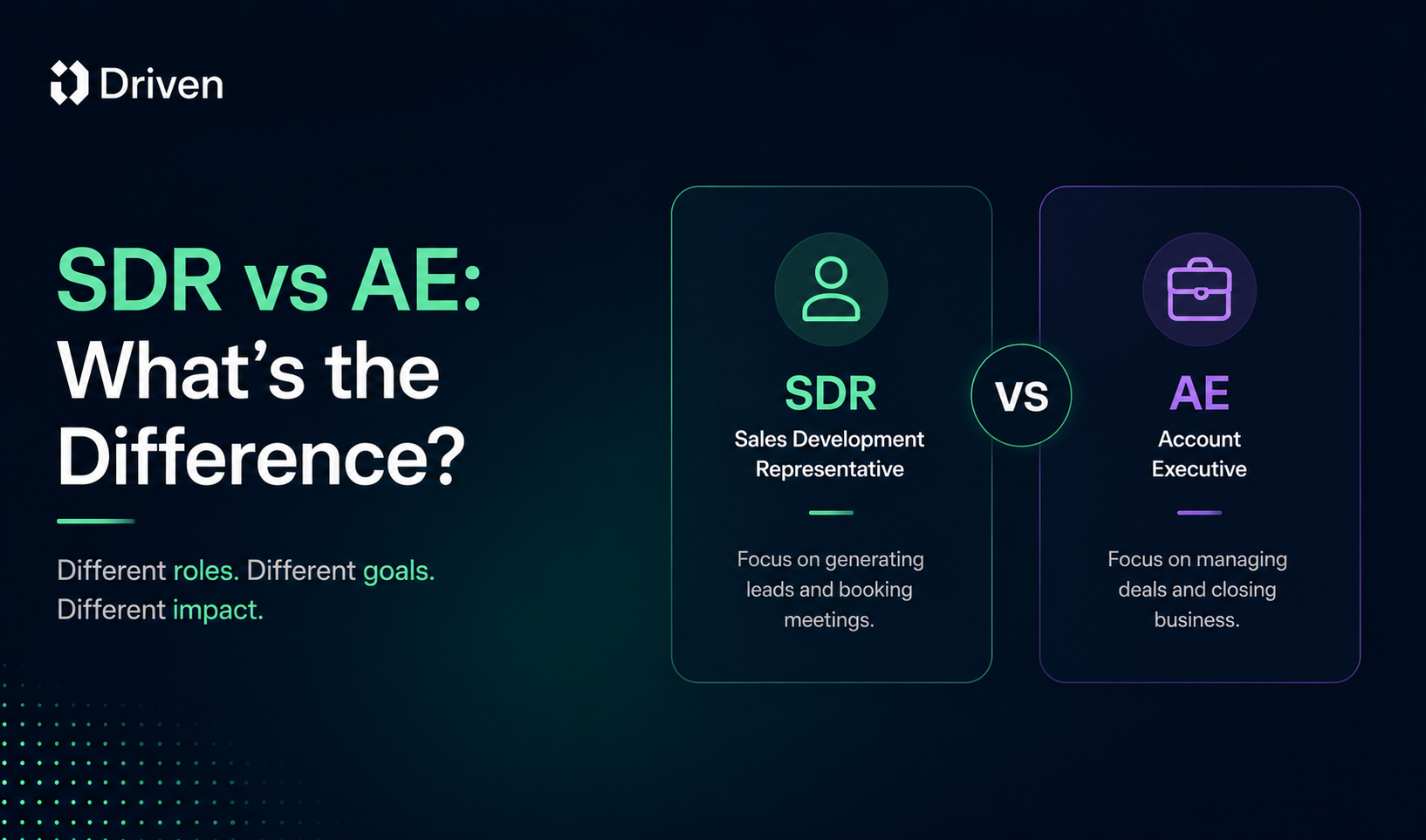
Sales Compensation Plans for SDRs vs AEs: What's the Difference?
Not every sales role drives revenue the same way, so it doesn't make sense to pay everyone on the same plan. Yet plenty of companies still try to copy-paste one commission structure across the whole sales org, and then wonder why half the team feels underpaid and the other half feels unmotivated.
Sales Development Representatives (SDRs) generate qualified pipeline. Account Executives (AEs) close it. Their responsibilities are different, their quotas are different, and their performance metrics are different, which means their compensation plans need to be different too.
In this guide, you'll learn the key differences between SDR and AE roles, how their compensation plans are typically structured, common pay mixes and incentive models, mistakes companies should avoid, and how compensation software makes managing both plans easier as a team grows.

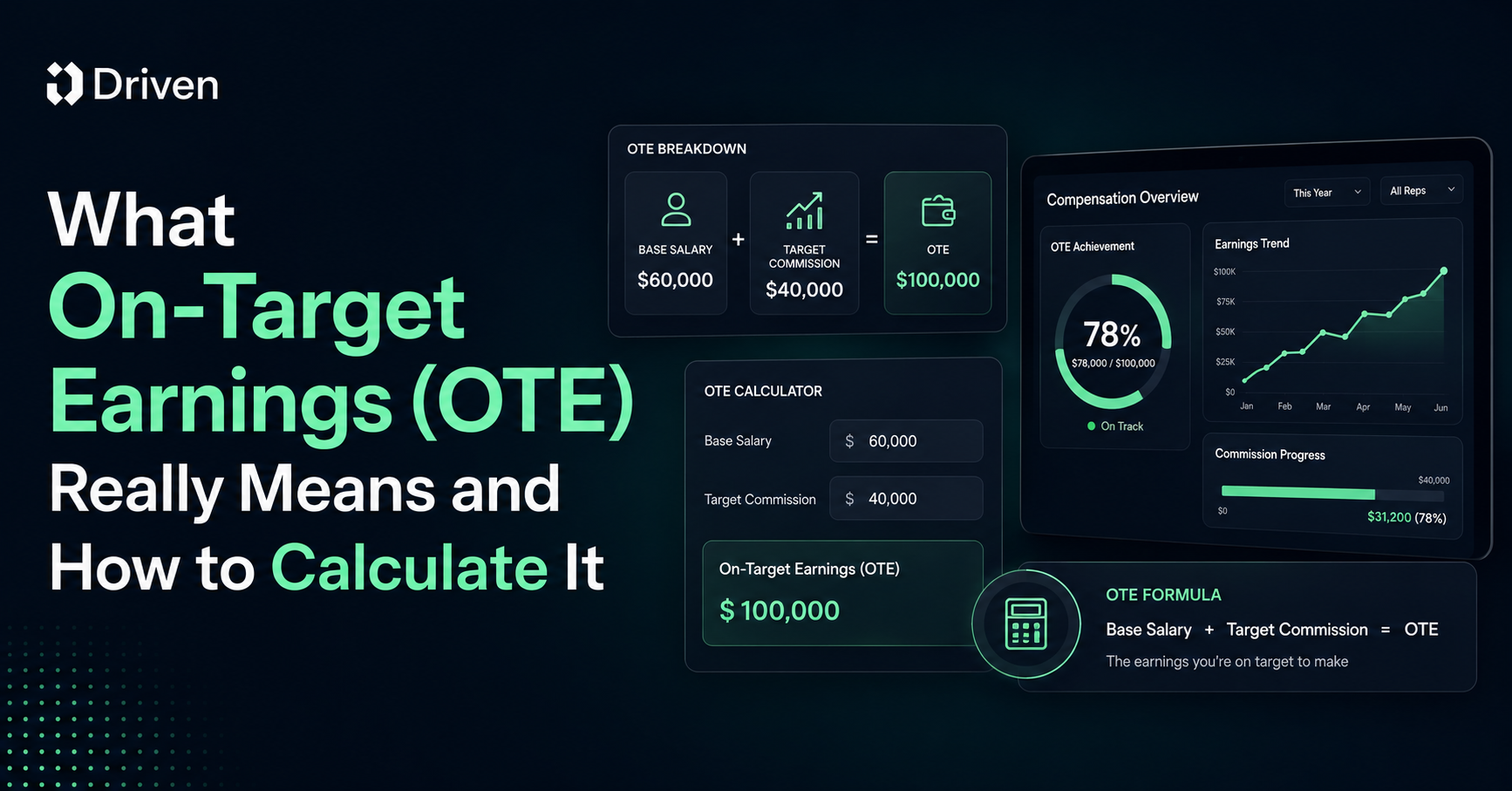
What On-Target Earnings (OTE) Really Means and How to Calculate It
Ask ten sales reps what OTE means and you'll get ten different answers. Some think it's their salary. Some think it's guaranteed. Some think it's a number recruiters made up to make a job posting look better than it is.
On-Target Earnings, or OTE, is one of the most misunderstood terms in sales compensation, and that confusion costs people real money and real trust. Candidates accept offers they don't fully understand. Reps hit quota and still feel confused about their paycheck. Finance teams build comp plans that nobody on the floor can explain in one sentence.
This guide breaks down exactly what OTE means, how to calculate it, and how it's different from base salary and total compensation. You'll walk away knowing how to read an offer letter, build a comp plan, or explain your own earnings potential without the guesswork.
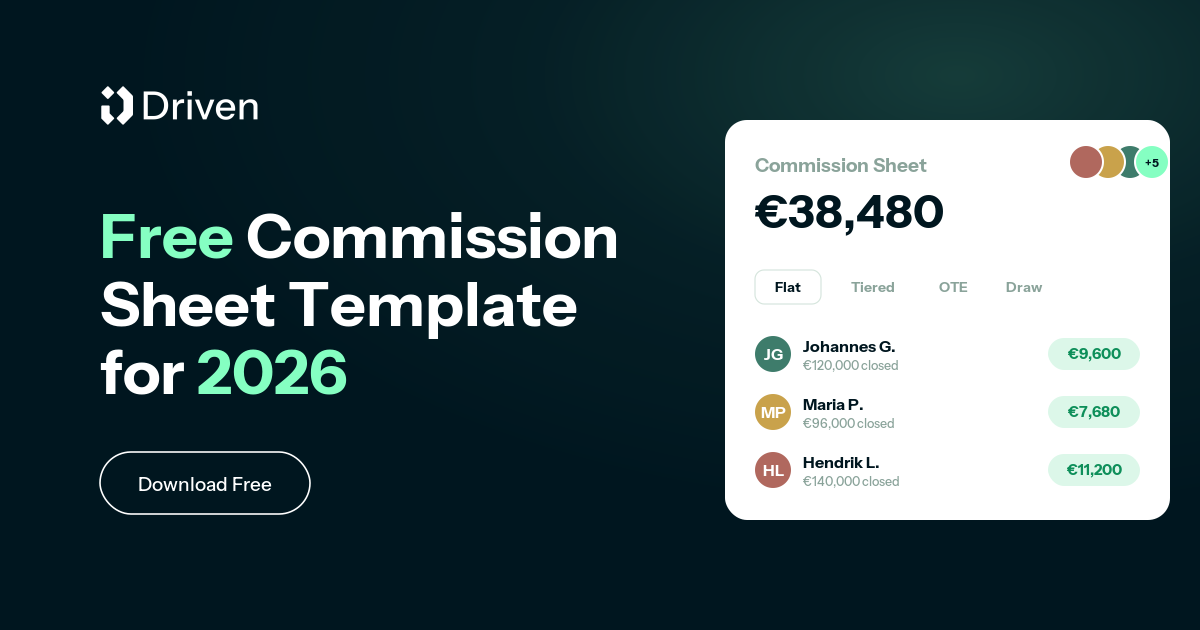
Free Commission Sheet Template: 8 Sales Commission Spreadsheets in One Excel File
Most commission plans don't fail because the idea is wrong. They fail because nobody modelled the numbers before rolling them out. A rate that looks generous on a slide turns into a payout you can't afford at 130% attainment, or an accelerator so flat that your best reps stop pushing the moment they hit quota.
So we built a free commission sheet template to fix that. It's one Excel file with eight ready-to-use sales commission spreadsheets, each structure on its own tab, each with live formulas and a filled-in sample row. Change a rate, a quota, or a revenue number and every payout updates instantly, and because everything lives in one workbook you can compare models side by side without juggling downloads.
Download the commission sheet template, or start for free and let Driven build the plan for you.

New to comp design? Start with our guide to sales compensation structure types, then model your pick here.
.png)
Sales Compensation Structure: Types, Examples, & How to Choose the Right Model
A sales team's compensation structure directly influences performance, motivation, retention, and revenue growth. When designed correctly, it encourages the right behaviors, rewards top performers, and aligns sales activities with business goals. When designed poorly, it can create confusion, reduce motivation, and drive unwanted behaviors.
Whether you're building your first sales team or refining an existing compensation plan, understanding sales compensation structures is essential for long-term success.



.svg%201.avif)