


Turn Salesforce into your commission engine

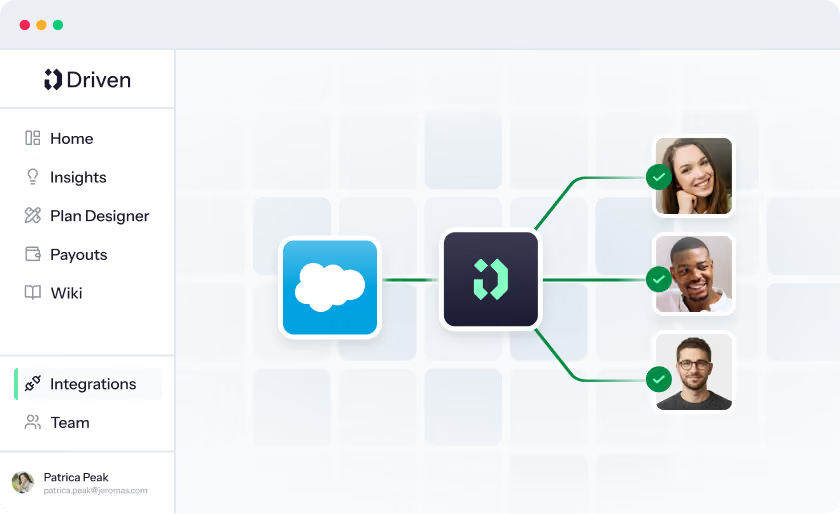
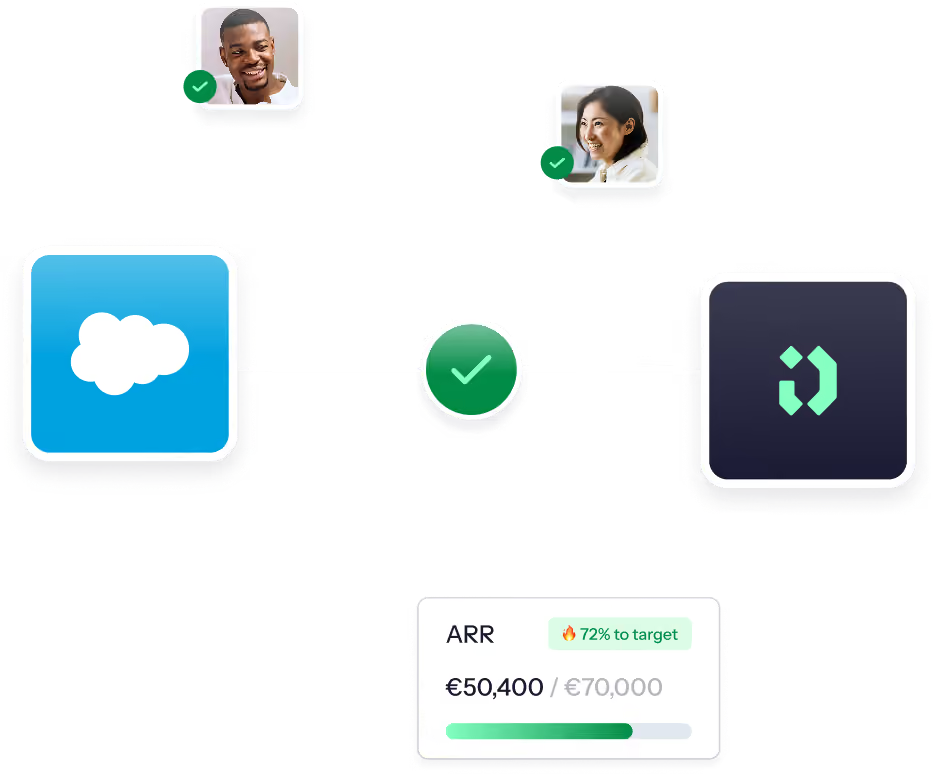
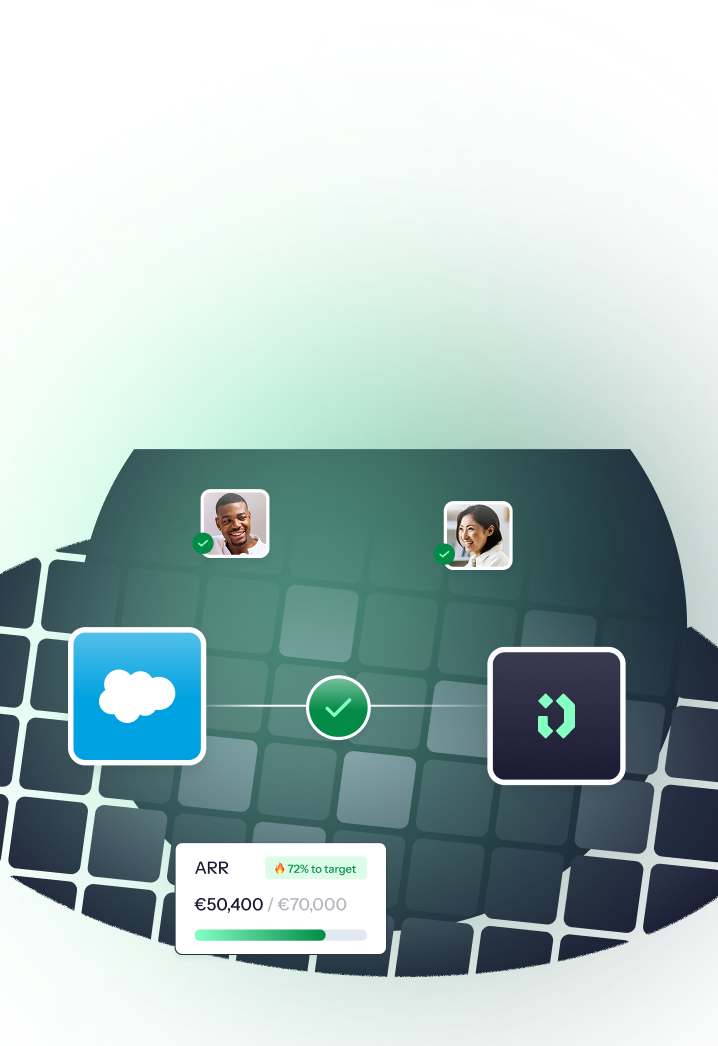
Driven runs your sales compensation directly on Salesforce data. Opportunities, quotas, and every field you track flow in automatically, so commissions calculate in real time and your team always sees where they stand.
Benefits

Why revenue teams run Driven on Salesforce

One connection puts your opportunities, your finance team, and your reps on the same numbers, updated the moment anything changes in your CRM.
Real-time sync, zero manual entry

Opportunities and fields flow from Salesforce into Driven the moment they change. No CSV exports, no rebuilt spreadsheets, no reconciling two systems that disagree. Your comp data is always as current as your CRM.

Salesforce stays the source of truth

Driven doesn't ask you to manage a second version of the truth. Comp logic reads live from Salesforce, and reps can open any opportunity in one click to see exactly what fed their payout.

Reps see their earnings live

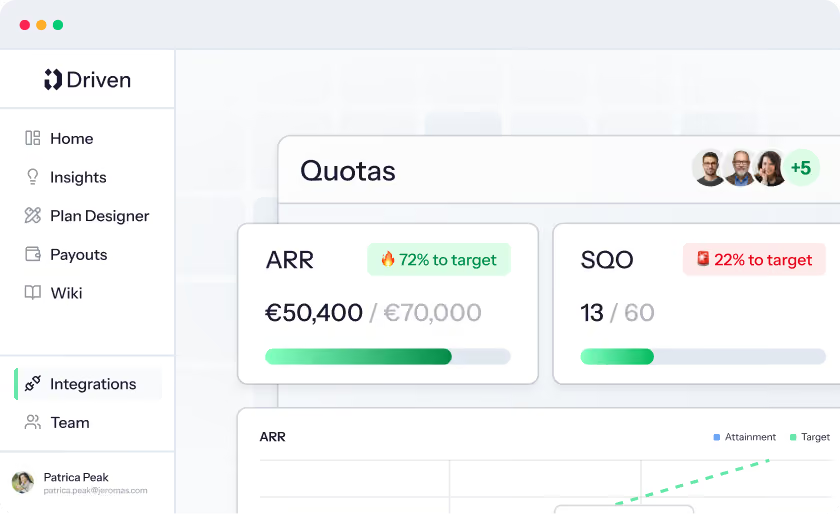
Every salesperson gets a personal dashboard that updates as opportunities progress. They can see their quota attainment and their commission to date, all tied back to real Salesforce opportunities.

Cleaner CRM data as a byproduct

When commissions run on CRM data, reps have a reason to keep it accurate. Tying pay to what's logged in Salesforce turns data hygiene from a chore into a habit, and better inputs mean better forecasting for everyone downstream.

Available in the
Chrome Web Store

Manage payouts without leaving your CRM

The Driven Chrome extension brings your payouts into the CRM you already work in, so you can view and manage them directly inside Salesforce.
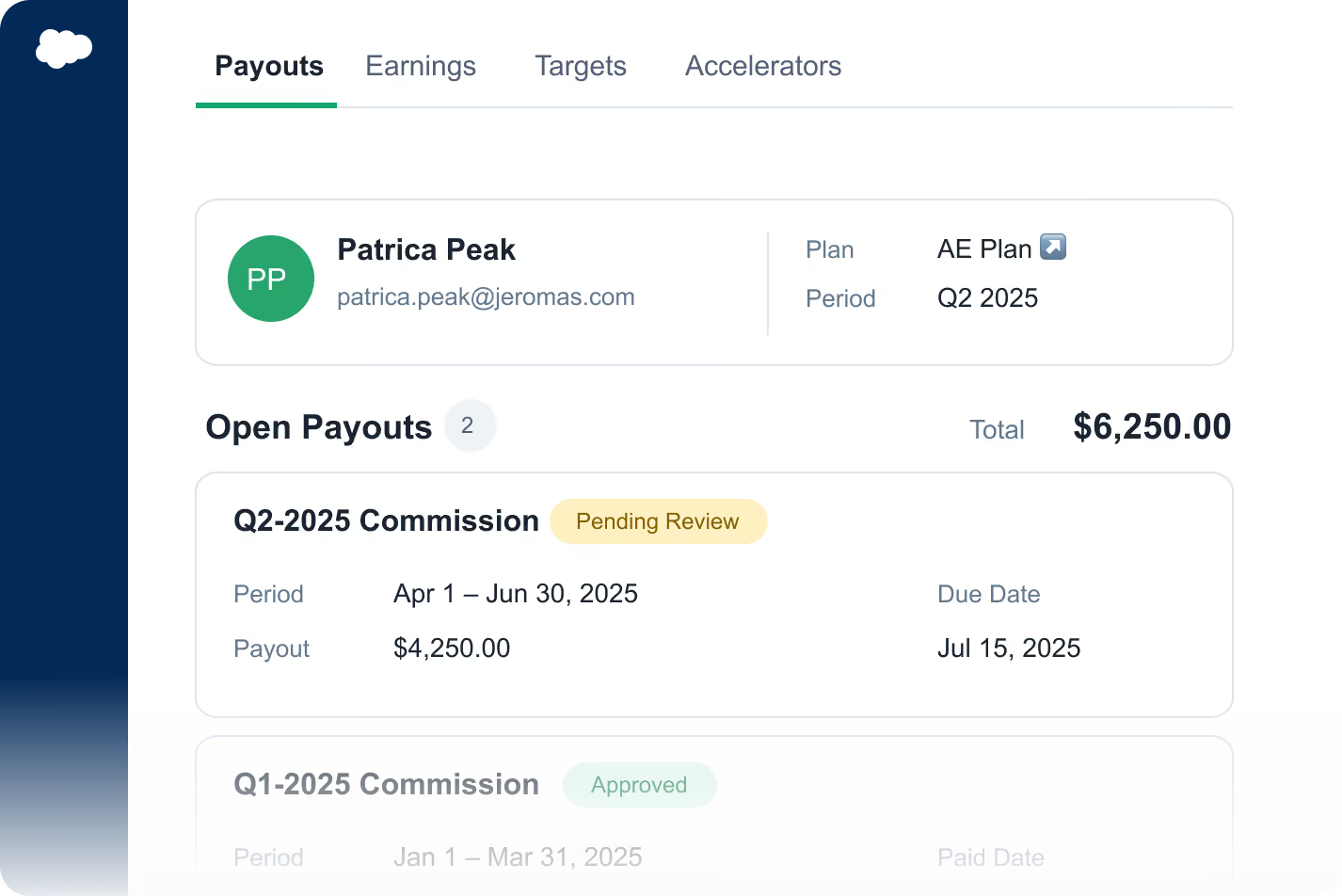
Driven payouts open inside HubSpot, showing a rep's payout breakdown and the deals included in itDriven payouts open inside HubSpot, showing a rep's payout breakdown and the deals included in it

Payouts where you work. Open and manage your Driven payouts inside your CRM, without leaving the opportunity you're on.

Everything in one place. Track commissions, align targets, and keep the team focused on performance, right where deals happen.

Built for reps who stay in the CRM. Install it if you'd rather not leave Salesforce to see where you stand.

Add to Chrome

Add to Chrome

Currently supported in HubSpot and Salesforce.
Customer proof

Trusted by teams who run revenue

Real operators using the agent to design, explain, and optimize comp without the manual work.
We went from spending 3 days on commission calculations to getting it done in 3 hours. Driven gave our reps real-time visibility into their earnings, which was a game-changer for our team.
Thijs Janse
SVP Revenue,
@Aikido Security

Read case study

Read case study

The automation features have saved us countless hours and eliminated errors in our commission calculations. I can't imagine going back to spreadsheets!
Thomas Vanhumbeeck
CEO, FixForm
With Driven, reps always know exactly where they stand. That clarity has genuinely changed how motivated our team is every day.
Steve Declercq
Co-founder, Bizzy

Read case study

Read case study

See your comp plan — fully built in minutes

Upload your plan and watch it turn into a live, validated structure

FAQ

Frequently Asked Questions

Got a quick question?
Get directly in contact with our team.

Contact us

Contact us

How does Driven connect to Salesforce?

Driven uses a native Salesforce integration that you authorize in a couple of clicks – no engineering work and no middleware. Once connected, your opportunities and fields are available to build plans on straight away.


Does Driven sync with Salesforce in real time?

Yes. Driven is built Yes. Opportunities and fields flow from Salesforce into Driven the moment they change, so commissions recalculate as your pipeline moves. There are no CSV exports or nightly batch jobs to wait on.

 HubSpot as the authoritative source. While a payout is in draft it stays in sync with HubSpot; once you approve it, the numbers lock so later changes don't affect what's already been paid.


What Salesforce data does Driven use?

Driven reads the opportunities, opportunity owners, quotas, and any Salesforce fields that drive your plans, which you choose when you map your data. Because comp logic reads live from those records, every payout traces back to a real Salesforce opportunity.


Do I have to manage a separate source of truth?

No. Salesforce stays your single source of truth – Driven reads from it live rather than asking you to maintain a second copy. Reps and admins can click straight through from a payout to the underlying Salesforce opportunity to see exactly what fed the number.


Can reps and admins see payouts inside Salesforce?

Yes. The Driven Chrome extension lets you view and manage payouts directly inside your CRM, so reps can track commissions without leaving Salesforce. The extension currently supports HubSpot and Salesforce.


What if some of the metrics I pay on aren't in Salesforce?

Metrics that don't live in your CRM can be brought in as manually entered KPIs and paid on alongside your Salesforce-sourced data. That way a plan can combine CRM opportunities with targets that sit outside the CRM.


Do I need to know how to code to build a plan on Salesforce data?

No. You can describe your plan to the AI agent in plain language and it will structure the comp logic against the right Salesforce fields for you to review. For power users, an Excel-like syntax is available to configure more complex structures.


Is my Salesforce data secure?

Yes. Driven is ISO 27001 and SOC 2 Type II compliant, with AES-256 encryption at rest and TLS 1.2+ in transit. Granular access controls mean reps see only their own data while managers see only their team's.


Does Driven work with other CRMs?

Driven integrates natively with both Salesforce and HubSpot, and the Chrome extension supports both. If you use a different system, reach out to the team about custom CSV import options.

Got a quick question?
Get directly in contact with our team.

Contact us

Contact us

integrations
Other Driven integrations to consider
Hubspot
crm

Driven runs your sales compensation directly on  HubSpot data. Deals, quotas, and every property you track flow in automatically, so commissions calculate in real time and your team always sees where they stand.

Slack
Productivity

Driven pushes wins, commission alerts, and personalized nudges into Slack in real time, and lets reps check their commissions and progress without ever leaving a conversation.