AI Tools for Sales Operations: A Practical Guide for 2026
TL;DR
- What they do: AI tools for sales operations take repetitive work off your team, keep CRM data clean and surface insights across planning, routing, forecasting and pay.
- The main lesson: match the kind of AI to the job. AI drafts, explains and flags; fixed rules calculate anything involving money or ownership; a human signs off.
- Best AI tools for sales ops: Driven (compensation), Fullcast (territory and quota planning), Clay (data enrichment), LeanData (lead routing), Gong (pipeline and forecasting).
- What's at stake: real teams lose from one or two days to two weeks per quarter on manual work.
- How to choose: start from your CRM, fix your source of truth, pick the one bottleneck that hurts most and test edge cases in a pilot.
Sales ops rarely runs on one system. A team might pull deals from Salesforce or HubSpot, reconcile them against billing or ERP data, update spreadsheets, answer rep questions and still spend hours checking that commissions and forecasts are right. That makes sales operations a natural fit for AI, but not every AI tool belongs in every part of the process.
This guide follows the full sales ops cycle, shows where AI helps, which tools are worth considering and where human oversight still matters. Driven's approach is simple: use AI where it removes repetitive work or finds patterns, and keep firm controls around calculations, approvals and other high-stakes work.
What "AI" Means in Sales Ops: Four Kinds You Need to Tell Apart
Some products sold as AI are really rules automation with a new label. Each of the four kinds below suits different jobs, and a language model that explains a commission beautifully should still not be doing the payroll maths.
Rules Automation: The Useful Workhorse
It's simple if/then logic, such as notifying finance when an opportunity reaches Closed Won or assigning a lead by territory. It cuts manual entry and human error, but it doesn't learn or predict. You don't need AI for every routine task, and a plain workflow is often the safer option.
Predictive AI: Finding Patterns in Sales Data
Predictive AI uses machine learning on historical data to estimate which leads will convert, which deals will close and how much revenue to expect. It saves analysts from sifting thousands of records, but it isn't a crystal ball: incomplete, biased or outdated data produces misleading predictions.
Generative AI: Reading, Writing and Explaining
Generative AI processes and writes language, so it suits unstructured information: summarising calls, explaining a sales process, turning a compensation plan into structured logic or acting as an assistant for reps and managers. Its catch is that it can be confidently wrong. Use it to interpret and communicate, and let deterministic systems handle calculations that must be right every time.
Agentic AI: From Answers to Actions
An AI agent monitors data, spots something that needs attention and acts within defined limits. It might notice a close date changing repeatedly and flag it to a manager with a summary, or alert a rep approaching a commission threshold. The bar for controls is higher: a bad summary is easy to catch, but an agent that changes data or starts a financial process can do real damage.
Why This Matters Now
CRMs are adding built-in AI, standalone agents can connect to business tools, and standards such as the Model Context Protocol (MCP) make it easier for AI assistants to work with external systems. More choice means more responsibility. The question isn't "Can we use AI here?" but "What kind of AI fits this job, and what happens if it gets it wrong?"
Why Foundations Matter: Garbage In, Garbage Out
AI is only as good as the data it reads. If deal amounts are wrong, owners are missing, close dates are stale or duplicates fill the CRM, an AI tool gives you the wrong answer faster and with more confidence.
Most sales ops data comes from the CRM, billing or ERP systems, BI tools and spreadsheets, and AI tools sit on top of some or all of them. The more disconnected those systems are, the harder it is for AI to know which number is right. That makes your existing tech stack part of any AI strategy.
What Is a Source of Truth?
It's the system everyone trusts when two numbers disagree. If your CRM says a deal is worth $100,000 and billing says $90,000, an AI tool can't choose until you've decided which is authoritative. It doesn't have to be one system for everything: the CRM can own opportunity ownership and pipeline stages while billing owns invoiced revenue.
What Is Data Hygiene?
It means keeping records complete, correct, consistent and free of duplicates: every opportunity has an owner, deal values and close dates are current, and formats are consistent. AI can help maintain hygiene by enriching missing fields, flagging odd records and prompting reps to update data at the right moment, but it won't fix an underlying data problem on its own.
Fix the data first, or choose AI tools that actively help you fix it.
How AI Works Across the Sales Ops Cycle
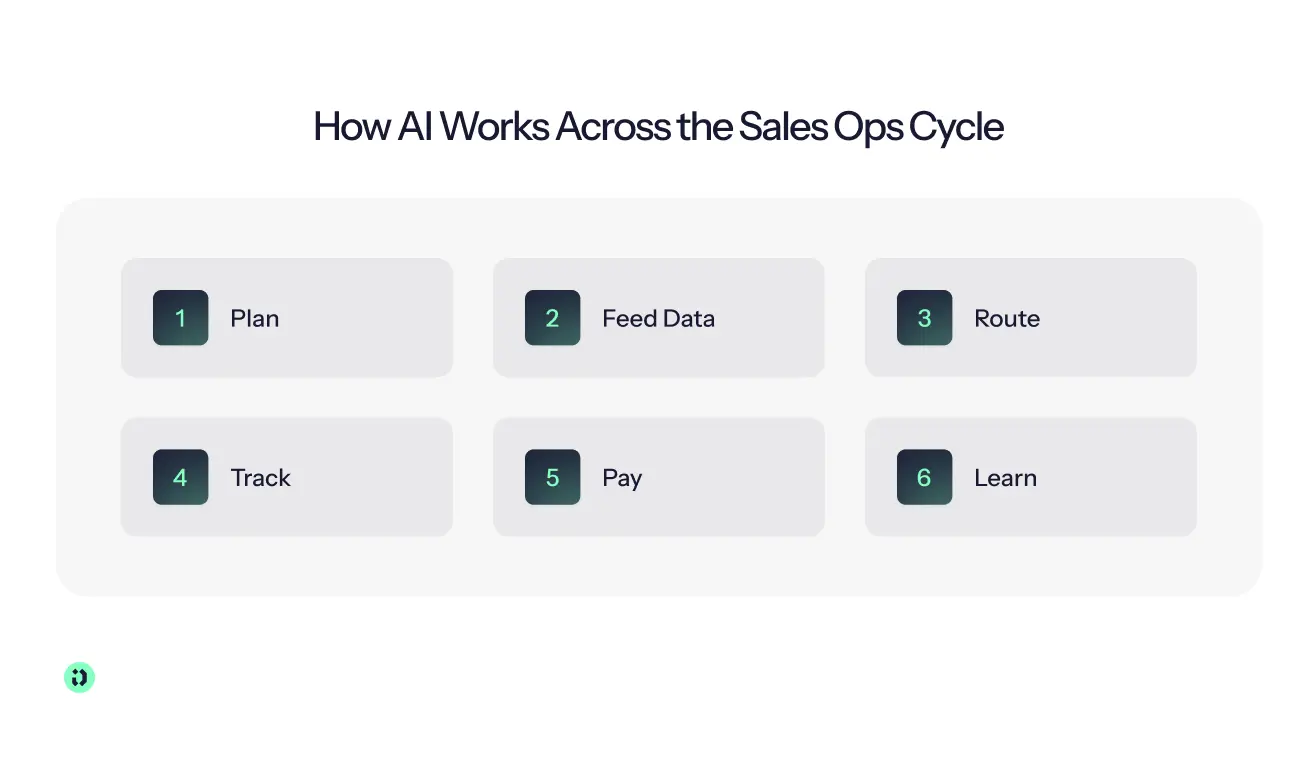
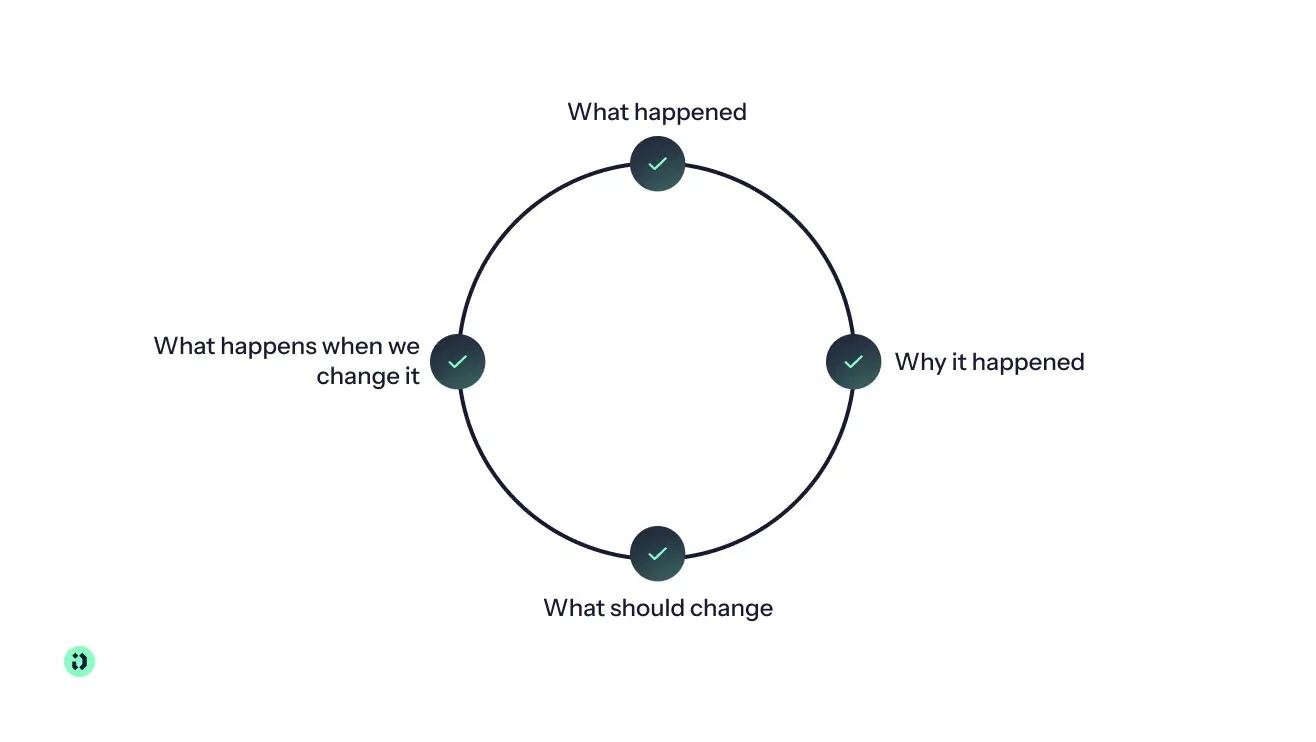
Sales ops runs as a loop: plan the quarter, feed data in, route leads, track the pipeline, pay people, then learn and adjust the next plan. The right kind of AI changes with each job, and high-stakes steps still need deterministic logic and human approval.
Step 1 – Plan: Territories, Quotas and Compensation Design
Before a quarter starts, sales ops decides who sells to which accounts, how much each rep needs to sell and how they get paid: territories, quotas and the comp plan, including on-target earnings (OTE), commission rates, accelerators and SPIFs.
This is one of the strongest use cases for predictive AI. Teams can model scenarios on historical data before committing: what happens if a territory changes, a rep inherits a different account mix or quotas rise 10%? Plan builders can turn a written plan or pasted contract into working logic, and simulations show what each rep would earn before the plan goes live.
Watch out: AI can model a plan, but leaders still decide whether quotas are achievable, territories are fair and incentives encourage the right behaviour.
Step 2 – Feed Data: Capture, Enrichment and Hygiene
Every other step depends on complete, correct CRM records: accounts, contacts, deals, amounts, owners and dates. AI fills in missing company and contact data, merges duplicates, logs calls and emails automatically, turns meeting notes into CRM updates and suggests field values.
There's an incentive angle too. If an AI commission tool only pays on complete CRM records, keeping data clean becomes part of the rep's own workflow instead of something sales ops has to chase.
Watch out: AI can improve data quality but can't decide what is true. You still need clear definitions, ownership and a source of truth.
Step 3 – Route: Getting Each Lead to the Right Rep
When a lead or account arrives, sales ops decides who gets it and how fast. That choice also decides who owns the deal and who gets paid for it. Routing rules typically weigh attributes such as territory, product interest and geography, and in Salesforce's assignment rules the order matters because the first match wins (see this lead routing best practice guide).
AI can make routing more dynamic than a fixed rule list: scoring leads by intent and company profile, assigning them instantly and, with agentic AI, re-routing a lead nobody picks up in time.
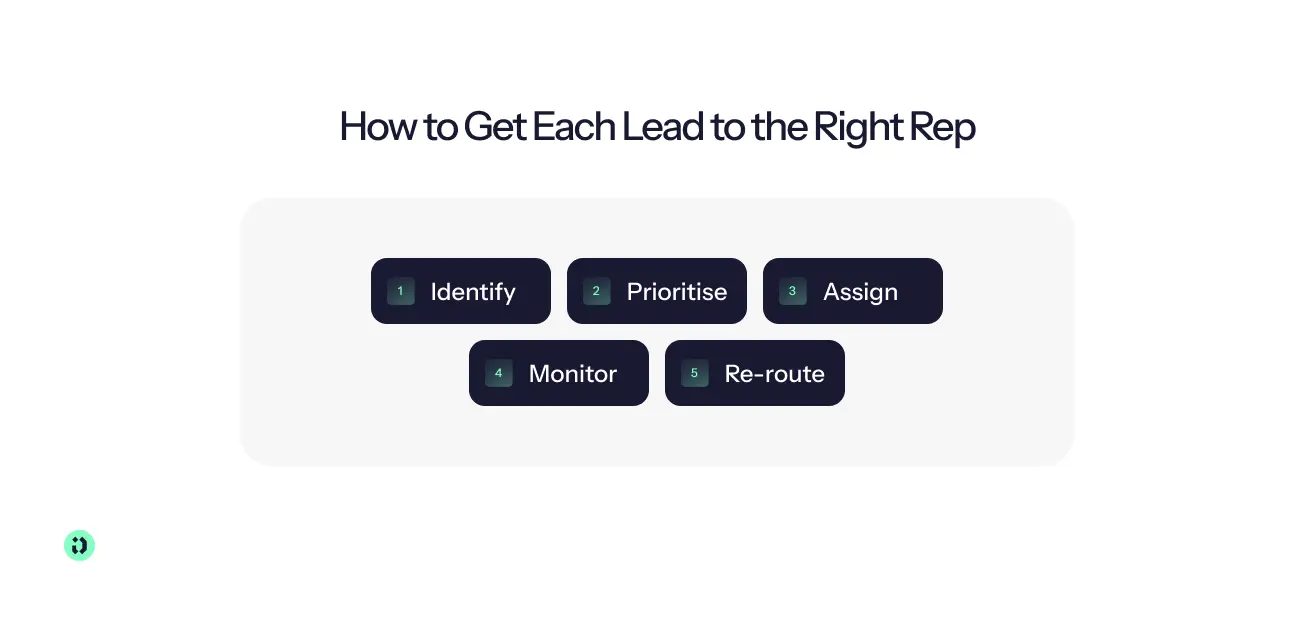
Watch out: define the routing logic first, including what happens when no rep is a perfect match and when a human steps in. Routing that looks efficient can still cause pay disputes if ownership rules don't match territories and compensation.
Step 4 – Track: Pipeline Management and Forecasting
During the quarter, sales ops tracks every open deal and predicts what will close. AI scores deal risk, analyses calls and emails for buying signals, objections and sentiment, rolls opportunities into a forecast automatically and spots patterns such as deals repeatedly pushed to next quarter or a rep who stops building pipeline.
Forecast accuracy is a real problem. Gartner research found that only 7% of sales organizations reach forecast accuracy of 90% or higher, median accuracy sits between 70% and 79%, and 69% of sales operations leaders say forecasting is becoming more challenging. Stale or duplicate records and poorly calibrated stage probabilities are common culprits.
Watch out: AI doesn't make a forecast accurate by being AI. Use it to show managers which deals need attention and where the forecast is moving, not to replace judgement. Tool pick: Gong, in the tools section below.
Step 5 – Pay: Commissions, Approvals and the Finance Handoff
At the end of each period, sales ops calculates what every rep earned, gets it approved and hands it to finance for payroll. This is where a wrong AI answer costs the most trust.
Driven is built for this step. AI builds the plan from a pasted contract, deterministic logic calculates earnings in real time from CRM data, and reps can ask "Why did I earn this?" at deal level or "What do I need to close to earn €8,000?". An agent nudges reps near a threshold, and payouts go through approval before they're locked and sent to finance.
Watch out: that's the line between a useful AI sales tool and a chatbot doing maths. When money is involved, AI should explain and flag while fixed rules calculate. More in the Driven section below.
Step 6 – Learn: Reporting, Analytics and Closing the Loop
After the quarter, sales ops reviews what happened and feeds it into the next plan. Instead of building a dashboard for every question, people can ask in plain language through Claude, ChatGPT or Slack, connected to business tools via MCP. AI can also automate management reports and surface metrics such as commission ROI per rep and pay-for-performance.
Watch out: dashboards still earn their place for recurring metrics. AI is most useful for the question no standard report answers.
Build It Yourself, Extend Your CRM or Buy a Specialist?
Once you know where AI could help, you have three routes. Your CRM ecosystem usually decides the shortlist.
Build With Claude or ChatGPT
General-purpose assistants are excellent for experiments: paste in a comp plan and ask for the rules, analyse a CSV, draft forecast commentary. It's also why many comp owners have already "vibe-coded" a commission calculator. That's fine for low-risk work. The problem starts when the prototype becomes the production system, because you now own the logic, the checks, the access to sensitive data and every misread edge case. Use general-purpose AI to prototype and assist, and be cautious about making it the system of record for anything that decides someone's pay.
Extend Your CRM's Native AI
HubSpot Breeze and Salesforce Einstein and Agentforce can already summarise records, predict outcomes, update fields and run agents on data your CRM holds. That context is the advantage: less integration and fewer tools for reps to learn. The trade-off is depth, since native AI serves a broad range of sales processes rather than specialist jobs like compensation, and you may not want salary and commission data in the same environment as your wider customer data.
Buy a Specialist
A specialist tool goes deeper because its workflows, data model and controls are built around one problem. Start the shortlist with your CRM (Salesforce, HubSpot or another), then choose by job: routing, forecasting, enrichment, conversation intelligence or commissions. The right tool isn't the one with the most AI features. It's the one that solves a defined problem, fits your stack and has the controls to match the cost of an error.
Best AI Tools for Sales Operations
We picked tools on five criteria: native CRM integration, deterministic logic wherever money or ownership is involved, human review and approval, insights delivered where people already work and realistic setup time. A tool that saves an hour a week but adds another system to maintain isn't much of an improvement.
Disclosure: Driven, the company behind this guide, makes one of the tools below. We applied the same criteria to Driven as to the others and list its limitations too.
Driven – Best AI Tool for Sales Compensation
Driven is an AI-powered sales compensation platform that turns a written comp plan into working, deterministic commission logic, connects it to live CRM data and manages the process from plan design to payout. It combines generative and agentic AI with a deterministic calculation engine, so AI can design, explain and monitor the plan without a language model improvising the commission maths.
The AI plan builder takes a plan in PDF, spreadsheet or plain text and structures it into readable formulas you can check and edit. It supports tiers, accelerators, quota- and OTE-based logic, SPIFs, splits, role-specific plans and different payout cadences and fiscal years. Driven syncs natively with HubSpot and Salesforce, and payouts move through defined states and approvals, with approved payouts locked against later CRM changes. The agent answers reps in Slack, Microsoft Teams or inside HubSpot, traces each answer back to its source, sends threshold nudges and connects to Claude and ChatGPT through MCP. Aikido Security cut commission calculation from three days to three hours, and Bizzy reports about 90% fewer disputes.
Best fit
B2B teams from small sales organisations to mid-market, on HubSpot or Salesforce, especially where plans change often or reps keep questioning their payouts.
Limitations
Driven is less suited to organisations looking for highly customised reporting environments or unusual edge cases that fall outside the supported compensation logic. Some exceptions may still need manual handling, and teams with extremely bespoke enterprise requirements should test their specific plans during a pilot.
Pricing
Three packages. Starter is free for up to three seats and one plan, with Driven Agents, self-service setup and in-app support. Pro is custom-priced, from three seats, with unlimited plans, guided setup and a dedicated Slack channel. Enterprise is custom-priced, from 35 seats, adding multi-currency, custom fiscal years, performance insights, custom branding and dedicated setup.
Verdict
Best choice if you want AI to operate the compensation workflow, not just produce the final number.
Alternatives
- CaptivateIQ suits complex, frequently changing plans with a dedicated comp admin.
- QuotaPath fits smaller teams that mainly need tracking and payouts.
- Salesforce Spiff is the obvious pick for Salesforce-heavy organisations.
Fullcast – Best AI Tool for Territory, Quota and Capacity Planning
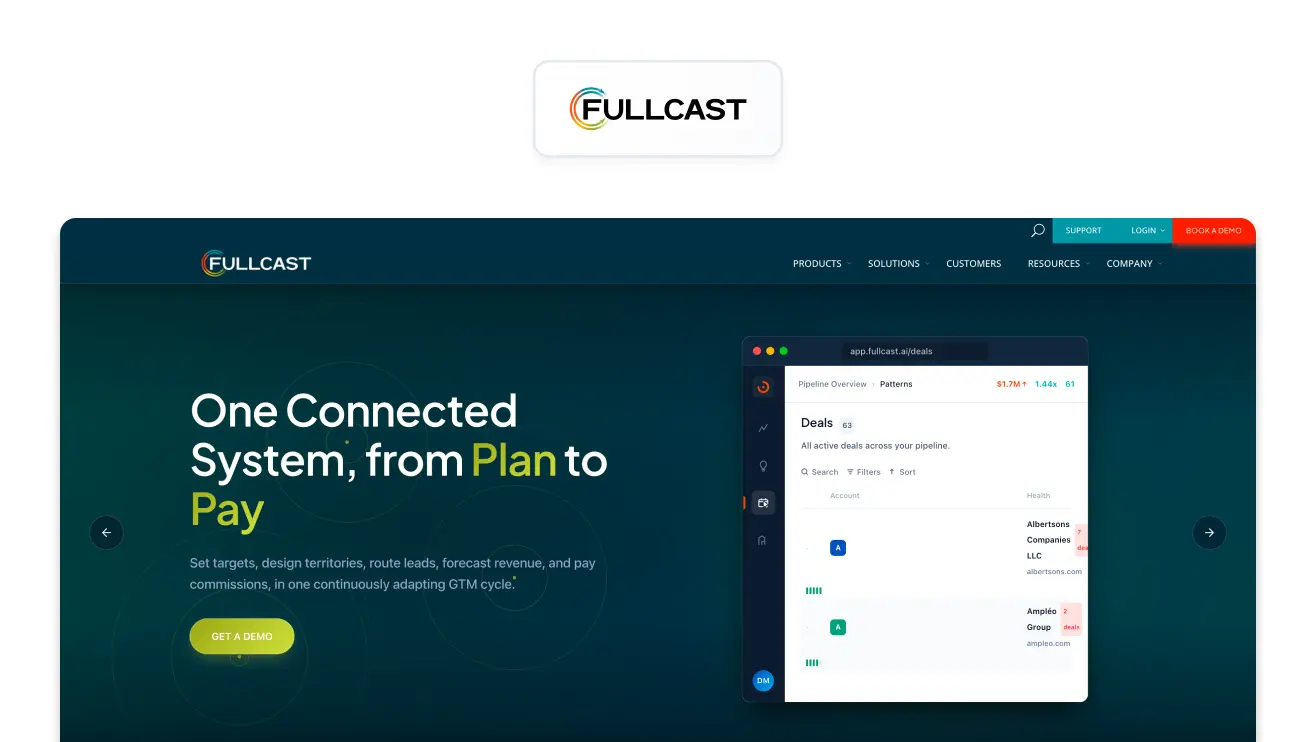
Fullcast is a revenue planning and execution platform with AI-enabled scenario modelling for territories, quotas and capacity. Its Smartplan feature uses an AI-based rules engine to optimise territories against your criteria, and it can deploy the resulting plan into Salesforce and keep tracking assignment changes, coverage and routing. That link between planning and execution suits organisations whose territory and quota decisions change often.
Best fit
Mid-market and enterprise teams with complex territories, Salesforce at the centre and dedicated RevOps or planning resources.
Limitations
It's more platform than plug-in. Smaller teams with simple territories and quotas may find the effort disproportionate.
Pricing
Standard and Professional plans, quoted by the sales team. Standard covers territory planning, what-if modelling, AI-powered balancing, capacity tracking, reporting and Salesforce sync. Professional adds manager workflows, team-based planning, routing, account families and a sandbox.
Verdict
Best for teams that need territory, capacity and quota planning to work as one continuous system.
Alternatives
- Anaplan suits enterprises planning sales alongside finance and workforce.
- Varicent combines sales performance management with territory, quota and incentive planning.
- Pigment is a flexible planning platform for capacity and workforce scenarios.
Clay – Best AI Tool for Data Enrichment and Hygiene
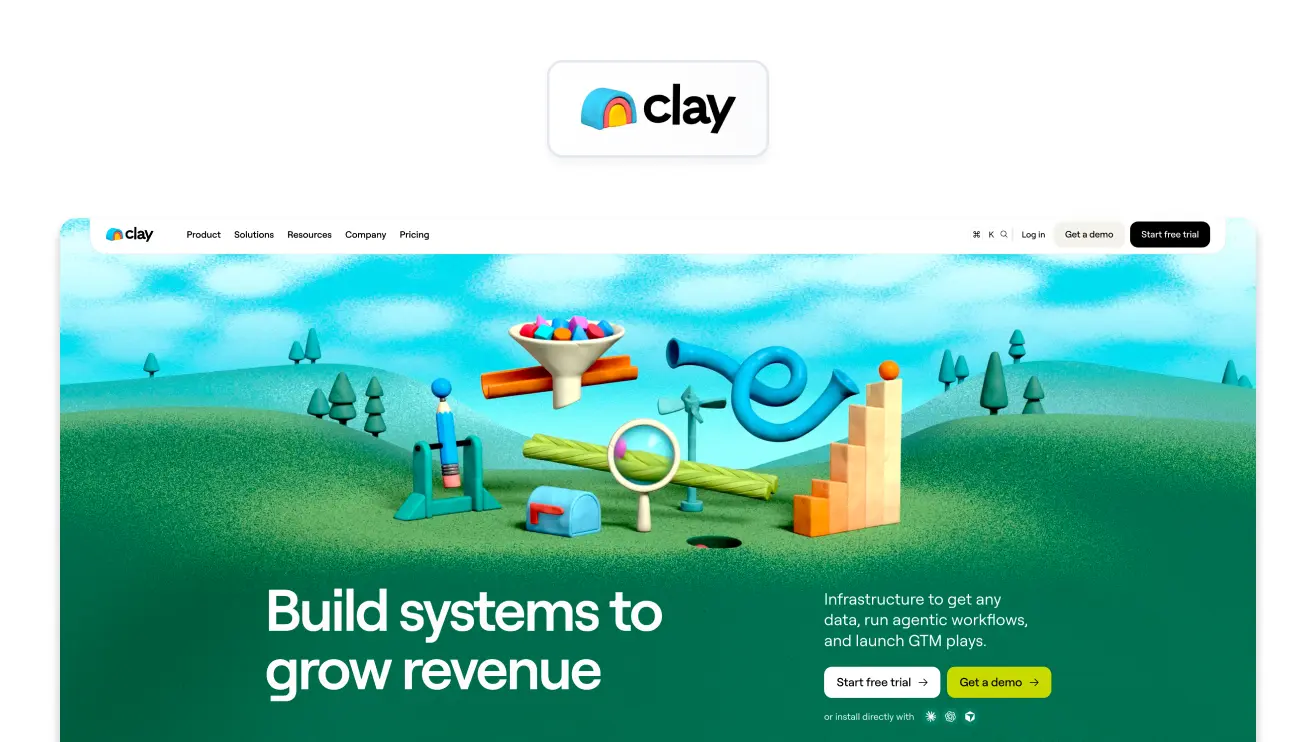
Clay combines data from more than 150 providers with AI research and workflow automation to enrich, clean and maintain CRM records. Its agent, Claygent, does web research, and workflows can waterfall across providers, enrich new records as they arrive, refresh old ones and write results back to the CRM. That matters when clean data means more than removing duplicates.
Best fit
RevOps and sales teams that need flexible enrichment across large datasets without depending on one data provider.
Limitations
Clay can grow into its own GTM orchestration layer, so it needs more configuration than a simple enrichment product. Its usage-based model means you must understand actions and data credits to estimate cost.
Pricing
Free plan; Launch from $167/month billed annually ($185 billed monthly), with 15,000 actions a month and 30,000 data credits a year; Growth from $446/month billed annually ($495 billed monthly), with 40,000 actions a month, 72,000 data credits a year and CRM sync. Enterprise is custom.
Verdict
Best for teams that want flexible, AI-assisted enrichment rather than one static database.
Alternatives
- ZoomInfo offers large-scale B2B coverage.
- Apollo pairs contact data with sales engagement.
- Cognism is strong for European teams needing GDPR-conscious data.
LeanData – Best AI Tool for Lead Routing and Assignment
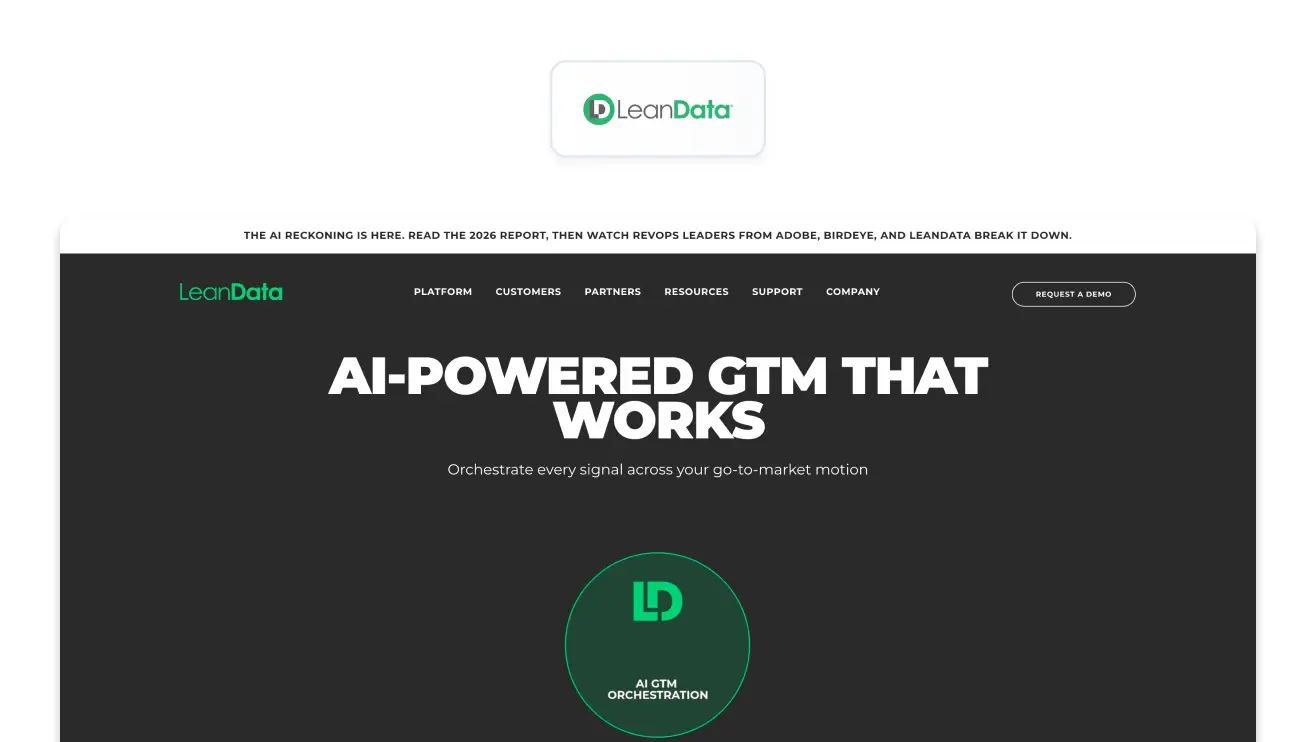
LeanData matches leads, accounts and opportunities to the right owner and workflow, with logic that accounts for territory, ownership, capacity and business rules. Its strength is automating the complex routing rules ops teams otherwise maintain by hand, rather than asking a generative model to decide who gets a lead. That helps most when assignment spans several objects or changes often.
Best fit
Mid-market and enterprise Salesforce teams with complex routing, multiple territories or lead-response SLAs.
Limitations
It is a routing and orchestration platform, so enrichment, forecasting and wider automation need other tools.
Pricing
Custom packages across Standard, Advanced and Premium editions, based on features, Salesforce objects and user or queue counts. BookIt and Buying Groups are add-ons, and implementation is billed separately.
Verdict
Best for Salesforce teams whose routing has outgrown native CRM workflows.
Alternatives
- Chili Piper is strong at turning inbound demand into booked meetings.
- Default focuses on inbound routing and qualification.
- Native HubSpot or Salesforce routing may be enough for simple territory and ownership rules.
Gong – Best AI Tool for Pipeline Management and Forecasting
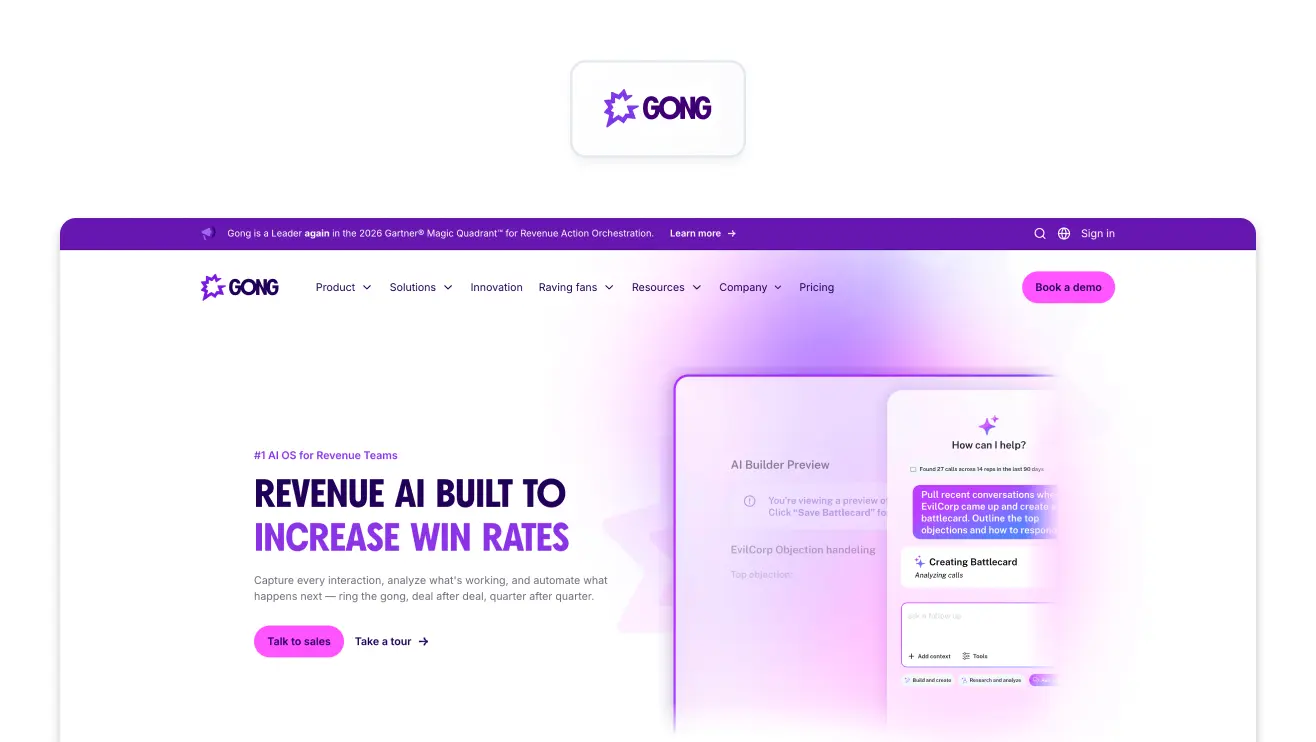
Gong uses conversation intelligence to analyse customer interactions, pipeline activity and sales behaviour, helping teams understand deal health and forecast better. Rather than relying only on fields reps update, it picks up buying behaviour, risks and shifts in momentum from conversations, giving managers a second source when judging pipeline and forecast.
Best fit
Mid-market and enterprise teams with enough calls and pipeline volume to benefit from revenue intelligence.
Limitations
It's a significant investment and depends on enough conversations and CRM data. Smaller teams with simple pipelines may do better with native CRM forecasting.
Pricing
Custom, combining per-user licences with a platform fee based on users supported. Gong says integrations with your existing stack are free, but you need a tailored proposal.
Verdict
Best for teams that want AI to read the signals behind the pipeline, not just the fields inside it.
Alternatives
- BoostUp focuses on revenue intelligence, pipeline inspection and forecasting.
- People.ai combines activity capture with pipeline intelligence.
- Native Salesforce and HubSpot forecasting suit simpler processes where you'd rather avoid another platform.
How to Evaluate AI Tool Vendors
A good demo makes almost any AI tool look impressive. The better test is what happens when data is late, the plan changes, a rep disputes a number or an integration breaks.
A tool that costs more per month but replaces two weeks of manual work each quarter can be cheaper than a low-cost tool that still needs spreadsheets around it.
Rolling It Out: A 30/60/90-Day Plan
Don't automate the whole cycle at once. Trying to is the quickest way to turn an AI project into an implementation nobody has time to finish.
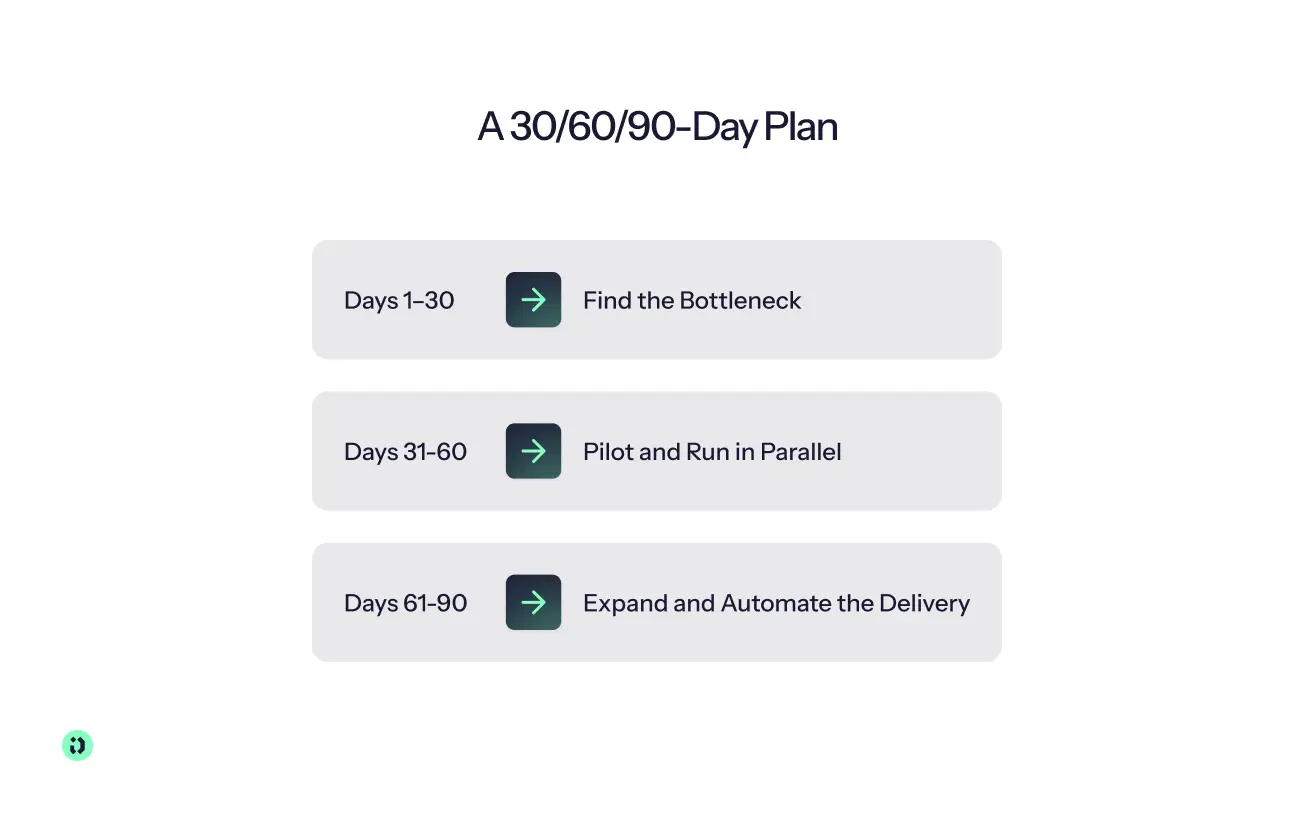
- Days 1–30: find the bottleneck. Map where your source of truth lives and pick the one job that costs the most time or risk, such as commissions, routing, data quality or forecasting. Measure it first: how long it takes, who touches it, how often it errs. Three days of quarterly commission work is a far better starting point than "introduce AI everywhere".
- Days 31–60: pilot and run in parallel. Start with one team, region or country. For anything financial, run a shadow plan: the existing process produces the official result while the new system produces a second one, and you compare them across real deals. This is where split deals, ownership changes, clawbacks and spreadsheet-only rules surface. Test permissions, approvals, CRM sync and the questions reps actually ask.
- Days 61–90: expand and automate delivery. Roll out to the next team or region, then switch on nudges, automated reporting and answers in Slack, Teams, HubSpot or Salesforce. The goal is a measurable process with less manual work and more reliable data, then the loop starts again: plan, feed data, route, track, pay, learn.
Limitations: When AI Isn't the Answer
The question isn't whether AI can perform a task but whether the consequences of getting it wrong are acceptable.
The EU AI Act
GDPR still applies wherever personal data is involved, and the EU AI Act adds requirements for some use cases. Systems used in employment contexts, including certain ones that allocate tasks or monitor and evaluate people at work, can fall into the high-risk category (see the European Commission's digital package FAQ). That doesn't make every sales ops AI tool high-risk: the specific use case and system matter.
From 2 August 2026 the Act is generally applicable. The Digital Omnibus on AI, Regulation (EU) 2026/1744, entered into force on 27 July 2026 and moved the rules for Annex III high-risk systems, including relevant employment uses, from 2 August 2026 to 2 December 2027. AI literacy obligations have applied since 2 February 2025. Where employee data is involved, bring legal, privacy or security in before connecting production data.
Why Sales Ops Teams Choose Driven
Of the six jobs in the cycle, paying people is where errors cost the most trust, and it's the job Driven is built for. Here is how it applies this guide's own framework.
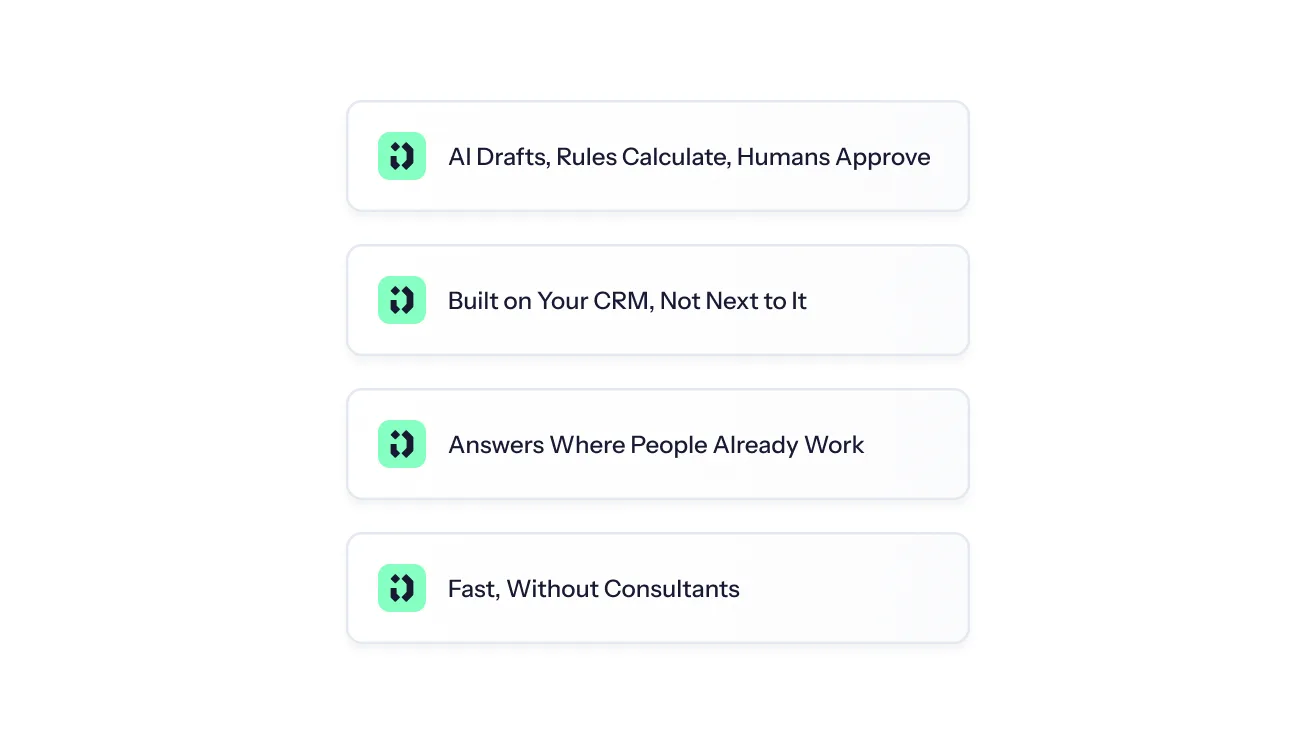
AI Drafts, Rules Calculate, Humans Approve
Reps and admins describe a plan in plain language or paste a contract, and the Driven Agent turns it into readable, Excel-like formulas that admins can review and edit. Those fixed rules calculate every payout the same way from CRM data. Nothing is paid without approval, and once a payout is approved and marked paid it's locked against later CRM changes. Corrections run as clawbacks or true-ups rather than silently rewriting payment history.
Built on Your CRM, Not Next to It
Driven syncs natively and in real time with HubSpot and Salesforce, so the CRM stays the source of truth instead of spawning a commission spreadsheet. It also gives reps a reason to keep deal amounts, owners and close dates accurate, because those fields directly affect the numbers they see.
Answers Where People Already Work
Reps see live earnings and ask "Why did I earn this?" or "What do I need to close to earn X?", with nudges and alerts in Slack, Microsoft Teams, email or inside HubSpot. Adoption doesn't depend on anyone logging in, and sales ops fields fewer "where did this number come from?" requests.
Fast, Without Consultants
Driven's product page reports setup going from six weeks to about 45 minutes, with a messy plan uploaded, structured and checked against historical payouts. The customer evidence backs it up: Aikido Security went from three days of quarterly commission work to three hours and was live with 120+ reps in six regions within a week of connecting HubSpot. Bizzy cut commission disputes by roughly 90% and saved each rep about four hours a month. Driven is ISO 27001 and SOC 2 Type II compliant, with encryption and granular access controls for sales and payroll data.



See your comp plan, fully built in minutes

Frequently Asked Questions About AI Tools for Sales Operations
About the author





- What they do: AI tools for sales operations take repetitive work off your team, keep CRM data clean and surface insights across planning, routing, forecasting and pay.
- The main lesson: match the kind of AI to the job. AI drafts, explains and flags; fixed rules calculate anything involving money or ownership; a human signs off.
- Best AI tools for sales ops: Driven (compensation), Fullcast (territory and quota planning), Clay (data enrichment), LeanData (lead routing), Gong (pipeline and forecasting).
- What's at stake: real teams lose from one or two days to two weeks per quarter on manual work.
- How to choose: start from your CRM, fix your source of truth, pick the one bottleneck that hurts most and test edge cases in a pilot.

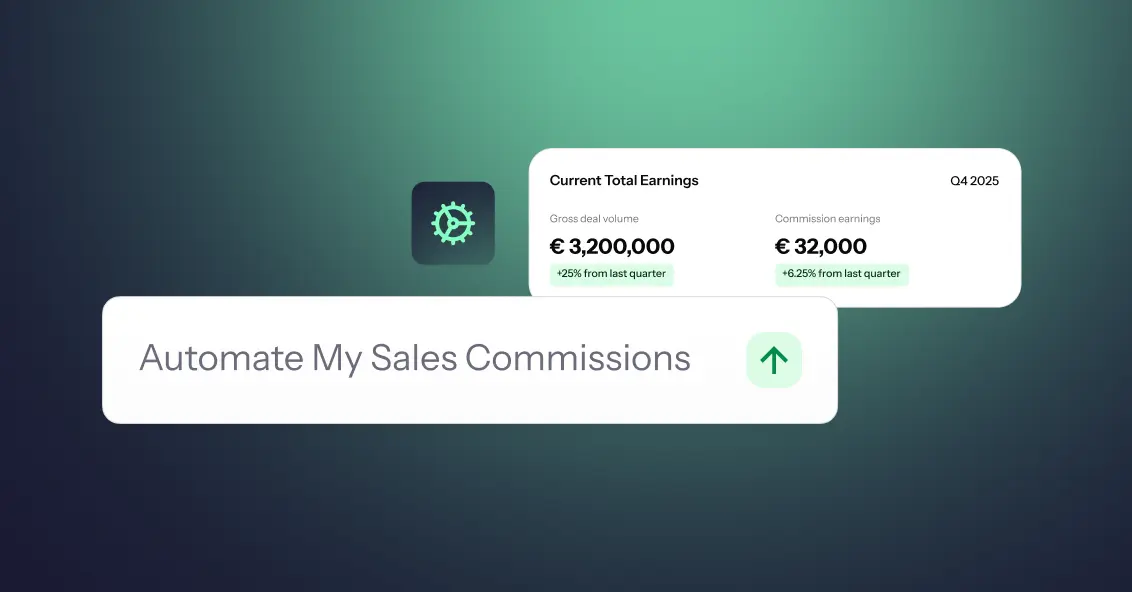
- Sales commission automation is the process of using rules, data, and automated systems to calculate, track, approve, and report sales commissions with less manual effort.
- You can automate sales commissions with spreadsheets, build a custom system, or use dedicated sales commission software, depending on your team's size, commission structures, and business needs.
- A useful rule of thumb is: AI can help draft and explain plans, rules should calculate payouts, and humans should approve them.
- To get started, identify your source of truth, clean your CRM and sales data, document your commission rules, and then choose the automation approach that fits your commission process.
- Aikido Security used Driven to cut its commission processing time from 3 days to 3 hours, while giving 120+ sales reps real-time visibility into their earnings.
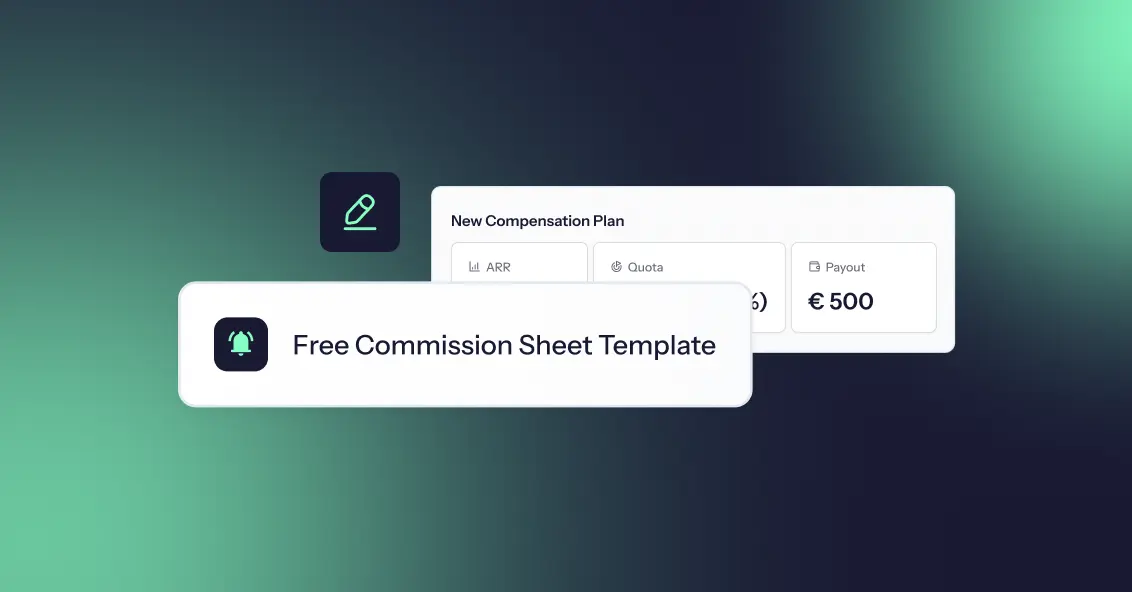
Most commission plans fail because nobody modelled the numbers before rolling them out. A rate that looks generous on a slide turns into a payout you can't afford at 130% attainment, or an accelerator so flat that your best sales reps stop pushing the moment they hit quota.
So we collected the eight most common sales commission structures into a single free commission sheet template. It is one workbook with a commission spreadsheet for each structure, each with live formulas and a filled-in example. Change a rate, a quota, or a revenue number and every payout updates instantly, so you can compare sales commissions across models in one place.
Open the template in Google Sheets or start for free and let Driven build the plan for you.