How to Build a RevOps Tech Stack That Actually Works Together in 2026
TL;DR
Revenue Operations has become the foundation of modern revenue teams in 2026. What once focused mainly on aligning sales and marketing now connects every revenue-related function, workflow, and process across the organisation. However, many companies still struggle with disconnected tools and fragmented systems. Businesses invest in CRMs, forecasting platforms, analytics software, customer success tools, and compensation management systems, but often end up with siloed data and inefficient workflows.
As a result, teams spend more time fixing operational issues than driving growth. A successful RevOps tech stack is not about having more software, it’s about ensuring every tool works together seamlessly. In this guide, we’ll explore how to build a connected RevOps stack that improves visibility, automation, and operational efficiency while reducing complexity. We’ll also look at how platforms like Driven help automate commission operations with AI-powered workflows.
What Is a RevOps Tech Stack?
A RevOps tech stack is the collection of systems, platforms, and tools used to manage revenue operations across your organisation.
It typically includes software for:
- CRM management
- Marketing automation
- Sales engagement
- Revenue forecasting
- Compensation management
- Customer success
- Analytics and reporting
The goal of a RevOps stack is not simply to “have tools". The goal is to create a unified operational system where data flows seamlessly across teams. When built correctly, a RevOps stack helps organizations:
- Eliminate manual work
- Improve forecasting accuracy
- Align sales, finance, and customer success
- Increase visibility into revenue performance
- Reduce operational inefficiencies
- Scale revenue processes efficiently
The problem is that many companies build stacks reactively instead of strategically.
Why Most RevOps Tech Stacks Fail
Most RevOps problems are not caused by a lack of software. They are caused by poor system design. Here are the most common reasons RevOps stacks break down.
.png)
1. Tool Sprawl
Tool sprawl happens when different departments purchase software independently without considering overall operational alignment. Marketing, sales, finance, and customer success often end up using separate systems that do not communicate properly. This creates disconnected workflows, duplicate work, and fragmented data across the organisation.
2. Poor Integrations
A RevOps stack depends heavily on smooth integrations between tools. When systems fail to sync data correctly, companies face issues like duplicate records, inaccurate forecasts, and manual data handling. Even small integration problems can disrupt revenue operations and reduce reporting accuracy.
3. Siloed Reporting
Siloed reporting occurs when different teams rely on separate data sources and dashboards. Sales, finance, and leadership may all see different revenue numbers, creating confusion and reducing trust in reporting. Without a shared source of truth, decision-making becomes slower and less reliable.
4. Low Team Adoption
A RevOps stack only works if teams actively use the tools. Complex workflows, poor user experience, and disconnected systems often push employees back to spreadsheets and manual processes. Low adoption reduces visibility, weakens automation, and creates operational inefficiencies.
5. Automating Broken Processes
Automation cannot solve poorly structured processes. Many companies automate workflows before clearly defining approvals, ownership, compensation rules, and operational handoffs. This often creates faster inefficiencies instead of improving operations.
The Core Components of a Modern RevOps Stack
While every company’s stack will look slightly different, most high-performing RevOps teams rely on several core categories of tools.
.png)
1. CRM (Core System of Record)
The CRM is the foundation of RevOps and acts as the single source of truth for all revenue data.
It stores:
- Customer information
- Pipeline and deal stages
- Revenue activity
- Sales performance data
Popular tools include Salesforce, HubSpot, and Pipedrive. If the CRM is not maintained properly, the entire RevOps stack becomes unreliable.
2. Marketing Automation
These tools manage lead generation and nurture prospects through the funnel.
They help with:
- Lead scoring
- Email nurturing campaigns
- Attribution tracking
- Funnel performance analysis
Common platforms include Marketo and HubSpot, now closely linked with revenue forecasting systems.
3. Sales Engagement
Sales engagement tools streamline and automate outreach activities for sales teams.
They handle:
- Email sequences
- Call tracking
- Activity logging
- Prospect engagement workflows
Tools like Outreach and Salesloft ensure engagement data flows directly into the CRM.
4. Revenue Intelligence & Forecasting
These platforms help improve visibility and accuracy across the pipeline.
They focus on:
- Pipeline health analysis
- Deal risk detection
- Forecast accuracy
- Revenue trend monitoring
Clari and Gong are leading tools, increasingly powered by AI-driven insights.
5. Compensation & Incentives
Commission management is a critical part of RevOps as teams scale.
Challenges of manual systems:
- Payout disputes
- Reporting errors
- Operational delays
- Lack of transparency
Platforms like Driven help teams:
- Automate commission calculations
- Improve payout transparency
- Reduce manual effort
- Streamline incentive workflows
- Enable AI-powered compensation operations
6. Customer Success Platforms
These tools focus on retaining and growing existing customers.
They help with:
- Customer health tracking
- Churn prediction
- Renewal management
- Expansion opportunities
Gainsight and ChurnZero are widely used and connect success metrics back to revenue outcomes.
7. Analytics & BI
BI tools provide centralised reporting and visibility across revenue operations.
They enable:
- Executive dashboards
- Revenue performance analysis
- Unified reporting
- Operational monitoring
Looker and Tableau help ensure all teams work from consistent, reliable data.
How to Build a RevOps Tech Stack That Actually Works Together
Now that we’ve explored the core components of a RevOps stack, the next step is understanding how to connect them into a system that actually works. A strong RevOps stack isn’t built by collecting tools; it’s built by designing workflows, data flows, and automation in a structured way. The goal is to reduce friction between teams, improve data accuracy, and create a single, reliable revenue engine.
Step 1: Start With Revenue Processes, Not Software
Before choosing any tools, you need a clear understanding of how revenue actually moves through your organisation. This means mapping the full lifecycle from lead generation to closed-won deals and renewals.
Focus on:
- How leads move through the funnel
- How handoffs happen between teams
- Where bottlenecks slow down deals
- Which tasks are still manual
- What metrics leadership depends on
Once these processes are clear, technology becomes easier to choose and align. The key principle is simple: software should support your revenue process, not define it. When companies start with tools instead of workflows, they often end up redesigning everything later.
Step 2: Establish a Single Source of Truth
One of the biggest challenges in RevOps is inconsistent data across systems. When different tools store different versions of the same information, teams lose trust in reporting and decision-making slows down.
To avoid this, most organisations centralise data in the CRM as the main system of record, while other tools sync around it.
A strong setup ensures the following:
- Compensation platforms use verified revenue data
- Forecasting tools pull from consistent pipeline information
- Analytics dashboards reflect the same numbers across teams
Without a single source of truth, scaling RevOps becomes increasingly complex and unreliable over time.
Step 3: Prioritise Native Integrations
In 2026, how well your tools connect is more important than how many features they offer. A RevOps stack only works efficiently when data moves smoothly between systems without delays or errors.
When evaluating tools, focus on:
- Strong API capabilities
- Native integrations with core platforms
- Minimal reliance on middleware
- Real-time or near real-time data sync
The fewer manual touchpoints involved, the more stable and scalable your RevOps operations become. Poor integrations often create hidden operational debt that grows over time
Step 4: Eliminate Redundant Tools
As companies grow, their RevOps stack often becomes cluttered with overlapping tools that serve similar purposes. This leads to higher costs, confusion, and low adoption across teams.
Before adding new software, ask:
- Is this already handled by an existing tool?
- Are we fully using what we already have?
- Does this actually improve revenue efficiency?
- Will teams realistically adopt it?
More tools do not automatically mean better performance. In many cases, simplifying the stack leads to better visibility, cleaner data, and faster execution.
Step 5: Automate High-Impact Workflows
Automation is one of the most powerful parts of a modern RevOps stack, but it only works when applied to stable and well-defined processes. The goal is to reduce repetitive manual work, not to automate chaos.
High-impact areas for automation include:
- Lead routing and assignment
- Forecast updates and pipeline tracking
- Commission calculations and payouts
- Renewal reminders and alerts
- Revenue reporting and dashboards
- Pipeline risk notifications
Platforms like Driven.work help RevOps teams automate commission workflows that are often complex, time-consuming, and error-prone. By focusing on structured processes, automation improves accuracy, speed, and operational consistency across the revenue organisation.
Responding to RFPs and security questionnaires is another workflow that drains revenue teams. These requests often pull sales, presales, and subject matter experts away from active deals for days at a time, and the same answers get rewritten from scratch for every new deal. This is where RFP automation fits into a modern RevOps stack. By drawing verified answers from a central knowledge base, these tools help teams produce accurate first drafts in minutes and keep response history connected to the CRM, so win rates and turnaround times stay visible alongside the rest of your revenue reporting.
The Growing Role of AI in RevOps
AI is fundamentally changing how RevOps teams operate. In the past, software mainly focused on reporting and workflow management.
Today, AI systems are actively assisting with:
- Forecast analysis
- Revenue anomaly detection
- Churn prediction
- Compensation validation
- Operational recommendations
- Workflow optimization
The rise of AI commission agents is one example of this shift. Modern platforms are introducing AI-powered compensation operations that reduce admin work while improving accuracy and transparency. In 2026, the future of RevOps is not simply connected software; it’s intelligent operational orchestration.
Common RevOps Stack Mistakes to Avoid
Even mature organizations make costly RevOps mistakes.
- Buying Too Many Tools: Complexity creates operational drag.
- Ignoring Data Hygiene: Poor CRM data destroys forecasting accuracy.
- Delaying Compensation Automation: Manual commission operations become difficult to scale quickly.
- Building Around Departments Instead of Revenue: RevOps requires cross-functional alignment.
- Overengineering Workflows: Simple systems are often more effective and easier to maintain.
What a High-Performing RevOps Stack Looks Like in 2026
The best RevOps stacks share several characteristics:
- Clean integrations
- Shared revenue visibility
- Real-time reporting
- Automated operational workflows
- Minimal spreadsheet dependency
- AI-assisted insights
- Cross-functional alignment
Most importantly, high-performing stacks create trust.
Final Thoughts
Building a RevOps tech stack in 2026 is not about collecting the newest tools. It’s about designing a connected revenue system that helps teams operate efficiently at scale. The companies winning today are not necessarily the ones with the largest software budgets. They are the ones building operational alignment across their revenue organisation. That means cleaner integrations, better automation, shared visibility, reliable data, smarter compensation operations and AI powered workflows.
As RevOps continues to evolve, platforms like Driven.work are helping organizations modernize compensation management and reduce operational complexity with AI-driven commission workflows. If you’re looking to simplify your RevOps stack and automate commission operations with AI-powered workflows, explore how Driven.work can help you build a more connected and efficient revenue system.



See your comp plan, fully built in minutes

Frequently Asked Questions
About the author



- What they do: AI tools for sales operations take repetitive work off your team, keep CRM data clean and surface insights across planning, routing, forecasting and pay.
- The main lesson: match the kind of AI to the job. AI drafts, explains and flags; fixed rules calculate anything involving money or ownership; a human signs off.
- Best AI tools for sales ops: Driven (compensation), Fullcast (territory and quota planning), Clay (data enrichment), LeanData (lead routing), Gong (pipeline and forecasting).
- What's at stake: real teams lose from one or two days to two weeks per quarter on manual work.
- How to choose: start from your CRM, fix your source of truth, pick the one bottleneck that hurts most and test edge cases in a pilot.

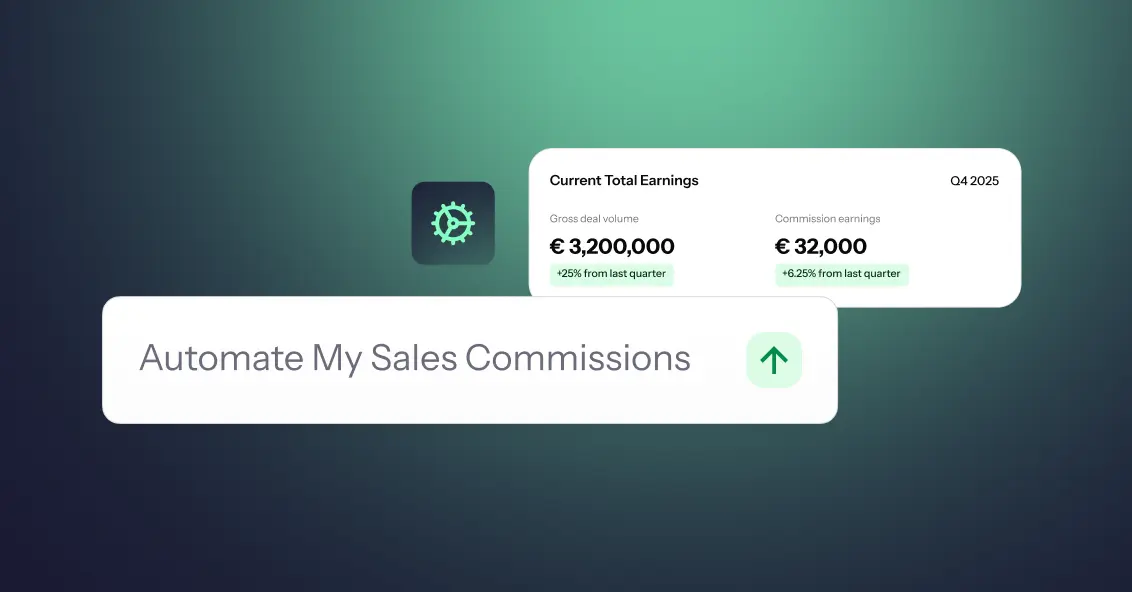
- Sales commission automation is the process of using rules, data, and automated systems to calculate, track, approve, and report sales commissions with less manual effort.
- You can automate sales commissions with spreadsheets, build a custom system, or use dedicated sales commission software, depending on your team's size, commission structures, and business needs.
- A useful rule of thumb is: AI can help draft and explain plans, rules should calculate payouts, and humans should approve them.
- To get started, identify your source of truth, clean your CRM and sales data, document your commission rules, and then choose the automation approach that fits your commission process.
- Aikido Security used Driven to cut its commission processing time from 3 days to 3 hours, while giving 120+ sales reps real-time visibility into their earnings.
Most commission plans fail because nobody modelled the numbers before rolling them out. A rate that looks generous on a slide turns into a payout you can't afford at 130% attainment, or an accelerator so flat that your best sales reps stop pushing the moment they hit quota.
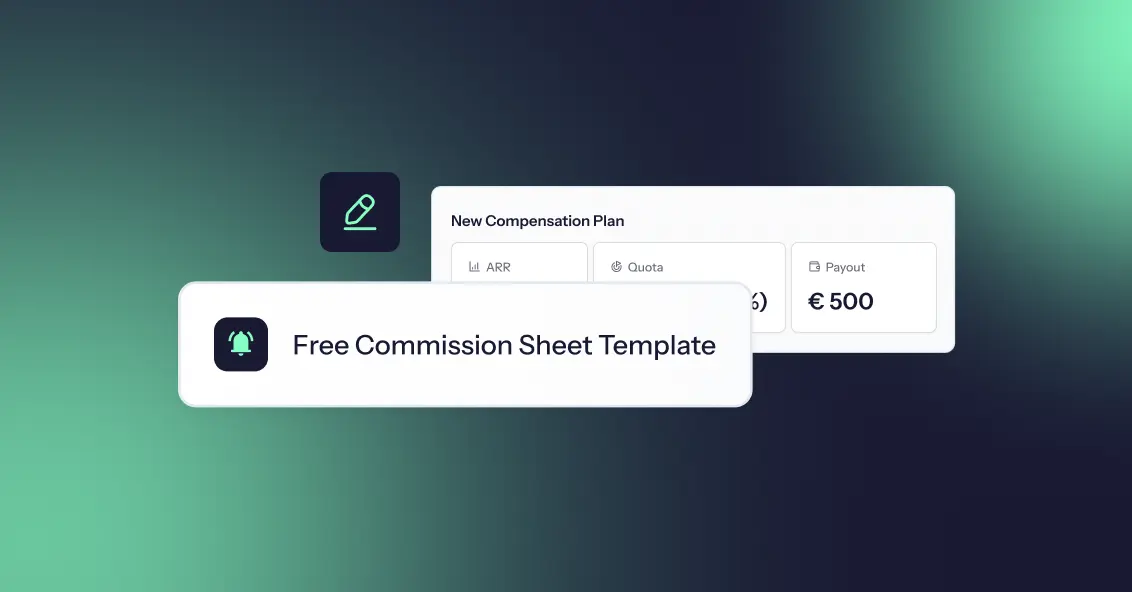
So we collected the eight most common sales commission structures into a single free commission sheet template. It is one workbook with a commission spreadsheet for each structure, each with live formulas and a filled-in example. Change a rate, a quota, or a revenue number and every payout updates instantly, so you can compare sales commissions across models in one place.
Open the template in Google Sheets or start for free and let Driven build the plan for you.


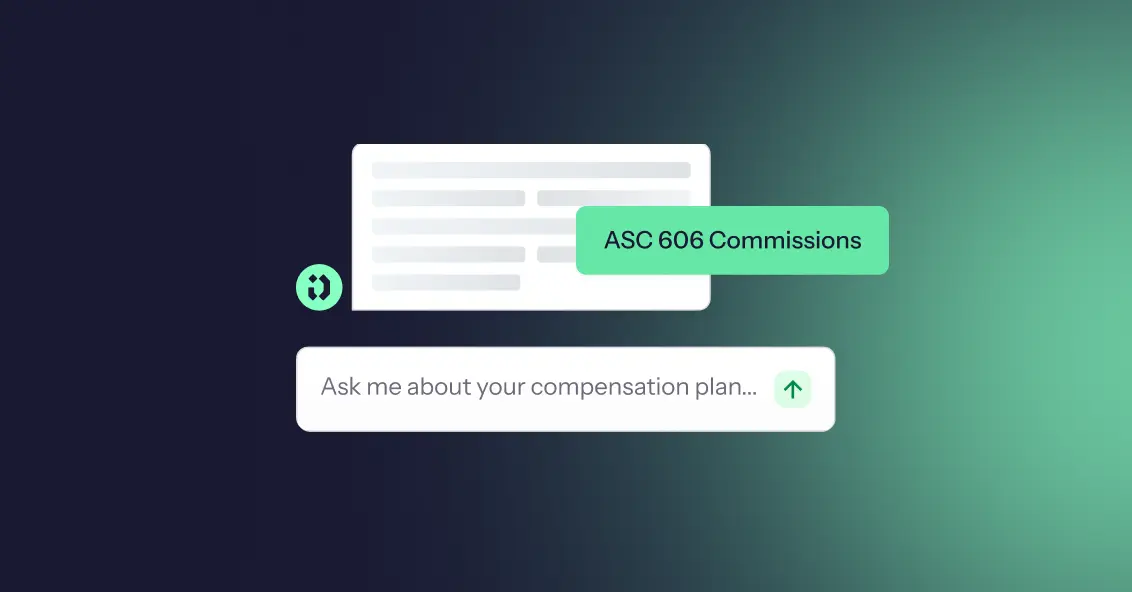
Under ASC 606, the revenue recognition standard, and its cost subtopic, ASC 340-40, sales commissions that are incremental costs of obtaining a contract are no longer expensed when paid. They are recorded as a deferred commission asset and amortized as the company delivers the service, which can be longer than the initial contract term if renewals are expected. A practical expedient lets you expense commissions as incurred when the amortization period is one year or less, but it rarely fits multi-year SaaS contracts.
Fixed salaries and company-wide bonuses are not capitalized, while SPIFFs and bonuses tied to specific deals usually are. ASC 606 does not dictate how to design your sales compensation plan, but the plan you choose determines how much accounting work you create. Clear rules on new vs. renewal commissions, clawbacks and other sales incentives keep it clean, and a platform like Driven can automate the schedules and keep them audit-ready.
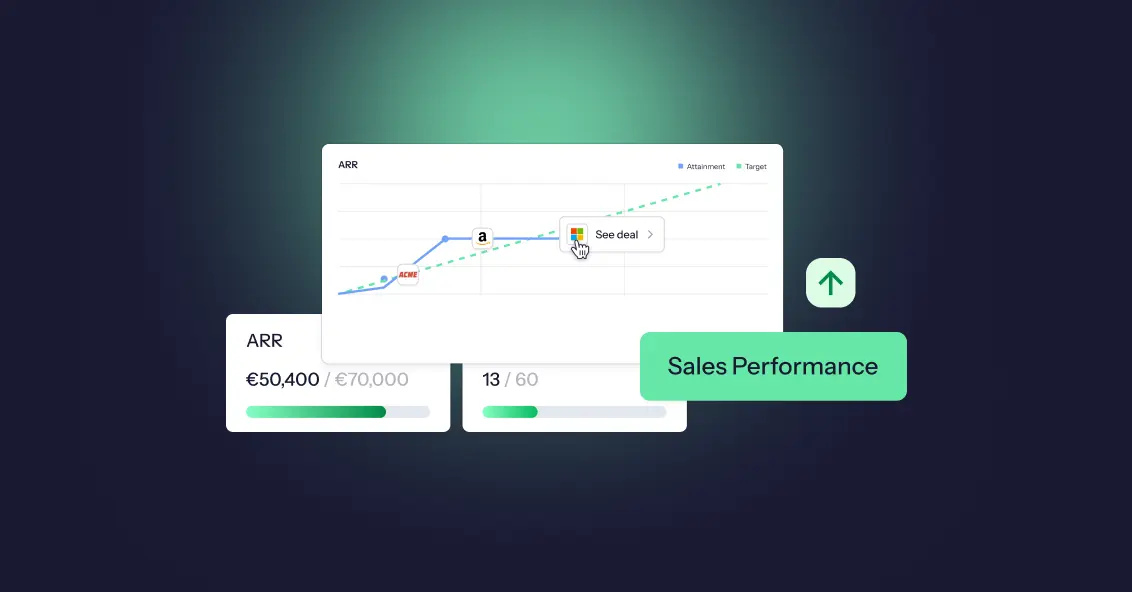
Sales performance analysis is the process of examining sales data to understand what is driving results, what is holding them back, and what to change next. It differs from reporting, which only says what happened, and the ongoing practice and technology behind it is called sales analytics.
A good sales analysis starts with a clear question, tracks a handful of key sales metrics (win rate, conversion rate, average deal size, sales cycle length, quota attainment, pipeline coverage and cost of sales), and looks at the data through five lenses: time, rep, territory, customer segment and lead source. The practical process has seven steps: ask a question, collect the sales data, clean it, set a baseline, identify trends through the lenses, diagnose the root cause, and act and monitor.
To evaluate individual sales reps, use a balanced scorecard of outcomes, activity and quality, and look at how attainment is distributed across the team, not just the average. Because compensation shapes behavior, it helps to analyze pay against performance too.
Driven acts as the data layer that connects your CRM and commission data, so you can query it in natural language and build the dashboards each person needs.
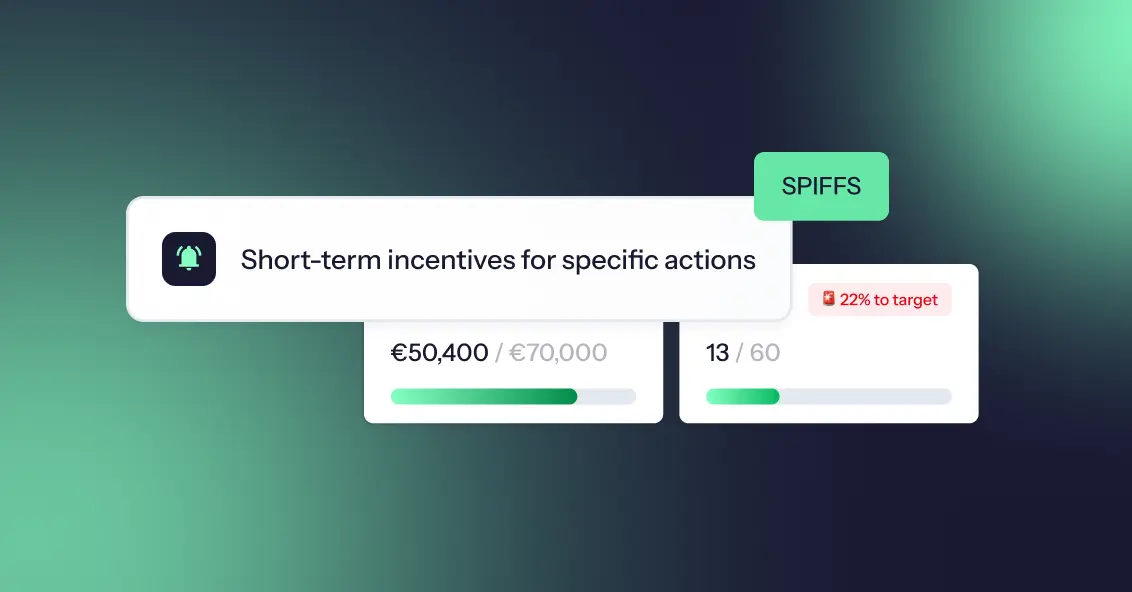
A SPIF (Sales Performance Incentive Fund, also spelled SPIFF) is a short-term sales incentive that rewards sales reps for a specific goal within a defined period, such as selling a specific product or hitting a revenue milestone. It sits on top of sales commissions and is usually paid out fast, which is what makes it effective.
Every SPIFF works the same way: set a goal, define the reward, set a timeframe, track performance, and pay out quickly. SPIFFs come in several types, including individual, team, product, tiered, activity-based, and vendor-funded, and sales teams use them to focus attention, create urgency, and boost sales. To build an effective SPIFF program, define the objective, write simple rules, set a budget, and communicate clearly. To measure one, compare results to a baseline and check the cost per extra sale. The most common mistakes are overcomplicated rules, running SPIFFs too often, and rewards too small to matter. Tools like Driven automate the tracking and payouts, so none of this lives in a spreadsheet.
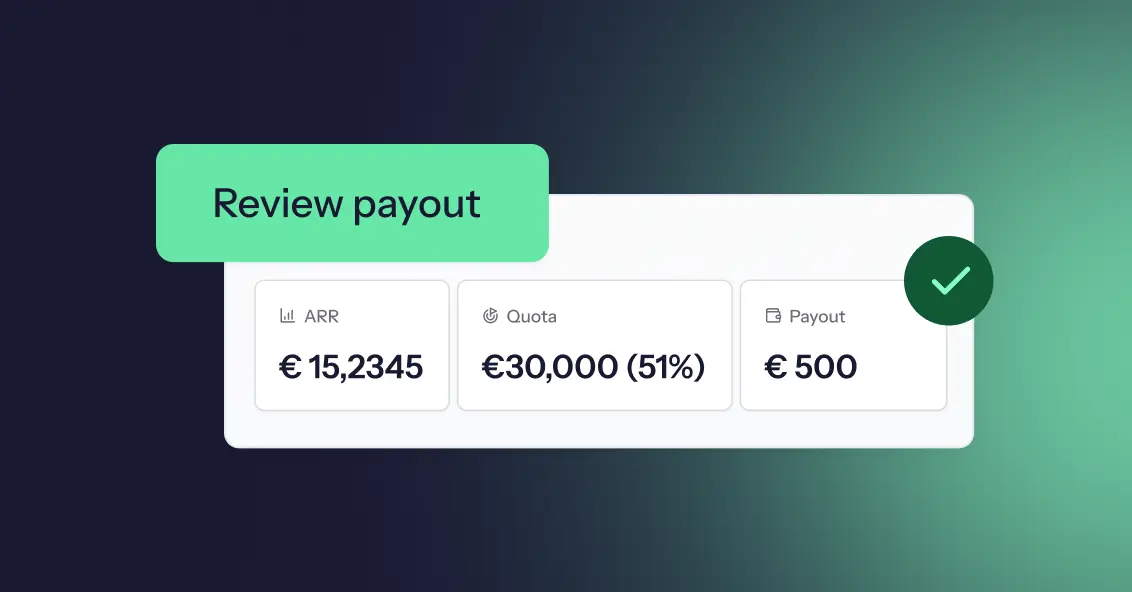
Incentive pay is variable pay that rewards employees for results, paid on top of base pay and earned again in each period. It counts toward total earnings and is generally taxable, but it is not part of the fixed salary.
Common types include commission, performance bonuses, team incentives, gainsharing, profit sharing, spot awards, non-monetary incentives, and long-term incentives like stock options. Unlike a bonus, which rewards past results, or merit pay, which is a permanent raise, incentive pay is agreed in advance and drives future performance.
It is calculated as a performance result multiplied by an incentive rate, using flat, threshold, tiered, or target-based structures. To make it work, set clear objectives, use a few meaningful metrics, set realistic targets, and pay out accurately and on time with transparent statements.
The main risks are gaming, sandbagging, short-term focus, and perceived unfairness, and clear data and automation help catch them early.
A sales compensation plan defines how your sales team gets paid: a fixed base salary, variable pay like commissions and bonuses, and a quota that decides how much of that variable pay a rep actually earns. Base salary plus target variable pay makes up a rep's on-target earnings (OTE).
Sales compensation plans do more than pay people; they shape behavior, drive revenue, and define culture. Get the plan right, and your team is aligned, motivated, and chasing the numbers that actually matter. Get it wrong, and you'll spend every month-end on disputes, recalculations, and reps who no longer trust their payslip.
This guide covers the core components, the main plan types, and a 10-step process to build your own, followed by three sales compensation plan examples. Jump to the examples. Everything here draws on Driven's work with finance, RevOps, and sales compensation leaders who run these plans every single month.
Sales commission software calculates, tracks and explains commissions from your CRM data, so nobody rebuilds a spreadsheet every month. The 9 best tools in 2026:
- Driven: best AI commission agent for HubSpot and Salesforce teams that want to go live in days
- QuotaPath: best for growing teams that want published pricing and broad CRM coverage
- CaptivateIQ: best for mid-market teams with complex, frequently changing plans
- Salesforce Spiff: best for companies that run on Salesforce
- Qobra: best for European RevOps teams that want no-code plans and AI agents
- Xactly Incent: best for large enterprises that also need planning and forecasting
- Performio: best for complex crediting across many data sources and regions
- Sales Cookie: best for small businesses that want month-to-month contracts
- QCommission: best for finance-led teams on QuickBooks or needing on-premise deployment
Choose based on three things: your CRM, how many reps you pay, and how complex your plan is.

TL;DR: Salesforce stores every field commissions depend on, but core Sales Cloud doesn't calculate, explain or protect payouts. Teams close that gap in one of five ways: native formula fields, a custom build, Salesforce's native ICM (Spiff), a vibe-coded tool, or a third-party commission tool. A flat rate and a few reps can stay native. Tiers, accelerators, splits and frequent plan changes point to a dedicated tool, and to an agentic platform like Driven if you want the plan designed, explained and maintained for you.
It's not uncommon for teams in 2026 to still run sales commissions on spreadsheets. The deal data lives in Salesforce, the rates live in a Google Sheet someone built three finance leads ago, and the payouts get reconciled by hand at the end of every quarter. When a rep asks why their number looks different, no one can fully explain it. When finance needs an accrual, someone exports a report and rebuilds it in Excel. The process is time-consuming, error-prone, and actively eroding rep trust. It's hard to keep a sales team motivated when reps can't trust their own paycheck.
Teams that outgrow the spreadsheet usually reach for formula fields, a custom build, or a paid add-on. But tools for managing sales incentives are now moving from rules engines you configure to agents that work alongside you. Gartner predicts that 40% of enterprise applications will feature task-specific AI agents by the end of 2026, up from less than 5% in 2025. They also say that 60% of B2B seller work will be executed through conversational interfaces by 2028.
This guide breaks down five ways to track Salesforce commissions, including what each approach does well, where it breaks, and how to choose.
To calculate sales commission, multiply the commissionable sales amount by the commission rate. A $40,000 sale at 8% earns $3,200. Base-plus-commission plans add that figure to salary, and tiered plans apply each tier's rate only to the sales inside it. The hard part is agreeing which deals count and what the rate applies to.
Three core formulas cover almost every plan. Straight commission is Commission = Sales × Rate. Base plus commission is Total pay = Base salary + (Sales × Rate). Tiered commission adds up each tier separately: (Tier 1 sales × Tier 1 rate) + (Tier 2 sales × Tier 2 rate), and so on for every tier the rep reaches.
This guide shows why most payout errors come from deciding which deals count rather than from the calculation itself. It explains why tiered plans can pay very different amounts depending on whether tiers are marginal or retroactive, and it covers why payouts should be locked once approved, so later CRM changes don't alter what has already been paid.
Ask a sales rep what's driving their next paycheck, and you'll often hear all three words used interchangeably: SPIFF, bonus, and commission. They get lumped together as "extra money for selling," but they're not the same thing, and treating them like they are leads to confused reps, inconsistent payouts, and comp plans nobody can actually explain.
A SPIFF is a short-term, targeted incentive. A bonus is a lump-sum reward tied to hitting a broader goal. A commission is the ongoing, formula-based pay tied directly to sales, the core of most sales comp plans, not an add-on to it.
This guide breaks down what each one actually means, when companies use them, how they're calculated, and how they stack together so you can build a comp plan where every payout has a clear reason behind it.
New sales hires often get offered a "draw" against commission, and most sign the offer letter without knowing there are two very different types. That gap in understanding can mean thousands of dollars either staying in a rep's pocket or getting clawed back months later.
A draw is essentially an advance on future commission, designed to give reps steady income while they ramp up pipeline and close their first deals. But whether that advance is recoverable or non-recoverable determines something much bigger: whether it ever has to be paid back.
This guide breaks down what each draw type means, how they're calculated, when companies typically use each one, and the mistakes that turn a helpful ramp tool into a trust problem between reps and the company that hired them.
Not every sales role drives revenue the same way, so it doesn't make sense to pay everyone on the same plan. Yet plenty of companies still try to copy-paste one commission structure across the whole sales org, and then wonder why half the team feels underpaid and the other half feels unmotivated.
Sales Development Representatives (SDRs) generate qualified pipeline. Account Executives (AEs) close it. Their responsibilities are different, their quotas are different, and their performance metrics are different, which means their compensation plans need to be different too.
In this guide, you'll learn the key differences between SDR and AE roles, how their compensation plans are typically structured, common pay mixes and incentive models, mistakes companies should avoid, and how compensation software makes managing both plans easier as a team grows.
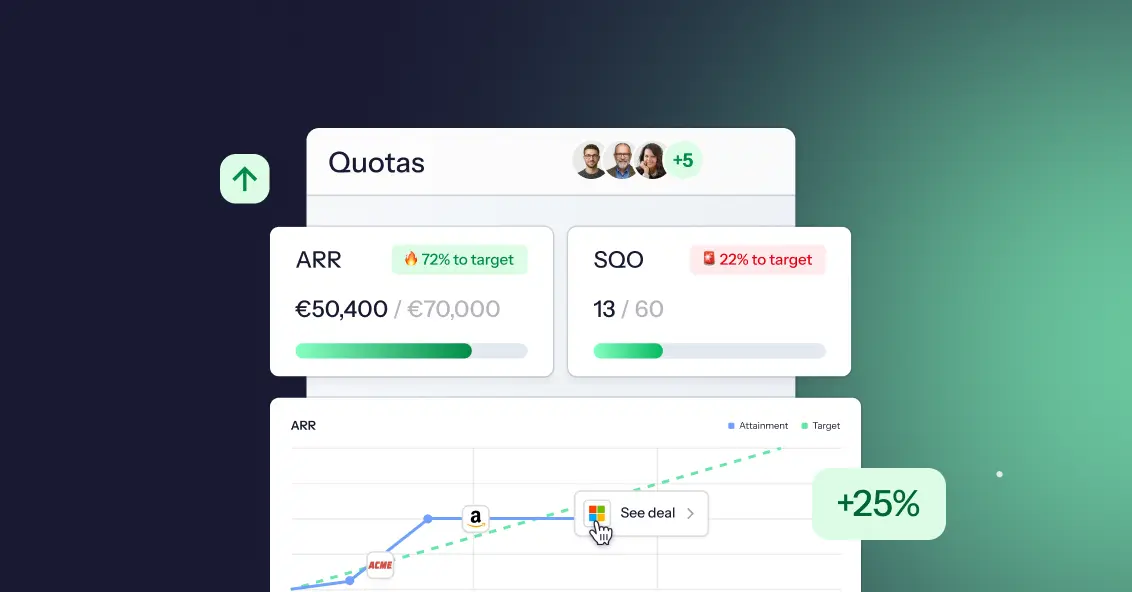
Ask ten sales reps what OTE means and you'll get ten different answers. Some think it's their salary. Some think it's guaranteed. Some think it's a number recruiters made up to make a job posting look better than it is.
On-Target Earnings, or OTE, is one of the most misunderstood terms in sales compensation, and that confusion costs people real money and real trust. Candidates accept offers they don't fully understand. Reps hit quota and still feel confused about their paycheck. Finance teams build comp plans that nobody on the floor can explain in one sentence.
This guide breaks down exactly what OTE means, how to calculate it, and how it's different from base salary and total compensation. You'll walk away knowing how to read an offer letter, build a comp plan, or explain your own earnings potential without the guesswork.
Sales compensation has moved from a back-office payroll function to one of the most strategically important levers a revenue organisation can pull. For RevOps leaders, compensation data isn't just interesting; it's operational intelligence. The right benchmarks reveal whether your quota structure is realistic, whether your commission model is driving the right behaviours, whether your reps trust the plan they're working under, and whether your finance team is spending 40 hours a month on a process that should take four.
In 2026, the data tells a clear story: most organizations are underperforming on compensation design, overspending on manual administration, and underinvesting in the transparency that keeps sales teams engaged and motivated. This guide compiles the most important sales compensation statistics. RevOps leaders need to know this year and translate each data point into a practical implication for strategy and execution.
A sales team's compensation structure directly influences performance, motivation, retention, and revenue growth. When designed correctly, it encourages the right behaviors, rewards top performers, and aligns sales activities with business goals. When designed poorly, it can create confusion, reduce motivation, and drive unwanted behaviors.
Whether you're building your first sales team or refining an existing compensation plan, understanding sales compensation structures is essential for long-term success.

If you’ve spent any time around startups, scaling companies, or even corporate teams, you’ve probably heard the term “Ops” thrown around in meetings, job titles, or strategy discussions. Sales Ops, Marketing Ops, RevOps, DevOps, it’s everywhere. But what does “Ops” actually mean in business? And more importantly, why has it become such a critical function for companies that want to grow efficiently.
The truth is, most businesses don’t struggle because they lack ideas or demand. They struggle because things break internally, processes are unclear, teams are misaligned, and execution becomes messy. That’s where Ops comes in. In this guide, we’ll break down what Ops really means, what it includes, and why it plays a central role in building a scalable, high performing business.
Most companies think they have a compensation problem. They don't; they have an alignment problem. Sales teams focus on what they’re paid to do, while leadership focuses on revenue growth, predictability, and profitability. When those priorities aren’t tightly connected, things start to break quietly at first, then all at once. Revenue targets are consistently missed, payouts increase without meaningful impact, and reps begin optimizing for incentives instead of outcomes.
Here’s the uncomfortable truth: if your compensation plan isn’t directly tied to revenue goals, it’s working against you. If you want to understand where sales compensation is heading, explore our take on the future of sales compensation.
In today’s performance driven business environment, companies are moving beyond fixed salaries and embracing compensation models that directly reward results. Variable incentive pay has become a cornerstone of modern compensation strategies, especially for sales and revenue teams. But while the concept sounds simple, designing an effective variable pay plan is anything but.
Done right, it can drive performance, boost motivation, and align teams with business goals. Done poorly, it can create confusion, mistrust, and missed targets. In this guide, you’ll learn what variable incentive pay is, the different types, its key benefits, and how to design plans that actually work in 2026 and beyond.

You can build a highly data driven, strategically aligned compensation plan and still see it fall apart within weeks of rollout. The reason is simple: your sales team may not fully understand it, trust it, or believe they can actually succeed under it. When reps feel uncertain about how they earn, even the best designed plans lose their impact.
In 2026, success in sales compensation isn’t just about plan structure or incentives; it's about how clearly and consistently changes are communicated. Sales teams today are more informed, more analytical, and more sensitive to fairness than ever before something closely tied to trends shaping the future of sales compensation and how AI is changing the game. When communication falls short, confusion grows and motivation drops. This blog breaks down how to communicate compensation plan changes in a way that builds clarity, trust, and adoption rather than resistance.

A sales commission plan is meant to motivate your team—but when it’s poorly designed or misaligned with business goals, it becomes a silent revenue killer. Many companies underestimate how much damage a flawed compensation structure can cause because the problems don’t appear all at once. Instead, they compound quietly over months: reps chase the wrong deals, turnover increases, disputes rise, and forecasting becomes unreliable.
Meanwhile, leadership often looks everywhere except the comp plan to diagnose performance issues. The truth? Your commission structure has more influence over revenue growth, morale, and productivity than almost any other operational system. When incentives are unclear or unfair, even your best sellers give up. And when incentives are aligned and transparent, the entire organization accelerates. In this post, we break down the hidden financial costs of a poorly designed commission structure and how modern compensation systems are helping revenue teams eliminate those risks altogether.
Sales teams are the backbone of any revenue-driven organization, but even the most talented reps can underperform without the right incentives. A well-crafted sales compensation plan doesn’t just pay your team; it motivates, aligns, and drives consistent, high-level performance. Too often, companies rely on outdated spreadsheets, unclear quotas, or one-size-fits-all commission structures, leaving reps frustrated and sales results inconsistent.
In today’s competitive market, designing a compensation plan that balances fairness, transparency, and ambition is essential. This guide walks you through a tactical approach to building plans that reward the right behaviors, keep reps motivated, and ultimately help your business hit and exceed its revenue goals.
In today’s competitive business environment, sales teams need more than just enthusiasm and product knowledge; they need direction, focus, and measurable goals. This is where Management by Objectives (MBO) comes into play.
MBO isn’t just another management buzzword; it’s a proven approach that helps organizations align their goals with individual performance. By setting clear, achievable objectives, MBO transforms how sales teams operate, helping them stay focused on what truly matters, driving results. But what exactly is MBO, and how can it revolutionize your sales strategy? Let’s explore in depth.
Sales compensation software has moved far beyond spreadsheets and manual commission tables that are prone to errors, delays, and confusion. Modern compensation platforms now help businesses design fair and motivating compensation plans, automate even the most complex commission calculations, accurately forecast payout costs, and improve transparency across the entire sales organization. By providing real-time visibility into earnings and performance, these tools keep sales teams motivated while helping finance leaders maintain control over budgets and revenue planning. In a world where sales velocity, scalability, and revenue predictability matter more than ever, choosing the right sales compensation software can truly transform how your revenue organization operates and grows.
In this guide, we review the best sales compensation software available today, compare their key features, pricing models, and ideal use cases, and help you confidently choose the platform that best fits your business goals.
.png)
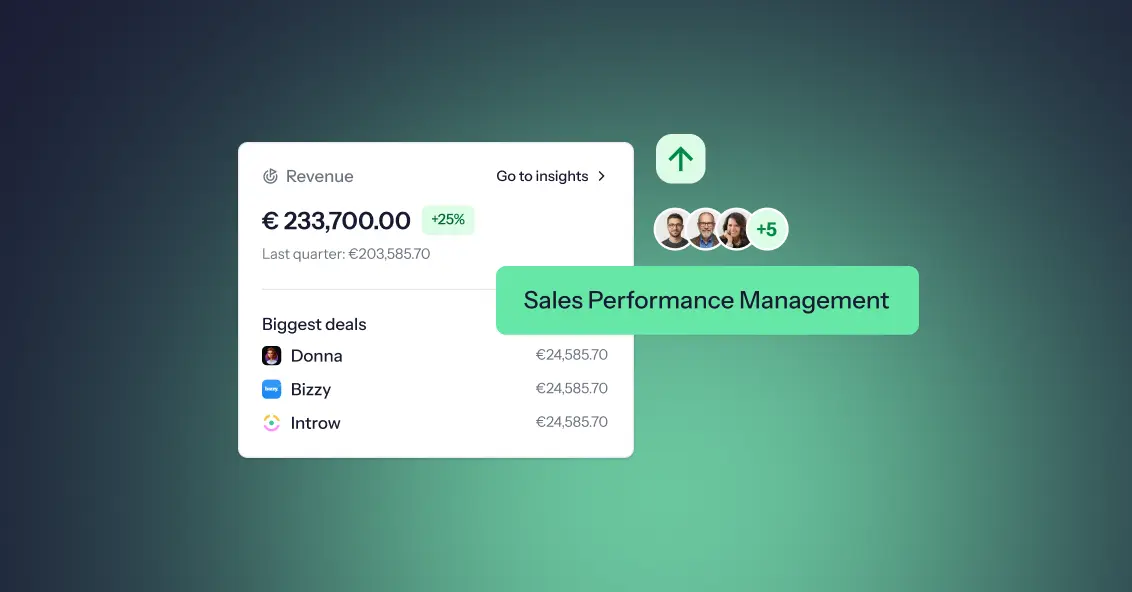
In today’s competitive business environment, achieving consistent sales growth is a challenge. Organizations often face real challenges when it comes to keeping sales teams motivated, tracking performance accurately, and making sure everyone’s efforts support the company’s bigger goals. Sales Performance Management (SPM) helps bring clarity to all of this. Instead of just offering tools, SPM provides a structured, fair way to evaluate performance, reward the right people, and strengthen the entire sales process so revenue grows consistently.
In this blog, we’ll explore what SPM is, why it matters, its core functions, the benefits it brings, the risks of operating without it, and how to choose the right SPM solution for your business.
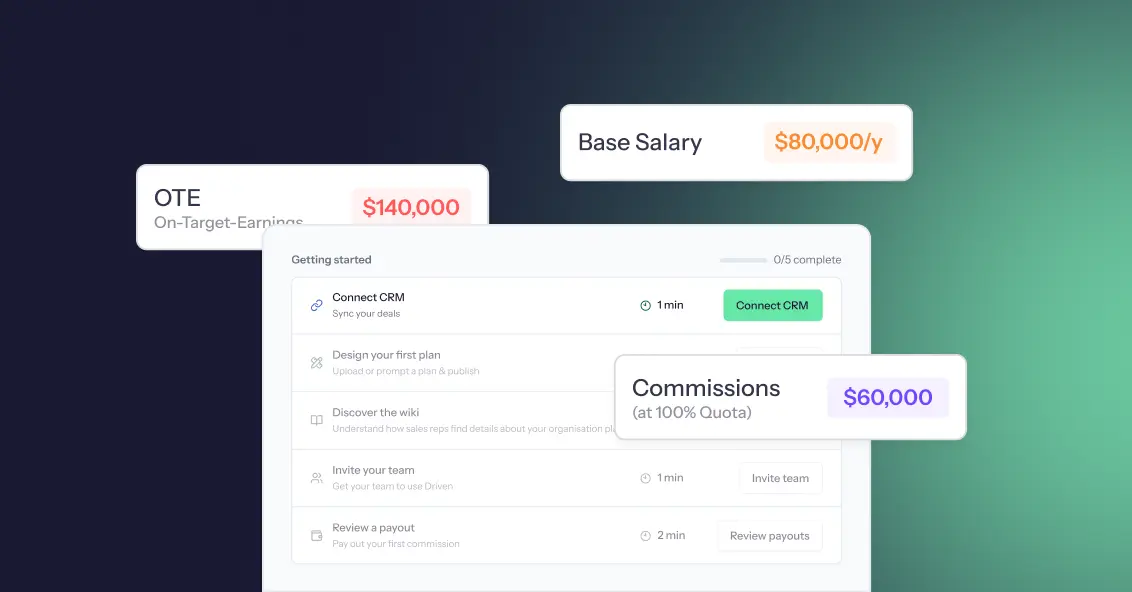
If youʼve ever tracked commissions in a spreadsheet, you know how messy it can get, late nights fixing formulas, endless back-and-forth with sales reps, and disputes that eat into everyoneʼs time. What feels “cheap and easyˮ at first quickly turns into a drain on productivity and trust. On top of that, most salespeople donʼt fully understand their complex compensation plans when theyʼre buried in Excel formulas, which only adds to the confusion. Automated sales compensation software solves both problems: it not only removes errors but also clarifies commission plans so reps know exactly how theyʼre being paid.
And the numbers back this up: studies show that nearly 9 out of 10 spreadsheets contain errors. For something as critical as sales compensation, even a small mistake can cost thousands of dollars, spark disputes, and leave reps questioning their pay. The reality is simple: manual commission tracking isnʼt just inconvenient, itʼs costly. In this blog, weʼll uncover those hidden costs, compare manual vs automated commission tracking, and explore how automation transforms commission management from a constant headache into a driver of growth and transparency.