Salesforce Commission Tracking: The 2026 Guide (Methods, Tools & Costs)
TL;DR
TL;DR: Salesforce stores every field commissions depend on, but core Sales Cloud doesn't calculate, explain or protect payouts. Teams close that gap in one of five ways: native formula fields, a custom build, Salesforce's native ICM (Spiff), a vibe-coded tool, or a third-party commission tool. A flat rate and a few reps can stay native. Tiers, accelerators, splits and frequent plan changes point to a dedicated tool, and to an agentic platform like Driven if you want the plan designed, explained and maintained for you.
It's not uncommon for teams in 2026 to still run sales commissions on spreadsheets. The deal data lives in Salesforce, the rates live in a Google Sheet someone built three finance leads ago, and the payouts get reconciled by hand at the end of every quarter. When a rep asks why their number looks different, no one can fully explain it. When finance needs an accrual, someone exports a report and rebuilds it in Excel. The process is time-consuming, error-prone, and actively eroding rep trust. It's hard to keep a sales team motivated when reps can't trust their own paycheck.
Teams that outgrow the spreadsheet usually reach for formula fields, a custom build, or a paid add-on. But tools for managing sales incentives are now moving from rules engines you configure to agents that work alongside you. Gartner predicts that 40% of enterprise applications will feature task-specific AI agents by the end of 2026, up from less than 5% in 2025. They also say that 60% of B2B seller work will be executed through conversational interfaces by 2028.
This guide breaks down five ways to track Salesforce commissions, including what each approach does well, where it breaks, and how to choose.
What Is Salesforce Commission Tracking?
Salesforce commission tracking is the process of recording sales deals, calculating what each sales rep has earned against a compensation plan, and making those commission payments visible and auditable. The calculation runs on data that lives in Salesforce.
Salesforce already stores everything commissions depend on:
- The deal amount
- The close date
- The deal owner
- The product
- The deal size
- Whether the opportunity is closed won
The hard part is the commission calculation itself. Having to apply a rate, check against a quota, handle tiers or accelerators, and split credit across sales reps is where most teams encounter issues.
That's because Salesforce wasn't built to administer sales compensation. It's a CRM built to track deals and customer relationships. The core platform doesn't include a full commission management engine.
But in February 2024, Salesforce completed its $419M acquisition of Spiff and relaunched it as Incentive Compensation Management (ICM) inside Sales Cloud. Salesforce now has a native, first-party product allowing teams to manage commissions.
While this is definite progress, it's not a full sales performance management solution. There's still a disconnect between what the CRM stores and what a comp team needs. Without the paid ICM add-on, core Sales Cloud is missing calculation, explanation, audit trails, dispute resolution and rep-facing dashboards.
Why Salesforce Commission Tracking Is Limited
Salesforce stores the data, but it doesn't run the process or administer compensation. This causes limitations to show up in three different ways.
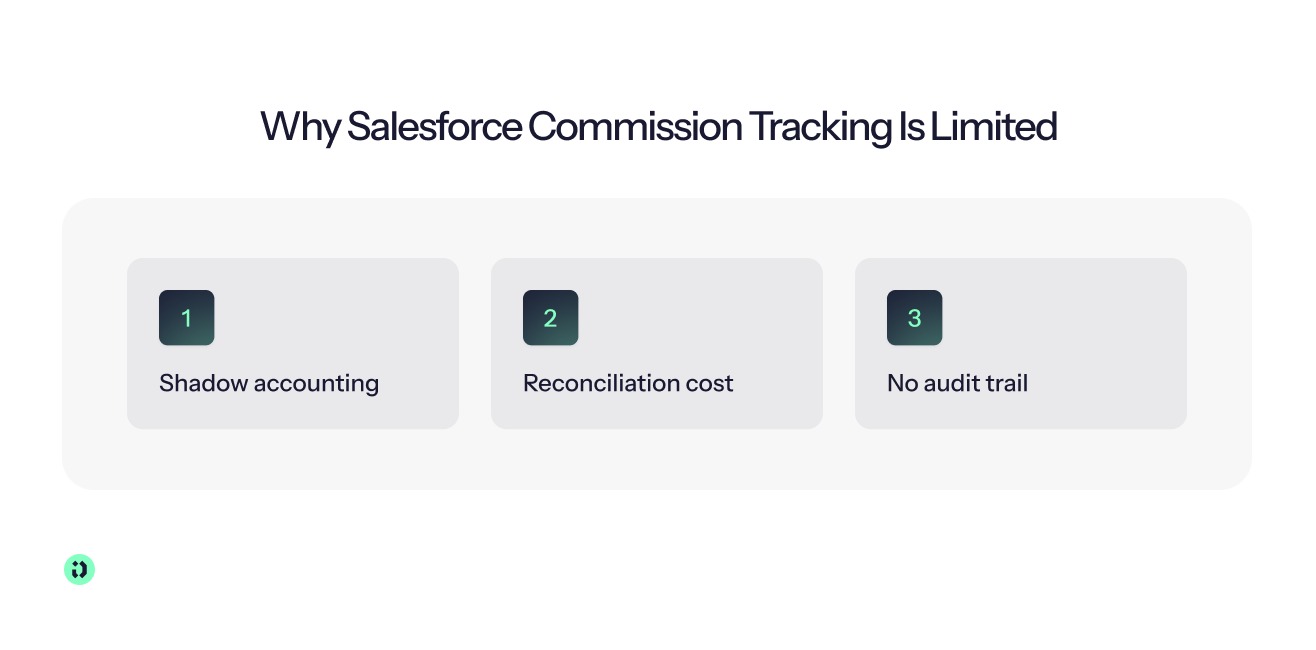
Shadow Accounting
When sales reps can't trust the numbers, they build their own spreadsheets. According to Salesforce's own Trends in Sales Compensation Report, 74% of sales reps want more transparency into their commission calculation, and 47% believe their compensation isn't fair.
According to that same report, “Some reps even resort to maintaining their own shadow accounting, diverting hours away from selling to manually track and verify their own commissions.”
The sales team wastes time double-checking finance's job in secret instead of focusing on the sales activities that close more deals.
Reconciliation Cost
Because native Salesforce formulas recalculate in real time, there isn't a static record of what a rep was owed at a given moment. Disputes surface when quarters close and the entire organization is under pressure. McKinsey research shows that smart compensation revisions have a 50% higher impact on sales than changes in advertising spend. The time lost to manual reconciliation ends up being a strategic opportunity cost to revenue growth.
No Audit Trail
A formula field on the Opportunity recalculates every time the underlying data changes. That means if a deal value changes in March, the January payout that was based on the old amount updates behind the scenes. Historical data drifts with no record of what the number was when it was paid. When a rep disputes a payout, there's nothing dependable to point to. Forrester stresses that employers must establish “predictable, transparent, and equitable processes” to build trust. But native formulas provide none of those three.
This is why teams reach for one of five approaches. Each closes part of the gap, and each breaks at a predictable point.
The Five Ways To Track Commissions in Salesforce (at a Glance)
Before the deep-dives, here's how the five approaches compare. Every approach calculates a number. The differences are in who maintains it, and where it breaks.
Approach 1: Native Salesforce (Formula Fields and Reports)
The simplest way to track commissions in Salesforce is to build it yourself with formula fields. Let's say a sales rep closes a deal and you want to pay them 10% of the deal value. You create a currency formula field on the Opportunity object:
Every closed won deal now shows the commission earned. You can put it in a report, group by deal owner, and sum the total earnings for the quarter. For a team of two or three reps on a single flat commission rate, this works.
Where It Strains
The moment your compensation plan adds tiers, accelerators, or opportunity splits, the formula stops being simple. Even a simple deal-size tier, like 5% on the first $100,000 of a deal and 8% on everything above, turns into a nested IF() statement:
And that only tiers a single deal. A formula field on one Opportunity can't see a rep's total closed revenue for the quarter, so a true quota-based tier (5% up to quota, 8% above) needs roll-up summaries, Flow or Apex.
Add a second tier, an accelerator for top performers, a SPIF, a split between an AE and a BDR, or a different rate for new business versus renewals, and you end up with complex formulas no one wants to debug.
You can move rates into custom metadata types to avoid hardcoding, but that adds its own layer of configuration complexity. This turns into a maintenance burden as every plan change means an admin needs to edit formula fields by hand. Every hand edit is another chance for human error.
The Failure Timeline
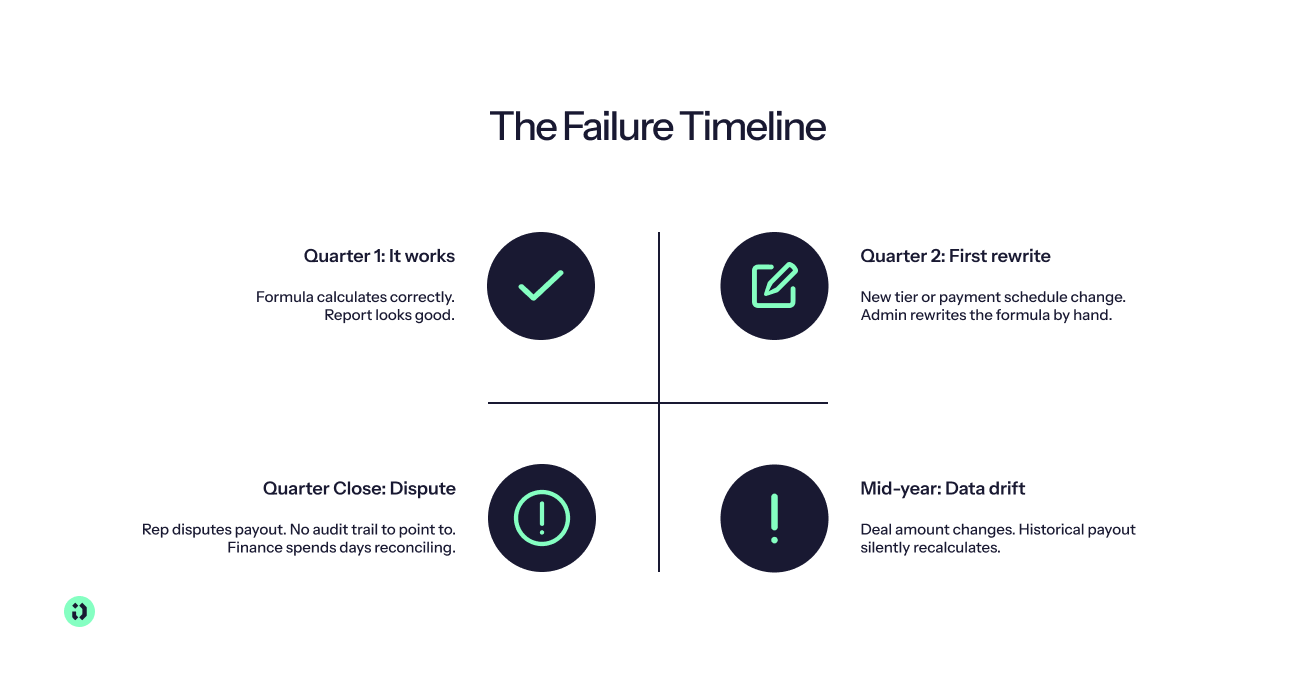
Native formula fields tend to follow a predictable arc:
- Quarter one: It works. The formula calculates correctly, the report looks good, and no one complains.
- Quarter two: A new tier is added, or a payment schedule changes from monthly to quarterly. An admin rewrites the formula. It takes a few hours, but it still ships.
- Mid-year: A rep's deal amount changes after the payout was already calculated. Because formula fields recalculate in real time, the historical payout updates. No one can reconstruct what the number was when it was paid.
- Quarter close: A rep disputes their payout. There is no static record to point to and no explanation of how the number was derived. The sales manager and finance teams spend days manually reconciling.
Native Salesforce is an incomplete choice, not necessarily a wrong one. It calculates a number. But it fails to explain it and protect it. For a flat rate and a handful of reps, that may be enough. For anything more complex, the system starts to destabilize within a quarter or two.
Approach 2: The Custom Build (Objects, Flow, and Apex)
When formula fields start to fall apart, teams with developer resources try to solve the problem properly and on-platform. The next step is often a custom build with custom objects, Salesforce Flow, and Apex.
The build starts with three custom Salesforce objects that more accurately reflect how a comp team thinks:
- Commission plan: Which compensation plan applies, which roles are eligible, what the payment schedule is.
- Rate or tier: 5% up to quota, 8% above, capped at 200% attainment. Each rate is a record, not a hardcoded value, so an admin can update rates without touching code.
- Commission record: Each payout stored as a static, timestamped row.
Commission record matters most because a static record decouples the payout from live opportunity data. When a deal amount changes in March, the January payout stays frozen. The historical data problem that silently breaks formula fields is solved. Now you have a record and a reliable audit trail.
The Engine
Salesforce Flow handles moderately complex plans. A flow triggered on closed won evaluates the deal against the rep's quota, checks the applicable tier, applies the rate, and writes a commission record. An admin can maintain it without code, at least until the logic gets heavy.
Apex triggers take over at that point. Apex handles batch calculations across hundreds of sales reps, multi-currency conversions, opportunity splits across deal teams, and clawback logic when a deal churns. Apex gives you full control, but it also means someone must write and update the code.
The Cost No One Budgets For
To create a custom build, you have to own a software application on top of Salesforce. While the initial build is a one-off project, it requires ongoing maintenance that never really ends.
Every plan change is a change request. Every new tier is a code update. Every territory shift, every new product line, and every mid-year accelerator flows back to the developer who built it. This can quickly accumulate to some pretty steep technical debt. If the person that created the initial project leaves, their knowledge likely leaves with them.
The next developer might have to spend weeks reverse-engineering someone else's logic. So while the initial build might not cost much, it's important to understand the total cost (both financially and operationally) of maintaining it forever.
Approach 3: Salesforce's Native ICM (Spiff)
Salesforce's ICM, the relaunched Spiff, is first-party and runs inside the platform you already use, which is a priority for teams managing sales commissions directly in Sales Cloud.
Spiff was built to handle complex commission structures with tiers, accelerators, splits, SPIFs, and multi-currency without forcing reps or admins into spreadsheets. The ICM Designer is a low-code rules engine. An admin configures the logic, the engine calculates, and reps get real-time visibility into their earnings.
A commission estimator on quotes lets sales reps see what they would earn on a deal before it closes. There's a mobile app, real-time data dashboards, and tight Sales Cloud integration. Deal data flows in without CSV exports or manual mapping.
It also includes tracing and audit trails, which immediately puts it ahead of formula fields and most custom builds.
What It Costs
The pricing is public (which is rare for enterprise ICM):
- $75 per user per month, billed annually
- $250 per month per connector for integrations beyond Salesforce
- Premium Support at roughly 30% of net license cost
Keep in mind that it's not a standard feature of Sales Cloud; it exists only as a paid add-on. The total can rise quickly with roles, connectors, and support tiers. Many teams report additional costs related to implementation effort and configuration.
Where It Falls Short
Spiff is powerful, but it is still a configure-and-maintain rules engine. An admin must build the logic in the ICM Designer, maintain it when the compensation plan changes, and update it when the business shifts.
Salesforce itself acknowledges the shift is coming. Its own blog outlines plans to release an MCP (Model Context Protocol) and bring Agentforce conversational capabilities into Spiff in H2 2026. This implicitly confirms that the current product is not yet agentic. The direction is right, but today, Spiff doesn't design the plan, explain the payout, or act on its own.
Approach 4: The Vibe-Coded Tool (and Why It Doesn't Survive Payroll)
This approach didn't exist a few years ago. A comp owner, usually a RevOps lead or a technical sales ops manager, opens Claude or ChatGPT, describes their compensation plan in plain language, and asks the AI to build a commission calculator. A few prompts later, they have a working tool that pulls deal data, applies rates, calculates payouts, and spits out a number per rep. It is fast, free, and honestly impressive for a first pass.
The appeal is obvious, as you get an AI-native, conversational experience. It's the same thing enterprise vendors are pitching, but without the per-seat cost, the implementation cycle, or the vendor relationship.
Where It Falls Short
If you're thinking it sounds too good to be true, you'd be right. The problems don't reveal themselves until months later:
- Undocumented edge cases: The tool works fine for paths with flat rates, clean data, and a single currency. Then a deal is split or a rep goes on leave mid-quarter and their quota prorates. Each edge case results in a new prompt that lives in a chat thread instead of a system.
- No real audit trail: When a rep asks why their payout is different this quarter, you can't point to a static record. You're back to the same problem formula fields have: a number without a paper trail.
- The bus factor is one: When the person who built the tool is on vacation, or leaves permanently, the tool likely becomes a black box no one else can maintain.
The Bigger Problem
Every approach on this list carries some type of risk. But a vibe-coded tool carries a risk none of the others do. When the number is wrong, it's entirely your responsibility.
There's no vendor or SLA. If Salesforce ICM calculates a payout incorrectly, there's a company to call or a support ticket to file. If your Claude-built tool pays a rep the wrong amount, you're the vendor. And the auditor, and the support team, and the person explaining the error to the rep and to finance.
Gartner predicts that over 40% of agentic AI projects will be canceled by the end of 2027 due to escalating costs, unclear business value, or inadequate risk controls. A vibe-coded commission tool is exactly the kind of project that statistic is about. It's fast to start, hard to sustain, and risky to own when the stakes are real money in someone's paycheck.
The appeal of an AI-native, conversational experience is real. The problem is owning it, which is where the next approach comes in.
Approach 5: Third-Party Commission Tools
Third-party tools sync Salesforce data and run commission calculations outside the CRM, removing the native and custom maintenance burden entirely. They span a range from dedicated calculators to full incentive compensation management suites to a newer AI-native agentic generation.
The Landscape at a Glance
Here's a quick look at six tools on the market that sync Salesforce data and run commission calculations:
- QuotaPath is a commission tracking tool built for small and mid-sized sales teams. It publishes transparent pricing starting at $35 per user per month on the Growth plan. It's not designed for deep splits, multi-entity structures, or heavy governance.
- CaptivateIQ and Everstage are flexible mid-market ICM platforms with no-code plan builders and strong customer support. Both are custom-quoted per payee, and both remain configure-and-maintain rules engines.
- Xactly and Varicent are enterprise-grade SPM platforms built for organizations running thousands of payees across complex global hierarchies. Neither publishes public pricing.
- Visdum is a sales compensation platform designed specifically for SaaS companies. It uses per-payee pricing with a one-time setup fee and no platform or usage charges.
Driven: The Agentic Option
The agentic shift changes what a commission tool can be. Most tools calculate a payout. An AI-native agent designs the compensation plan, runs payouts off live CRM data, explains the calculation to sales reps in plain language, reviews disputes, and reports on demand.
“AI-native companies such as Driven are building compensation systems around AI agents from the start. These systems can draft compensation plans from a simple prompt, calculate payouts using live data from HubSpot or Salesforce, automatically review disputes, and generate reports whenever they are needed.” – The AI Journal
Driven is an AI-native platform where the agent is the core, not the add-on. It connects directly to Salesforce and HubSpot, pulls your live deal data, and an agent does the work. No admin has to configure rules by hand. No developer writes Apex. The agent builds and maintains the plan logic, a deterministic engine calculates every payout, and you review what it produces.
Agentic Plan Design
Describe a compensation plan in plain language, like “100k annual quota, 5% on every deal after target, paid quarterly”, and the agent builds the formulas, maps the right CRM properties, and generates every person's payouts on publish.
Human Control, Not a Black Box
Everything the agent builds is editable manually. The logic is shown in Excel-like syntax so you can verify, adjust, or override any part of the plan. Hand it back to the AI anytime. The agent does the heavy lifting, but you stay in control at every step. The math underneath is deterministic: the agent builds the plan but never calculates the payout itself, so you can trace why any rep earned any amount on any deal.
Rep Experience
Each rep gets a personal dashboard with instant visibility into their earnings, quota, and other performance metrics in real time. An auto-generated wiki explains the plan with a visual flowchart that updates on every change. Reps can ask questions in plain language, such as “What do I need to do to earn €8,000?” and get an instant, detailed answer. Proactive nudges point reps toward the right deals as their next tier comes into reach.
Payslips are also traceable deal by deal. If something looks off, a comment-and-resolve dispute flow lets the rep flag it before a sales manager locks and approves. Once approved, the payout is locked, so no deal can be double-paid or silently recalculated.
Low Maintenance, No Ultimate Responsibility
The compensation plan is owned by an agent and backed by a vendor. When the plan changes, you describe the change and the agent updates the logic. When a rep has a question, the agent answers it. When finance needs an accrual, the data is there. There's no custom code to maintain, no formula to rewrite, and no single point of failure. Because every payout is built straight from live CRM data, Driven eliminates manual errors from exporting, copy-pasting and re-keying numbers.
Most tools give you a number. Driven gives you the number and the expert behind it.
How To Choose (and How To Switch)
The right approach depends on three things: compensation plan complexity, team size, and who carries the risk when a number is wrong:
- Native formula fields: Works best for a static flat rate with two or three reps. It's free and inside Salesforce. When it breaks, you'll know.
- A custom build: Works best for a team with an in-house Salesforce developer who needs more than formula fields but wants to stay fully inside Salesforce. You get full control and no third-party dependency, but you own every bug and every maintenance request forever.
- Staying on Salesforce ICM (Spiff): Works best for teams already on it and happy with configure-and-maintain. It's first-party, powerful, and lives inside Sales Cloud. Revisit when your contract renews.
- A vibe-coded tool: Works best for a quick prototype or a very small team where the plan is simple enough to describe in a prompt. It works until it doesn't.
- A dedicated third-party tool: Works best for tiers, accelerators, splits, frequent plan changes, or a need for real-time transparency. If you also want the plan designed, explained, and maintained for you, go agentic.
Migration Checklist
Whichever path you pick, the switch itself follows the same six best practices. Make sure you don't skip the first two steps, or you'll fail any migration:
- Audit Salesforce data quality: The amount, close date, and deal owner fields are the foundation. If they're wrong, every tool will calculate wrong numbers.
- Document every rule and exception: Write down every tier, every SPIF, every split, every clawback, every edge case that only exists in someone's head. This is the spec you'll configure against.
- Configure in a sandbox on real data: Use data from your actual deals. You need to see your numbers come out correctly before you trust the system.
- Run in parallel for one pay period: Run both the old process and the new tool, side-by-side. When the numbers match, you know it works. If they don't, you can solve the problem before it reaches a rep. Reducing errors before go-live is far cheaper than fixing them after payday.
- Train reps: Show them the dashboard, the wiki, and any relevant support docs. Adoption starts here. If reps don't use it, transparency doesn't exist.
- Go live: Approve the first real payout in the new system. Once approved, it should lock, so later CRM changes can't rewrite what you paid. That's the drift problem this guide started with, solved.
Why Teams Choose Driven
Teams choose Driven for three reasons, and the proof is in the results.
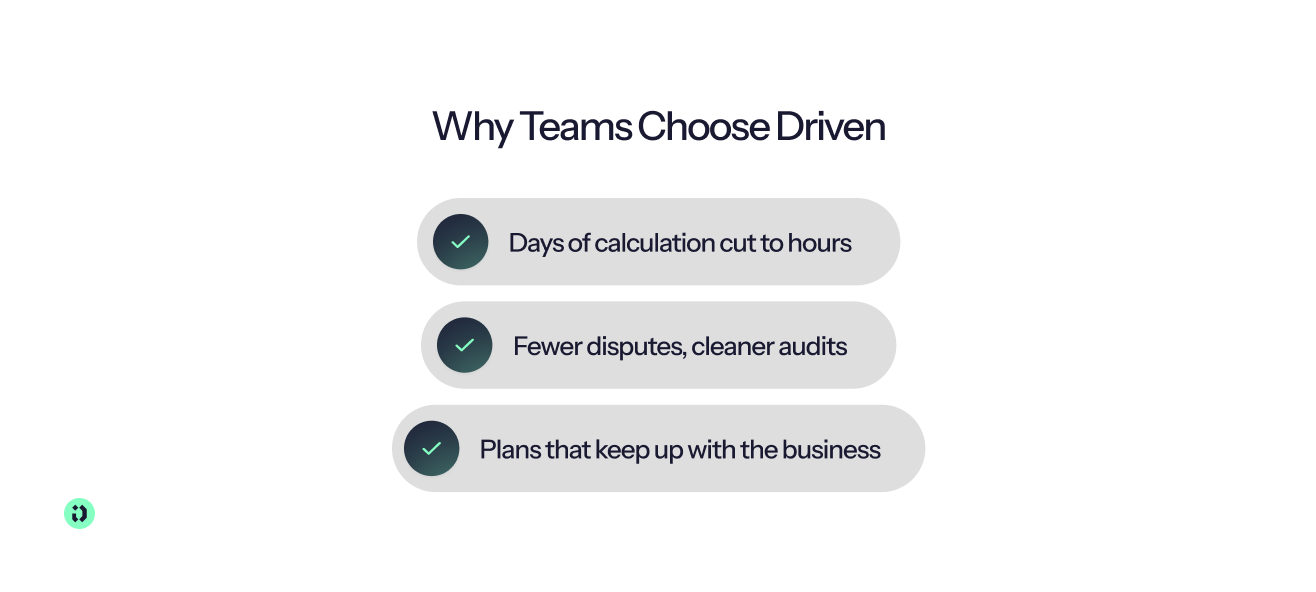
- Days of calculation cut to hours: The agent builds the logic, and a deterministic engine calculates every payout from live CRM data, so reps get accurate payments on time. Aikido Security's CRO went from three days of spreadsheet work per quarter to three hours of review, across 120+ reps in six global regions. They connected HubSpot, configured every plan, and went live in one week.
- Fewer disputes, cleaner audits: Reps see how each deal builds their payout, which increases transparency for everyone. The agent can answer the “why did I earn this?” question. Bizzy cut commission disputes by roughly 90% and saved each rep about four hours per month, because every payout came with a transparent, queryable audit trail.
- Plans that keep up with the business: Update plan designs through conversational language. Describe the change, let the agent update the logic, and review the result.
Driven's pricing plans start for free with three seats. The Pro plan starts at €29 per commissionee per month. Teams needing at least 35 seats can sign up for a custom Enterprise plan that supports multi-currencies and custom branding.
Start for free or request a demo and see your own comp plan running in Driven.



See your comp plan, fully built in minutes

Frequently Asked Questions
About the author





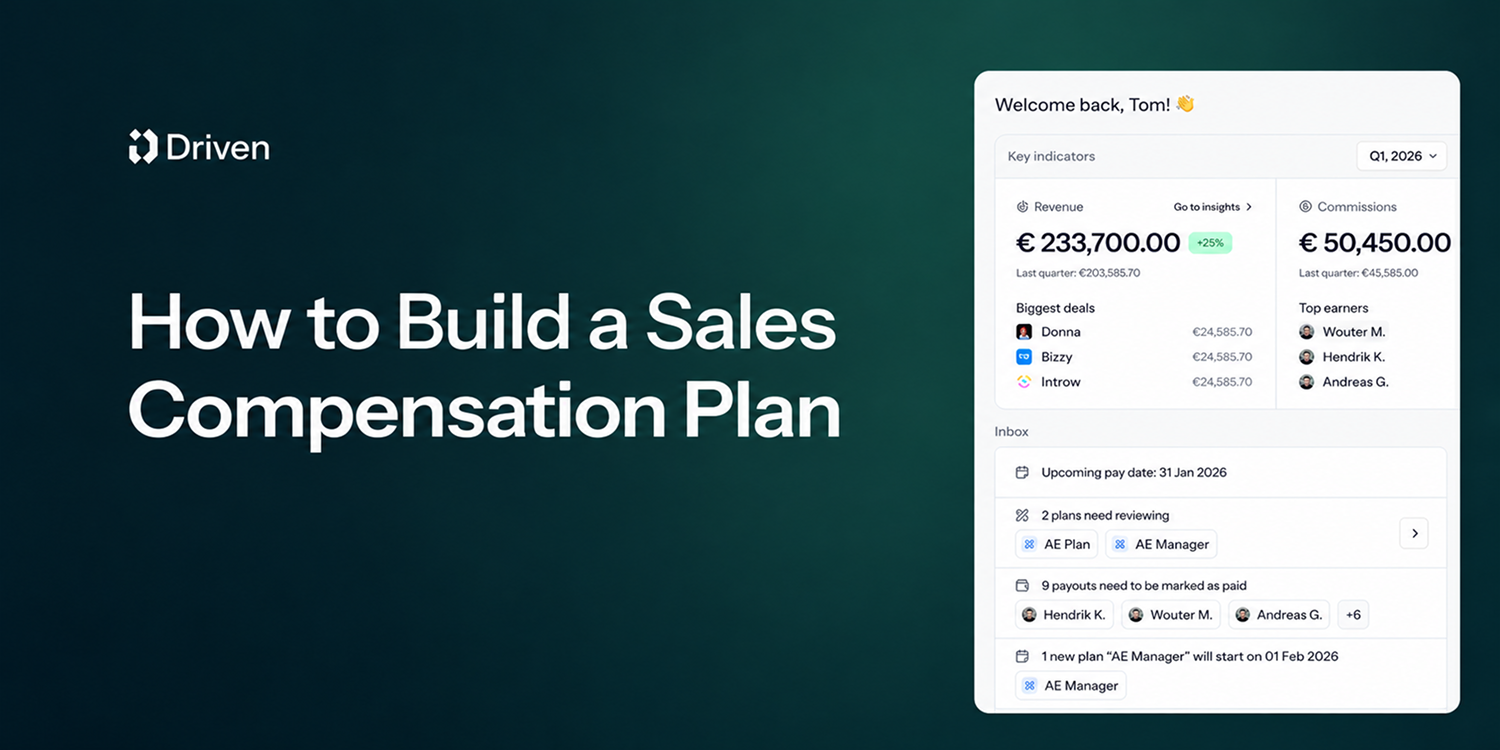
A sales compensation plan defines how your sales team gets paid: a fixed base salary, variable pay like commissions and bonuses, and a quota that decides how much of that variable pay a rep actually earns. Base salary plus target variable pay makes up a rep's on-target earnings (OTE).
Sales compensation plans do more than pay people; they shape behavior, drive revenue, and define culture. Get the plan right, and your team is aligned, motivated, and chasing the numbers that actually matter. Get it wrong, and you'll spend every month-end on disputes, recalculations, and reps who no longer trust their payslip.
This guide covers the core components, the main plan types, and a 10-step process to build your own, followed by three sales compensation plan examples. Jump to the examples. Everything here draws on Driven's work with finance, RevOps, and sales compensation leaders who run these plans every single month.

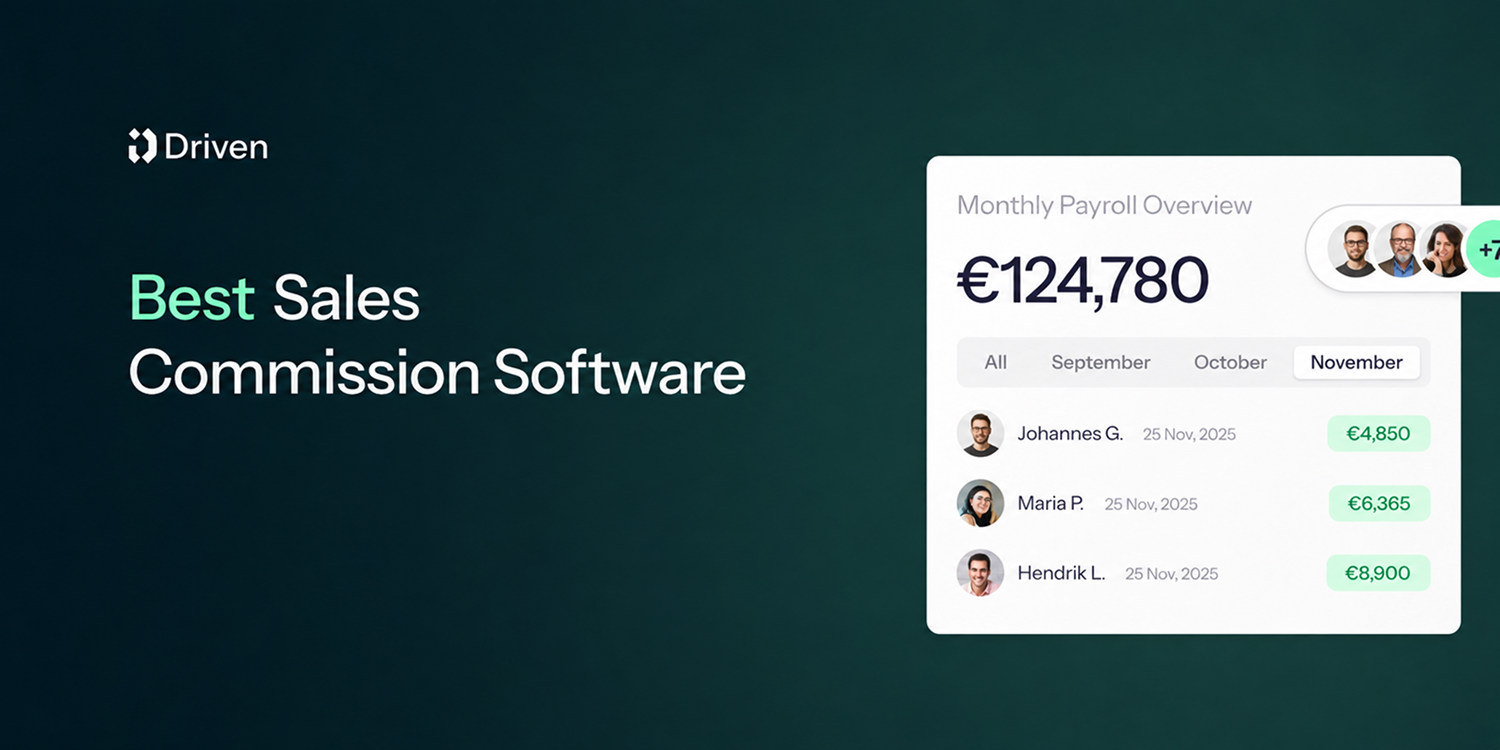
Sales commission software calculates, tracks and explains commissions from your CRM data, so nobody rebuilds a spreadsheet every month. The 9 best tools in 2026:
- Driven: best AI commission agent for HubSpot and Salesforce teams that want to go live in days
- QuotaPath: best for growing teams that want published pricing and broad CRM coverage
- CaptivateIQ: best for mid-market teams with complex, frequently changing plans
- Salesforce Spiff: best for companies that run on Salesforce
- Qobra: best for European RevOps teams that want no-code plans and AI agents
- Xactly Incent: best for large enterprises that also need planning and forecasting
- Performio: best for complex crediting across many data sources and regions
- Sales Cookie: best for small businesses that want month-to-month contracts
- QCommission: best for finance-led teams on QuickBooks or needing on-premise deployment
Choose based on three things: your CRM, how many reps you pay, and how complex your plan is.

TL;DR: Salesforce stores every field commissions depend on, but core Sales Cloud doesn't calculate, explain or protect payouts. Teams close that gap in one of five ways: native formula fields, a custom build, Salesforce's native ICM (Spiff), a vibe-coded tool, or a third-party commission tool. A flat rate and a few reps can stay native. Tiers, accelerators, splits and frequent plan changes point to a dedicated tool, and to an agentic platform like Driven if you want the plan designed, explained and maintained for you.
It's not uncommon for teams in 2026 to still run sales commissions on spreadsheets. The deal data lives in Salesforce, the rates live in a Google Sheet someone built three finance leads ago, and the payouts get reconciled by hand at the end of every quarter. When a rep asks why their number looks different, no one can fully explain it. When finance needs an accrual, someone exports a report and rebuilds it in Excel. The process is time-consuming, error-prone, and actively eroding rep trust. It's hard to keep a sales team motivated when reps can't trust their own paycheck.
Teams that outgrow the spreadsheet usually reach for formula fields, a custom build, or a paid add-on. But tools for managing sales incentives are now moving from rules engines you configure to agents that work alongside you. Gartner predicts that 40% of enterprise applications will feature task-specific AI agents by the end of 2026, up from less than 5% in 2025. They also say that 60% of B2B seller work will be executed through conversational interfaces by 2028.
This guide breaks down five ways to track Salesforce commissions, including what each approach does well, where it breaks, and how to choose.