

HubSpot Setup Instructions
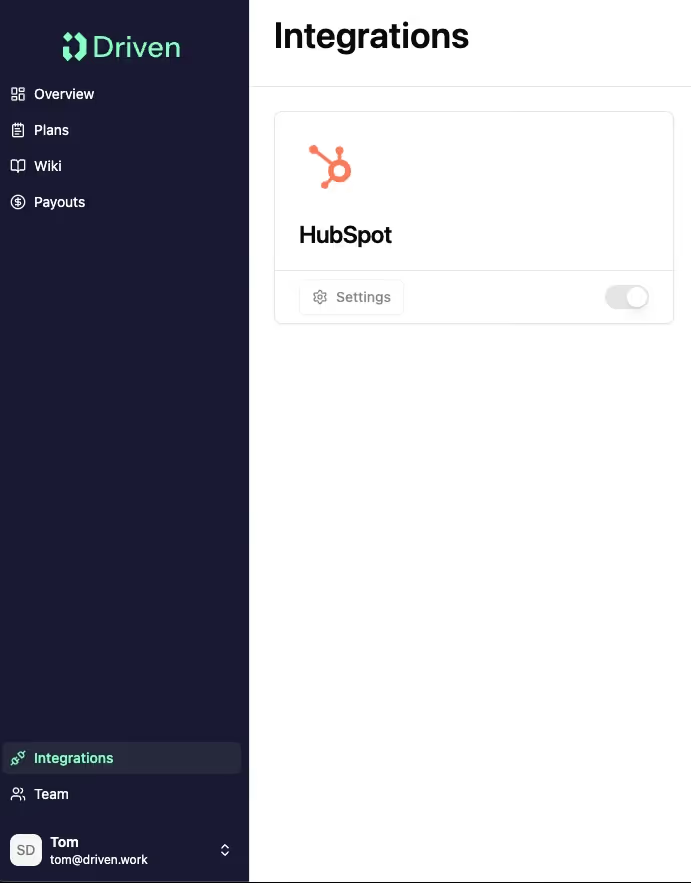
1. Navigate to Integrations
Click on the toggle
2. Follow the instructions from the pop-up
Click on 'Connect'

3. Connect Driven to HubSpot
Click on 'Connect app'

Once you have completed all the steps above, Driven will start syncing your data.
You can go ahead and start creating smart compensation plans!
You can go ahead and start creating smart compensation plans!



.svg%201.avif)